Chapter 5 MDP-621/641/640
Basic operation Operation manual
5-8 0093161022-06
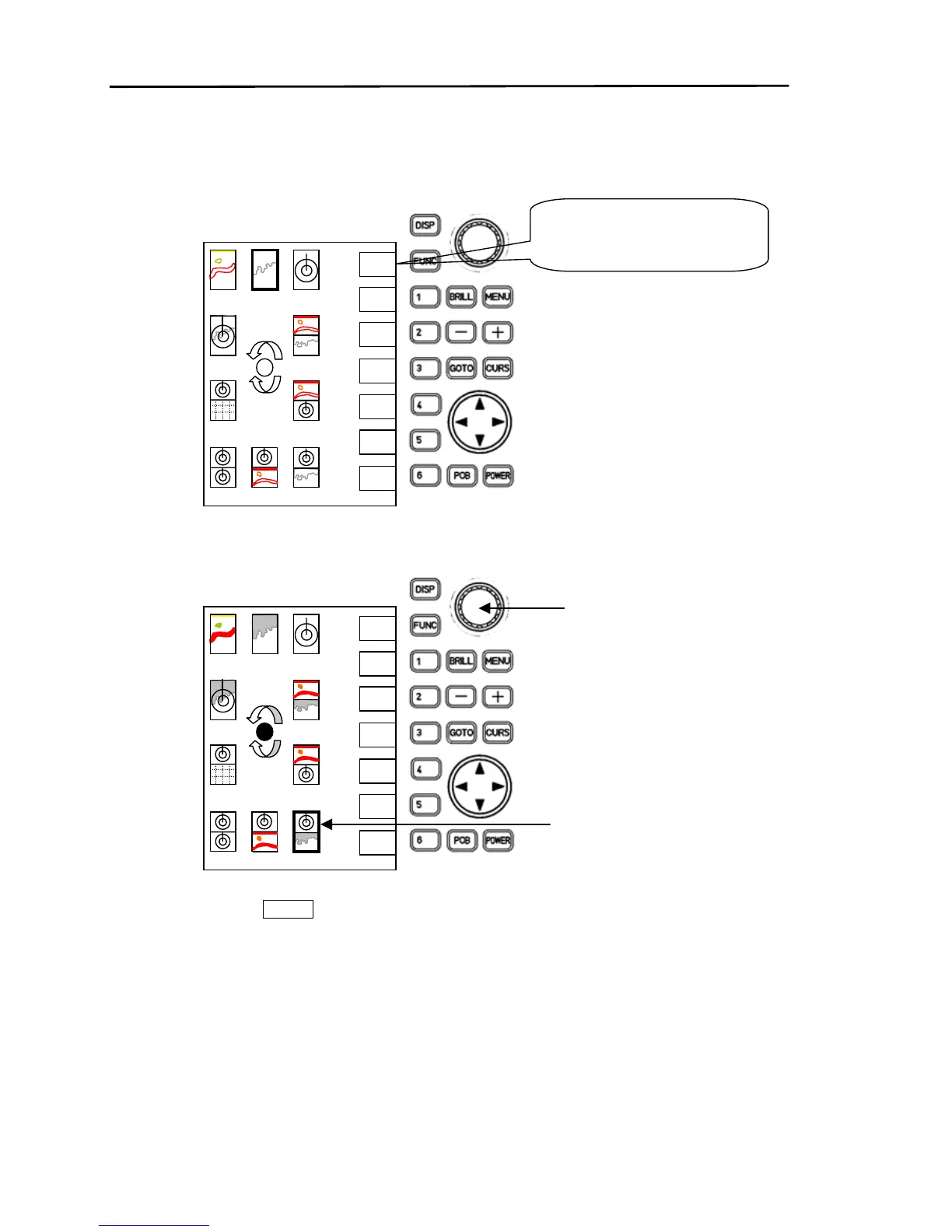
5.4.2 Selecting the display screen
(1) Press the “DISP” key.
The display screen selection mode appears.
(2) Using the rotary control, position the cursor over the icon of the screen to be displayed.
The cursor will highlight the icon’s border.
(3)Press soft key “6” ( ENTER ).
The screen designated by the cursor is displayed.
(Note)
If the procedure stops midway through operation (screen does not change), press the ”DISP” key
once more.
The system will return to the previous screen.
SELECT



 To Next Page