Chapter.7 MDP-621/641/640
Radar operation Operationmanual
7-12 93161022-03
7.4.8 Deleting the ship’s heading line
When targets are stacked up on the heading line and are difficult to see, the heading line can be
temporarily deleted from the screen.
(1) Display the soft menu (RADAR/PAGE1 (2)/R FUNC/MARK).
(2) The ship’s heading line can be deleted from the screen while the “HL OFF” key is pressed.
7.4.9 Target enhance (ST)
Enhances the target for better viewing by stretching the echo signals.There are 2 types of target
enhancement (ST1 and ST2) where ST1<ST2. To use this function:
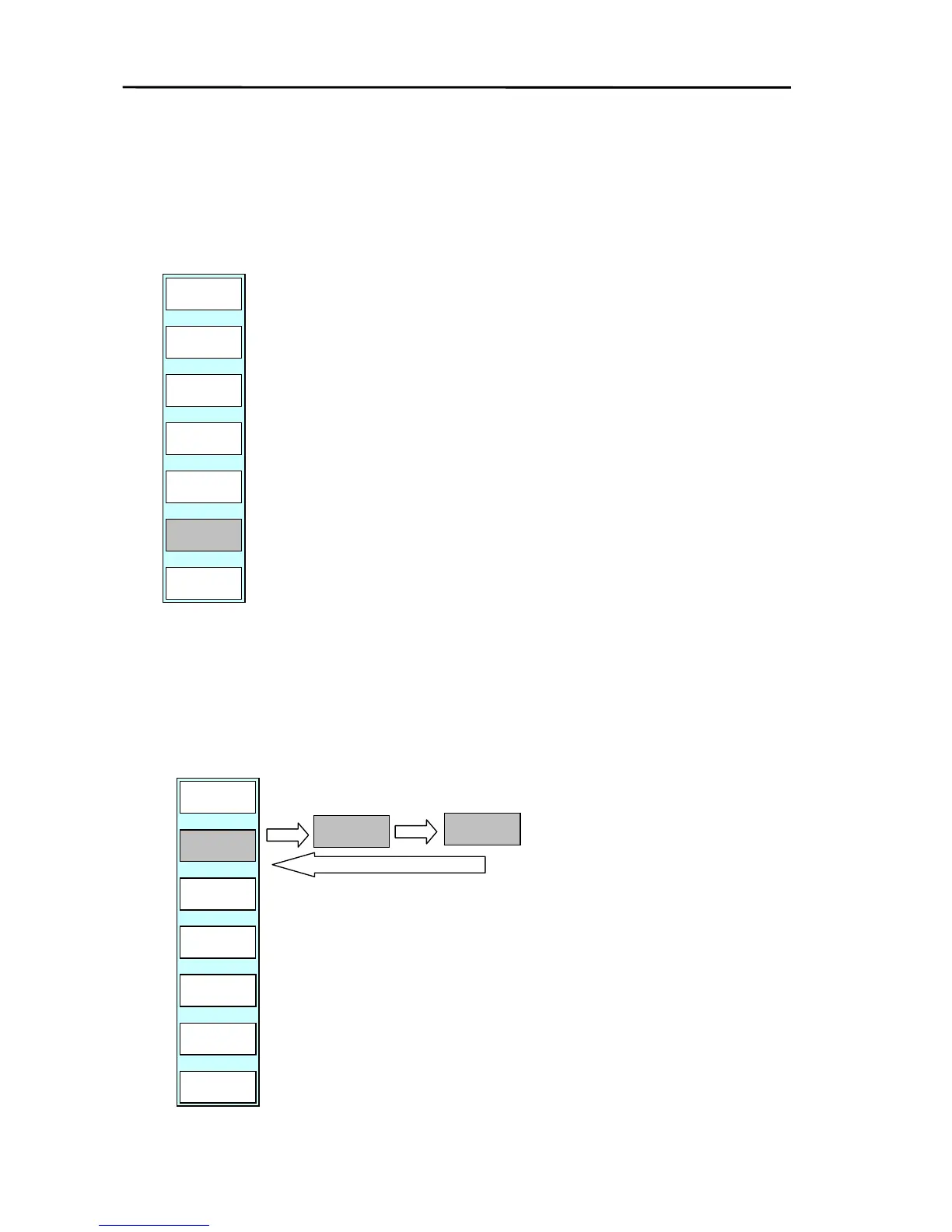
(1) Display the soft menu (RADAR/PAGE1 (2)/R FUNC/ECHO) and press the ”ST” key.
(2) Every time the key is pressed the function changes from OFF→ST1→ST2→OFF.
RADAR/PAGE1(2)/R FUNC/MARK



 To Next Page