MDP-621/641/640 Chapter 6
Operation manual Plotter operation
6.5 Setting the waypoint / route navigation
There are 2 methods available in setting the destination and route navigation. One method is to use
the destination and route positions directly assigned with the cross cursor, the other is to use the
previously mark registered and route registered position data.
Press the GOTOkey and the destination and route navigation settings menu will be displayed.
6.5.1 Setting the waypoint / route positions with the cursor
※ Cannot be set during waypoint and route navigation.
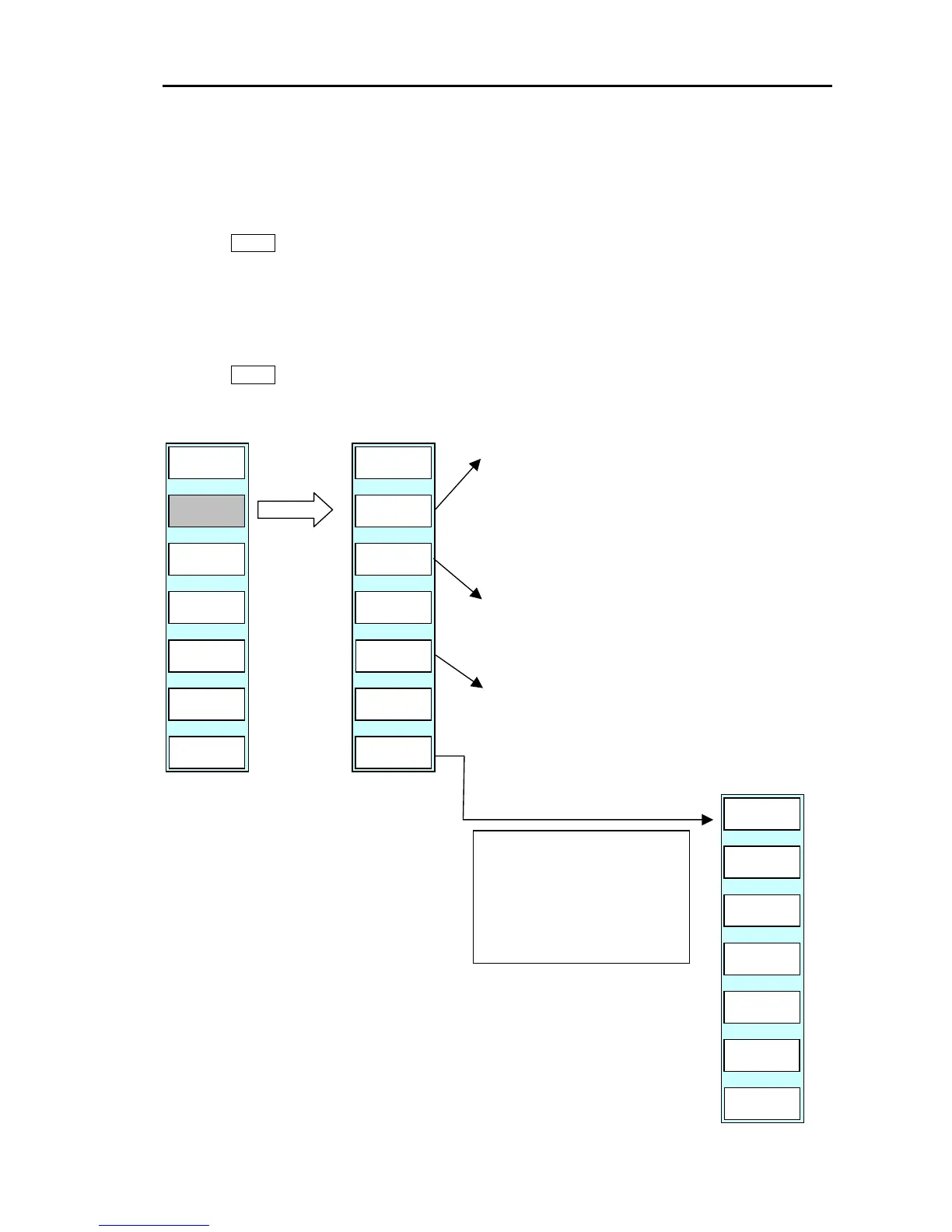
Press the GOTO key to display the soft menu (PLOTTER/GOTO).
The soft (GOTO) menu is displayed.
GOTO
GOTO/GOTO CURSOR
WPT
ROUTE
PLOTTER
PAGE1
GOTO
CURSOR
CLEAR
SKIP
(1) Move the cross cursor to the
destination (Or the first point to
steer to).
(2) Press the “GOTO CURSOR” key.
(3) The waypoint navigation starts
towards the waypoint designated
by the cross cursor.
(4) The soft menu shown below is
displayed.
DELETE
SAVE
PLOTTER
PAGE1
ADD
CURSOR
RETURN
The entered waypoint or route position data is
registered.
(The year, month, day, hour, minute and second
information is automatically registered)
Deletes 1 waypoint of the most recently entered position
data.
Register at the 2
nd
and following waypoints on the
route. If the cross cursor is placed on the waypoin



 To Next Page