Chapter 4 MDP-621/641/640
Installation Operation manual
4.4.2.2 Installing the Scanner Unit
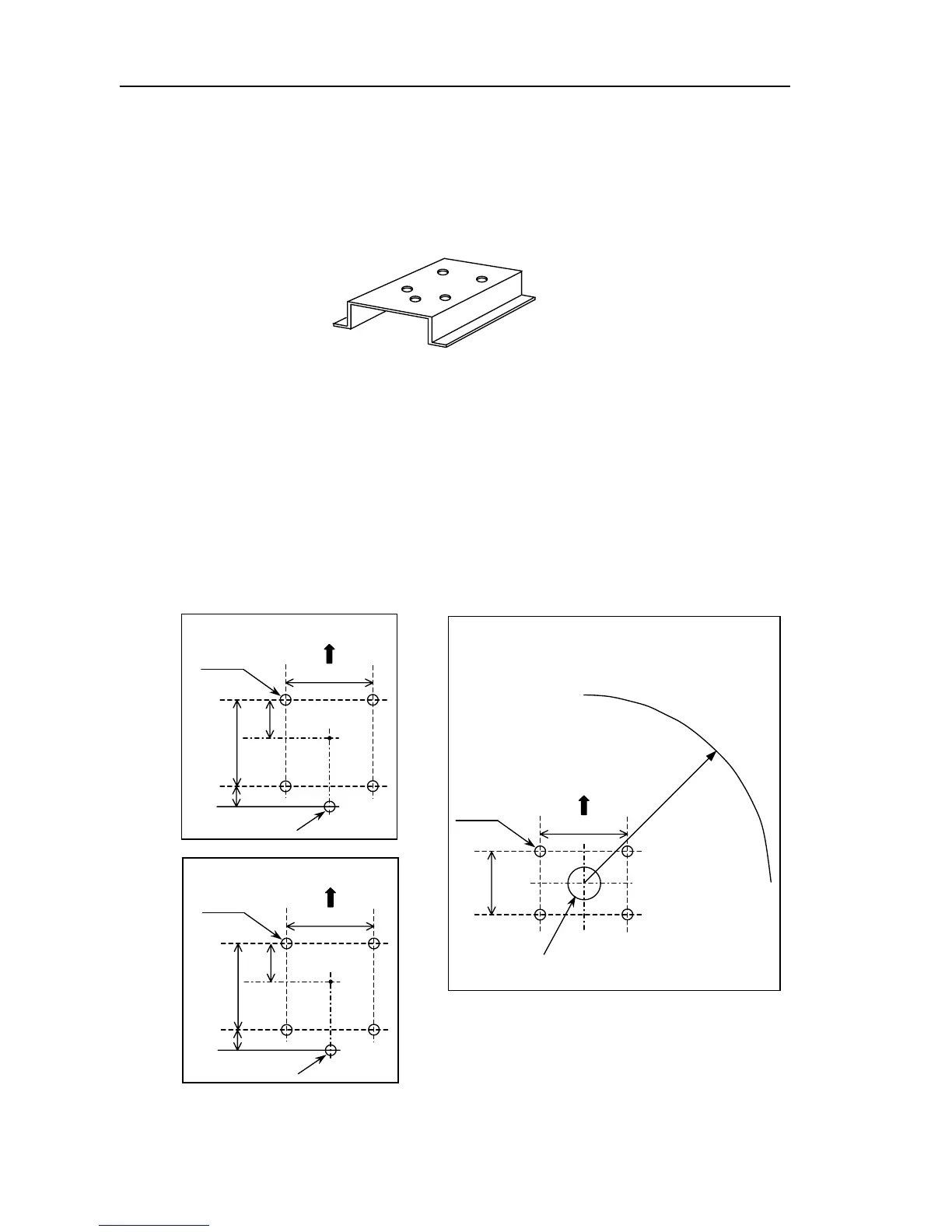
Use a mounting base such as the ones shown in Fig. 4.6, or you can install the scanner directly to a
roof or other flat surface. Be certain you keep the water drain tube clear. It's located at the bottom
of the scanner unit.
Note: If the mounting bracket or surface has a curvature of more than 2mm, use spacers with the
mounting bolts to prevent stress on the scanner housing.
Use the template provided with this manual to drill five holes for mounting the scanner. Attach the four
bolts and feed the drain tube through the fifth hole. The bolts included with your unit will suffice for
mount base thickness of 9 to 14 mm (0.35 to 0.55 in.). If the mount base is thicker or thinner, refer to
Table 4.4.2. Use a silicone sealant to prevent the bolts from working loose. The housing may be
damaged if you use a thread-locking compound.
Figure 4. 6 Mount base
140
60
30 140
中心
For Air Tube
5-12φ
RB714A
Bow
RB715A
5-12φ
For Air Tube
35170
65
214
中心
Bow
R550 (RW701A-.03)
R700 (RW701A-.04)
Cable inlet
100φ
RB716A
199
Bow
R: Swing radius
4-14φ
185
Unit: mm
Figure 4. 7 Fixing holes and swing circle
4-6 0093161022-06



 To Next Page