MDP-621/641/640 Chapter 5
Operation manual Basic operation
0093161022-06 5-9
5.4.3 Changing the registration screen (Making an original screen)
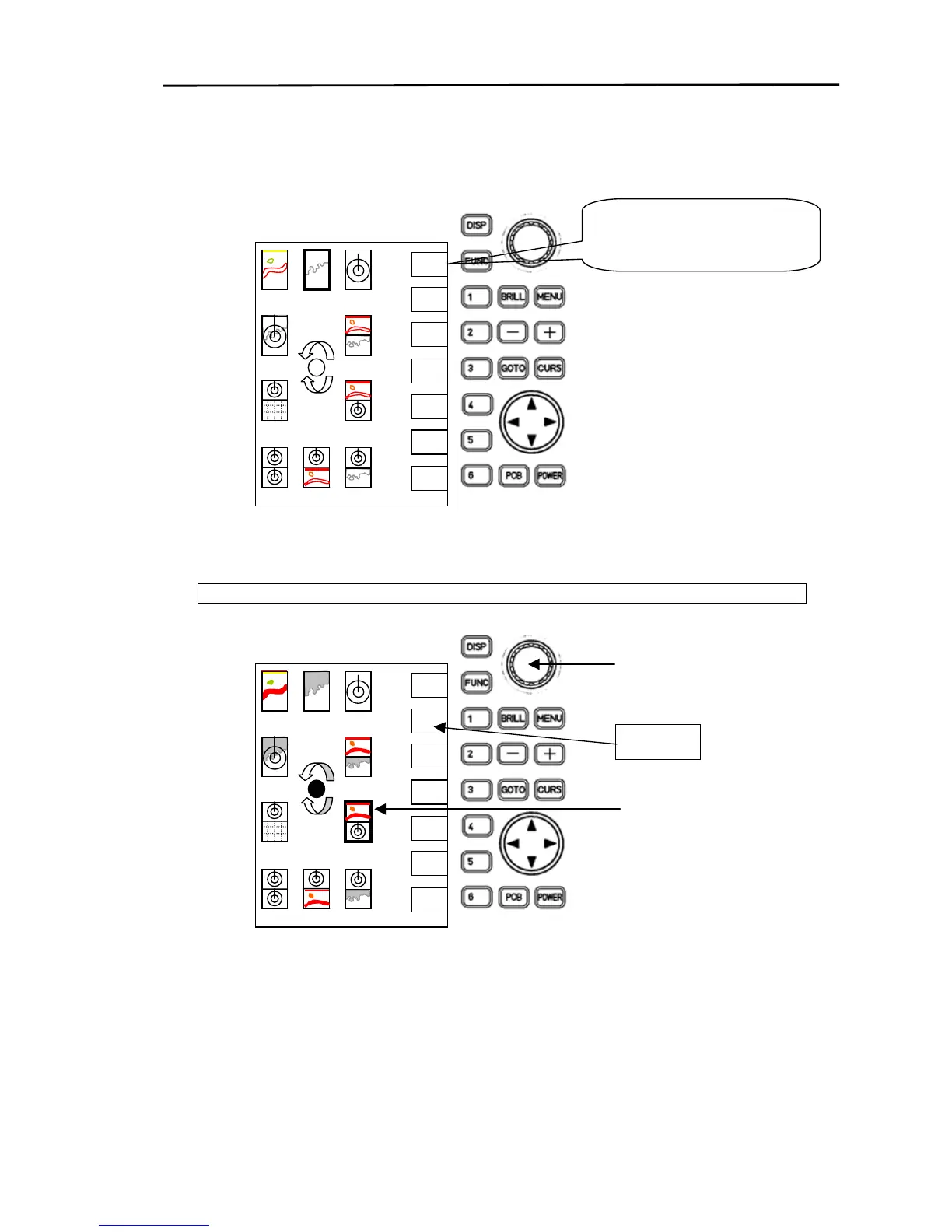
(1) Press the “DISP” key.
The display screen selection mode appears.
(2) Using the rotary control, position the cursor over the icon of the registration screen to be changed.
The icon created for the new screen display is registered at the cursor location.



 To Next Page