MDP-1241/1240/1260/1210 Chapter 8
Operation manual Sounder operation
8.3.14 Operating the VRM
The VRM (Distance markers) can be moved up or down on the screen. By positioning the VRM on a
school of fish or on a particular target of interest, the depth of that target can be measured. The color of
VRM1 is green and the color of VRM2 is yellow.
VRM1is also used when setting up the starting depth for the partial zoom function.
To operate the VRM:
(1) Display the soft menu (SOUNDER/PAGE1 (2)/S FUNC).
(2) If the “VRM1” or the “VRM2” key is pressed, the adjustment box will be displayed.
(3) Use the rotary control to move the VRM.
(4) To delete VRM1 (2), press the “VRM1 (2)” key while the adjustment box is displayed.
VRM1(2) 150
SOUNDER
PAGE2
RETURN
PRR A SCOP
ON
RM1
8.3.15 A Scope
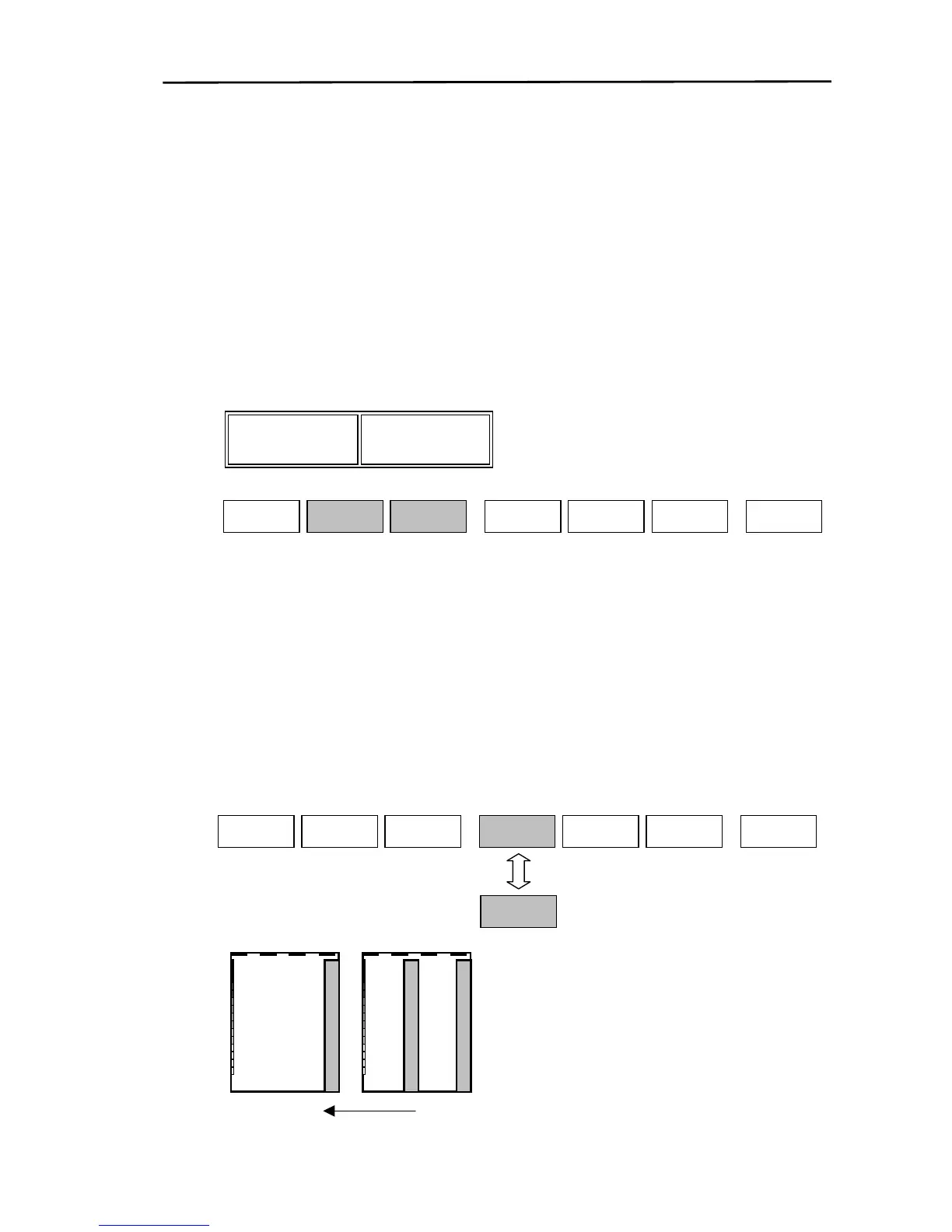
If “A Scope” is set to “ON” the current sounder image is displayed in A Scope format (Displayed on the
right or left side) allowing the fish school echoes to be observed instantaneously.
※ When the screen display image moves from the center out (eg.“←|→”), the A Scope format
cannot be displayed.
To display the A Scope:
(1) Display the soft menu (SOUNDER/PAGE1 (2)/S FUNC) and press the “A SCOP” key.
(2) Every time the key is pressed the A SCOPE changes from OFF→ON→OFF.
COLOR
SOUNDER/PAGE1(2)/S FUNC



 To Next Page