MDP-621/641/640 Chapter 5
Operation manual Basic operation
0093161022-06 5-3
5.2 Turning the power supply on and off
5.2.1 Turning the power supply on
(1) Press the “POWER” key.
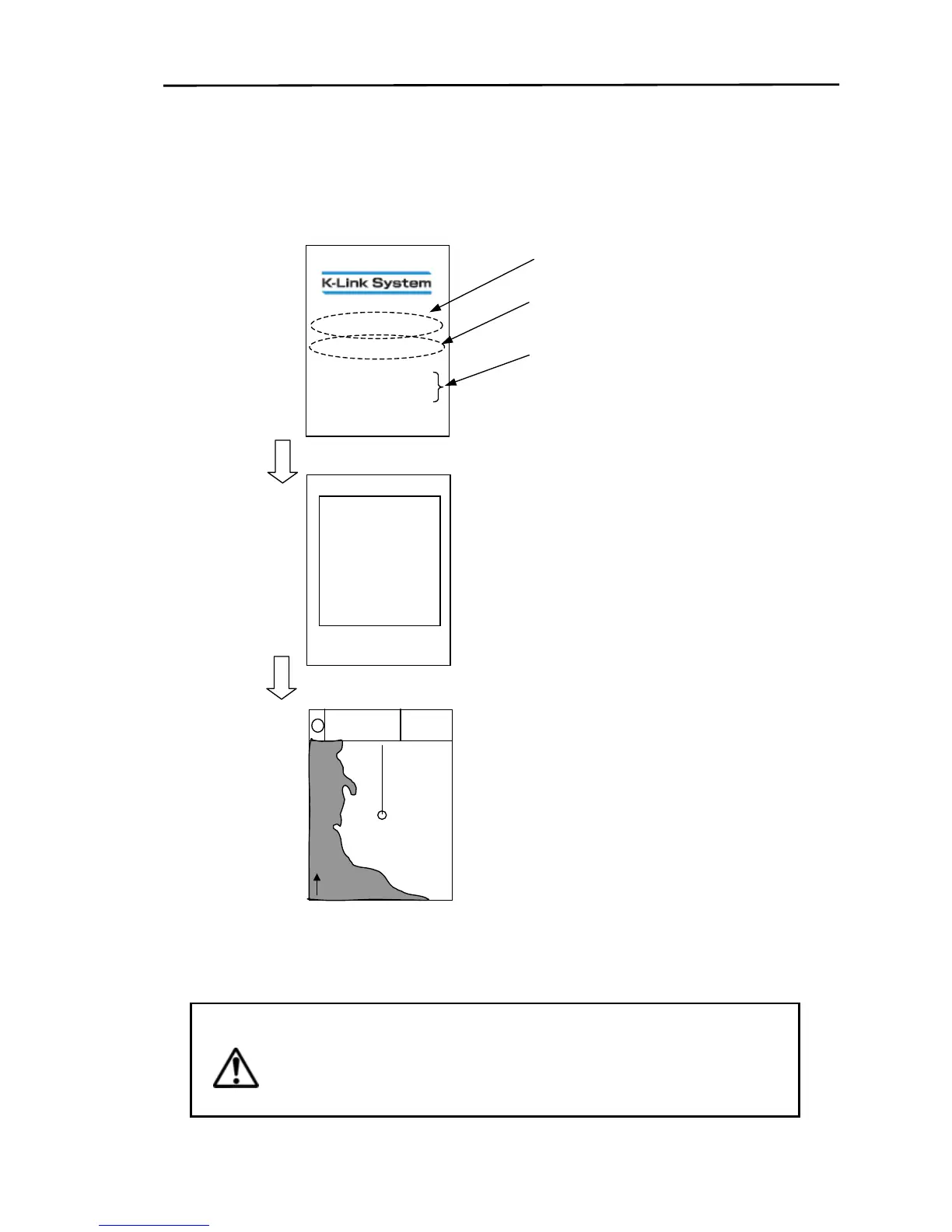
(2) A buzzer sounds and the screen shown below is displayed.
5.2.2 Turning the power supply off
Press and hold the “POWER” key for more than 3 seconds and the power supply will be turned off.
The current system settings are saved.
Warning
Wait for at least 3 seconds before turning the power supply back on after turning
off and vise versa.
If the screen display appears odd turn the power supply off and on again.
Model name.
ROM version.
A system self test for memory and
battery voltage is automatically carried
out. A buzzer sounds and OK is
displayed if system passes or NG is
displayed if system fails.
For battery replacement consult the
nearest KODEN dealer.
KMC-XXX Ver1.0
SYSTEM O



 To Next Page