MDP-621/641/640 Chapter 6
Operation manual Plotter operation
6.4.2 Erasing the mark
When the cross cursor is on, the mark selected by the cursor is erased.
When the cross cursor is off, select and erase the mark’s color and shape.
6.4.2.1Method of selecting and erasing with the cursor
※ When the cross cursor is not displayed, press the ”CURS” key to have it displayed.
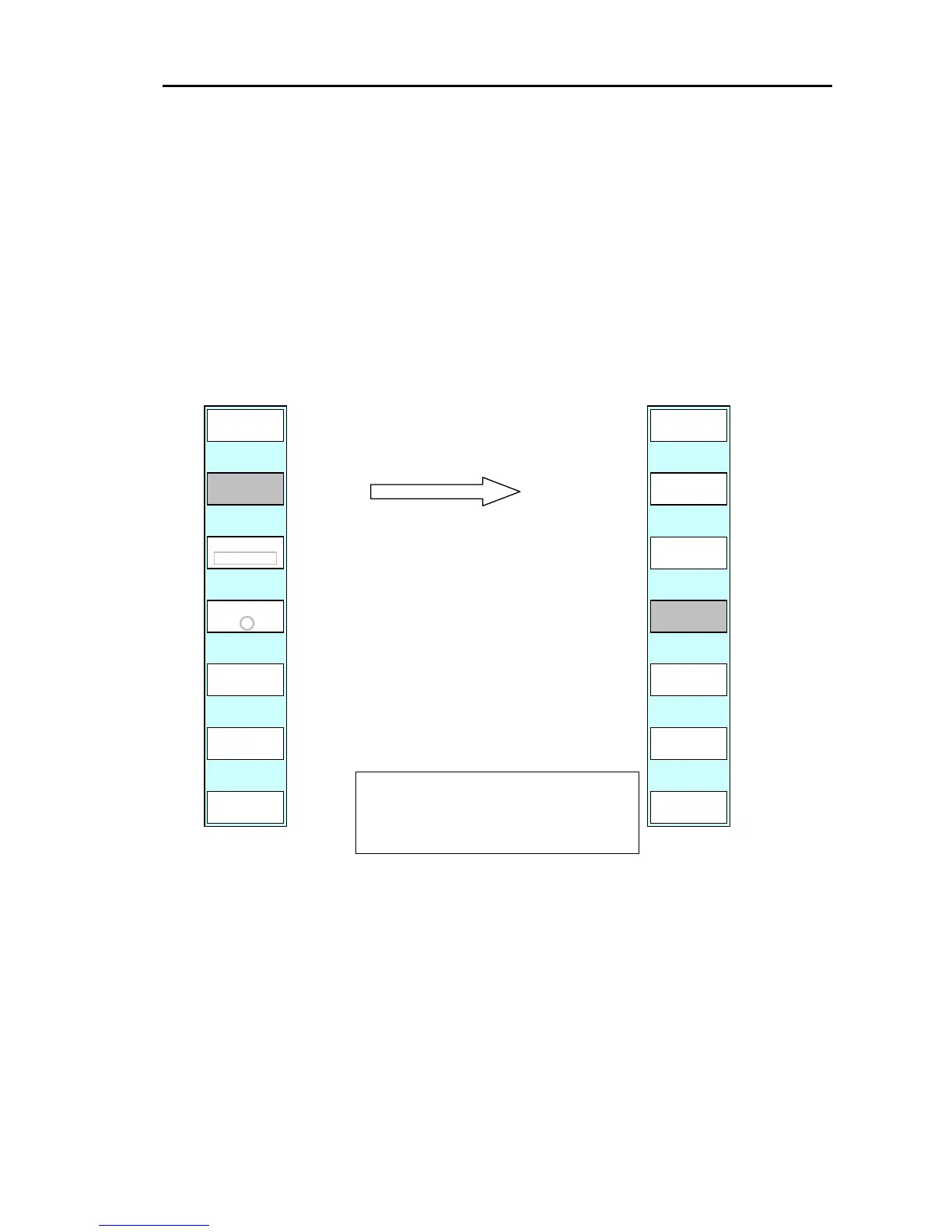
Display the soft menu (PLOTTER/PAGE1) and press the ”MARK ERASE” key.
The detailed mark erase menu is displayed.
PLOTTER/PAGE1/MARK ERASE
ASSIGNED ONE MARK (MORE THAN
TWO MARKS) WILL BE ERASED.
RE
YOU SURE?
ERASE
RETURN
PLOTTER
PAGE1
SHAPE
COLOR
YES
NO
(1) Position the cursor on the mark to be erased.
Press the(2) “ERASE” key.
e shown below
(4) y is pressed, the mark will be
uses the system to return to the top
(3) The soft menu and messag
are displayed.
If the “YES” ke
erased.
(”NO” ca
menu without erasing the mark)
PLOTTER
PAGE1
When the range is 0.04nm or less, the warning beeps and the mark cannot be erased.
0093161022-06 6-7



 To Next Page