MDP-621/641/640 Chapter 7
Operation manual Radar operation
93161022-03 7-11
7.4.6 Measuring the bearing and distance between 2 points (FLOAT)
If the FLOAT function is set to ON, the starting point of EBL2 and VRM2 is moved to the position of the
cross cursor.
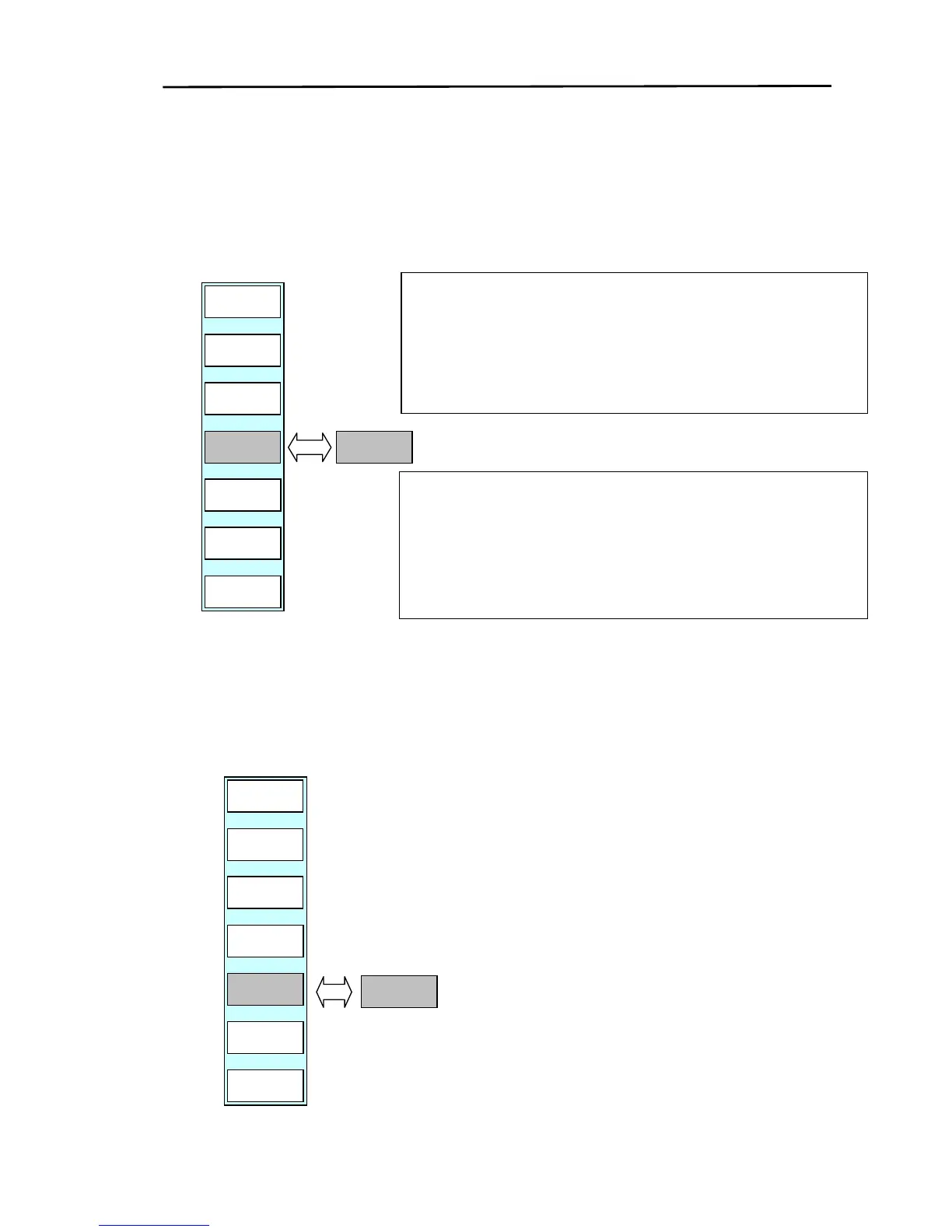
(1) Display the soft key menu (RADAR/PAGE1 (2)/R FUNC/MARK) and press the ”FLOAT” key.
(2) Every time the key is pressed the FLOAT function changes from OFF→ON→OFF.
7.4.7 Turning the fixed distance marker ON / OFF (RR)
Use the RR (RANGE RINGS) function to turn the fixed distance marker display ON or OFF.
(1) Display the soft menu (RADAR/PAGE1 (2)/R FUNC/MARK) and press the ”RR” key.
(2) Every time the key is pressed the fixed distance marker is turned ON or OFF.
RADAR/PAGE1(2)/R FUNC/MARK
RM2
OFF
RR
ON
HL OFF
RETURN
FLOAT
OFF
EBL2
123.5
RADAR
PAGE1
FLOAT
ON
Measuring the bearing between 2 points:
(a) Position the cross cursor on one of the targets to be measured.
(b) Set “EBL2”to ON and move the rotary control left or right to measure
the other target’s bearing.
(c) The bearing between the 2 points is displayed as the EBL2 value.
Measuring the distance between 2 points:
(a) Position the cross cursor on one of the targets to be measured.
(b) Set “VRM2”to ON and move the rotary control left or right to measure
the other target’s distance.
(c) The distance between the 2 points is displayed as the VRM2 value.
RADAR/PAGE1(2)/R FUNC/MARK



 To Next Page