Chapter 5 MDP-621/641/640
Basic operation Operation manual
5-12 0093161022-06
5.5Setting up display colors and adjusting screen display brightness / panel
illumination
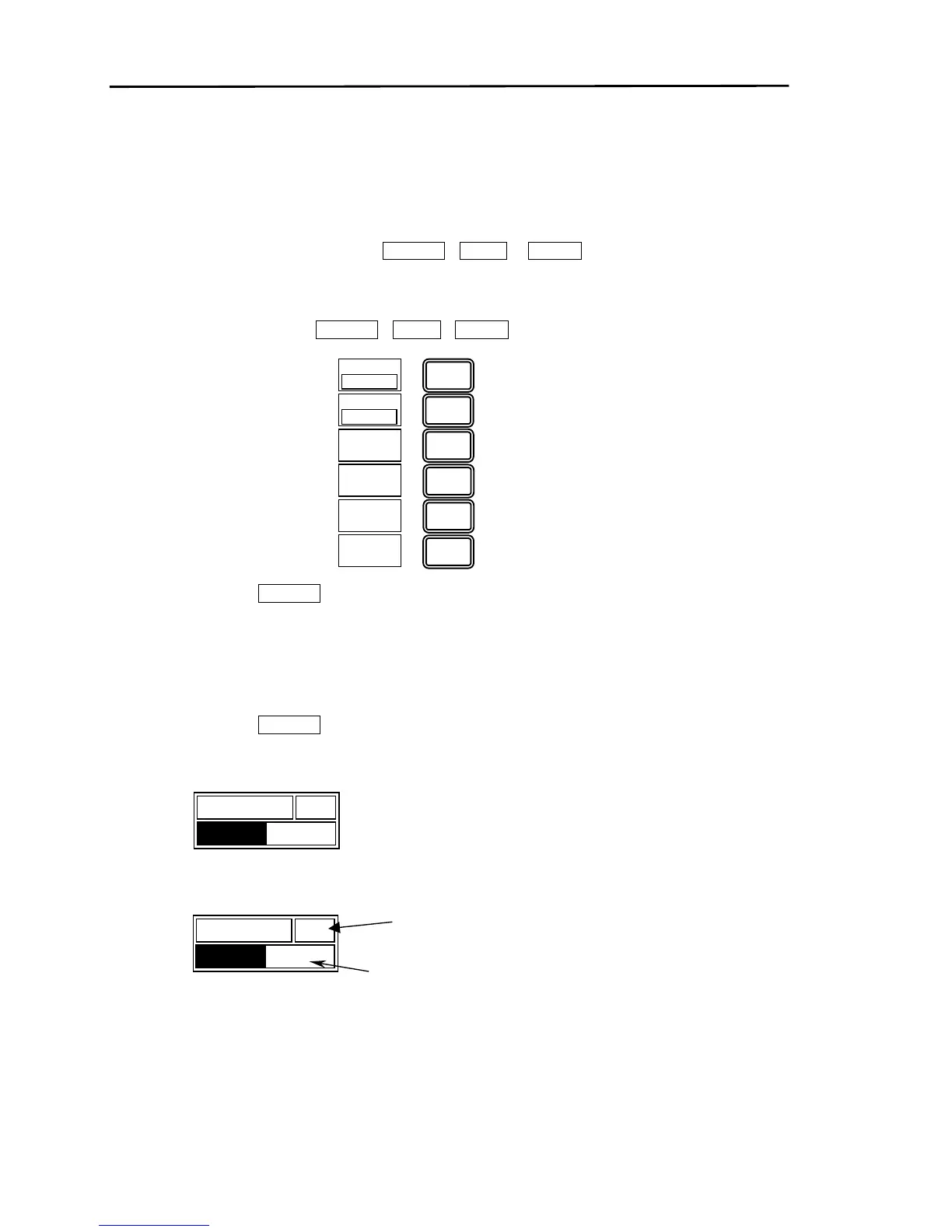
By pressing the “BRILL” key, the soft menu for the screen display brightness adjustment (SCREEN), the
panel illumination adjustment (PANEL) and the display color settings (COLOR) is displayed. Each one
can be adjusted/setup by selecting either SCREEN PANEL or COLOR.
(1) Press the “BRILL” key.
(2) The soft menu for selecting SCREEN PANEL COLOR is displayed.
(3) Press soft key “6” (RETURN) or the “BRILL” key to complete the BRILL adjustment/setup soft menu.
(4) Furthermore, the soft menu will automatically close if no keys are pressed for more than 30 seconds.
5.5.1 Adjusting the screen display brightness
(1) Press soft key “1” (SCREEN).
A screen display brightness adjustment box is displayed lower left corner.
(2)Using the rotary control, adjust the screen display brightness.
SCREEN
50
1
2
3
4
5
6
SCREEN
PANEL
COLOR
RETURN
99
10
SCREEN
50
Moving the rotary control in a
clockwise direction will increase
the brightness. Moving the rotar



 To Next Page