Chapter.7 MDP-621/641/640
Radar operation Operationmanual
7-14 93161022-03
7.4.12 Enlarging the screen image (ZOOM)
Enlarges the image area at the cross cursor to twice the size. Use the following procedures.
(1) Using the four way arrow key, move the cross cursor to a position on the screen for zooming.
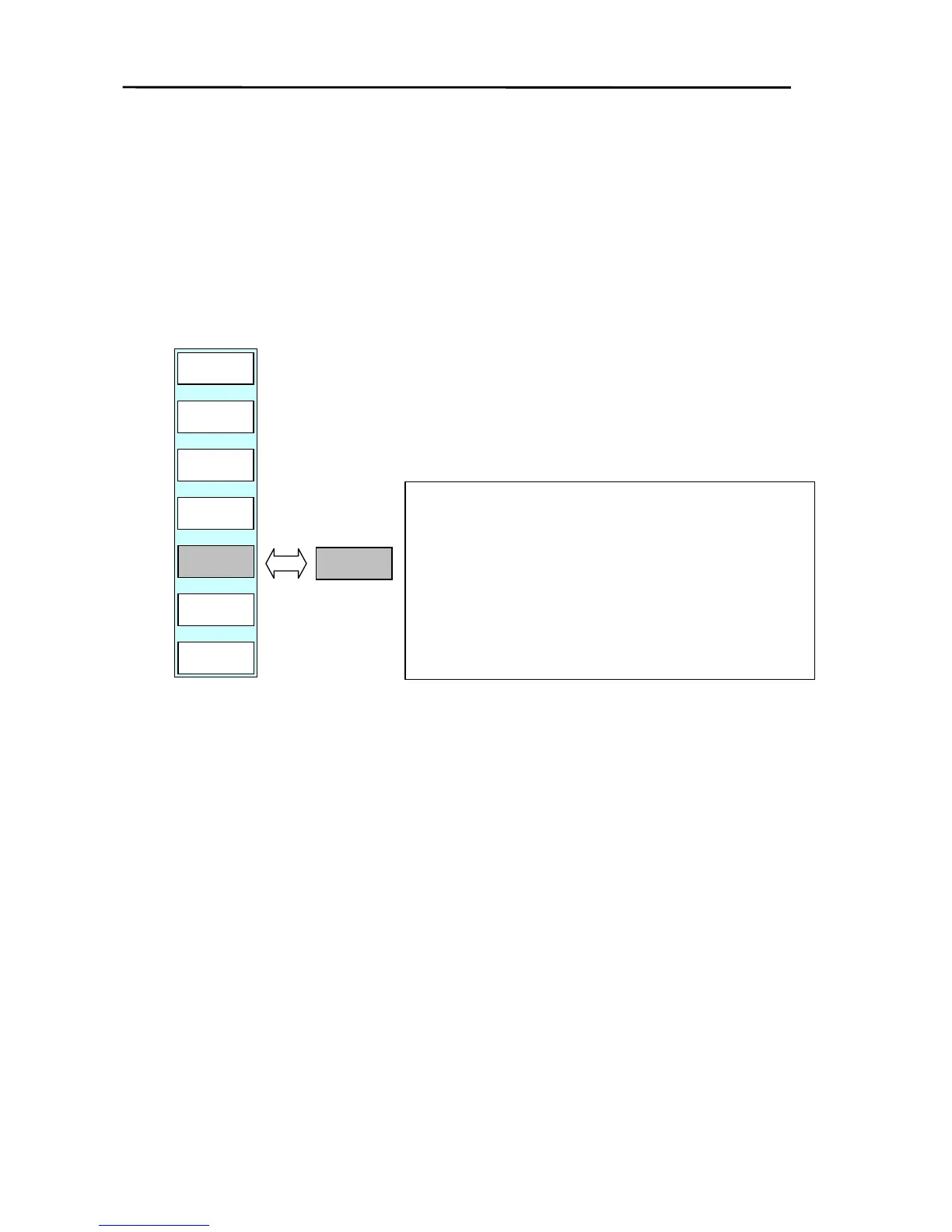
(2) Press the “ZOOM” key of the soft menu (RADAR/PAGE1 (2)/R FUNC/ECHO). If set to “ZOOM ON”
the area surrounding the cross cursor will be enlarged by 2.
(3) “ZOOM”blinks in the bottom right area of the screen to indicate the zoom function is in use.
(4) To cancel the zoom function, turn the ZOOM setting to OFF or change the range.
Note 1: EBL2 and VRM2 of the FLOAT function do not move
in accordance with the zoom function.
2: When the range is changed, the system returns to the
normal (ZOOM OFF) screen.
3: The zoom function can only be used in the PPI
screen.
4: The OFF-CENTER function cannot be used when
operating the zoom function.
5: The center of the zoom can be set at any position
within the set range area.
PULSE
LONG
ZOOM
OFF
OFF-C
RETURN
TRAIL
OFF
ST
OFF
RADAR/PAGE1(2)/R FUNC/ECHO
RADAR
PAGE1
ZOOM
ON



 To Next Page