Chapter 9 MDP-1241/1240/1260/1210
Navigation Data operation Operation manual
(3) Deleting the soft menu
The soft menu disappears from the screen approximately 5 seconds after finishing the operation.
After disappearing, if the soft menu is displayed again, the displayed menu will be the previous
soft menu.
9.2.1 Changing the Navigation Data display
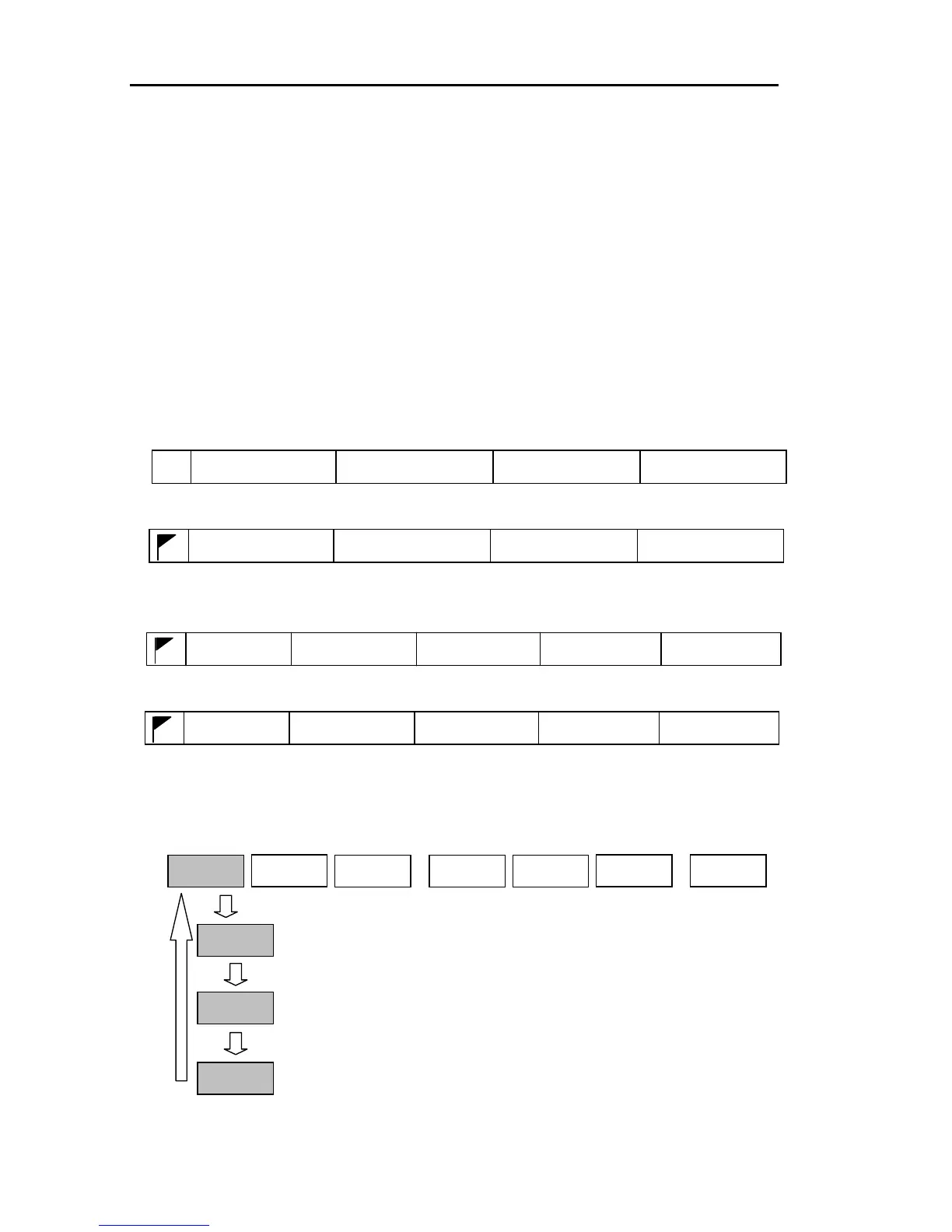
The navigation data display can be changed between (1) Own ship’s position information, (2)
Waypoint information 1, (3) Waypoint information 2, (4) Waypoint information 3. Each of the following
data can be displayed.
(1) Own ship’s position information: Cursor mark, lat/long (LOP), course, speed. When the ship’s
heading data is provided, HDG is displayed instead of COG.
17.8kt
SOG
35°05.020N 135°27.611E
359.4°
COG
●
(2) Waypoint information 1: Waypoint mark, lat/long (LOP), bearing, distance.
23.5nm
RNG
35°25.130N 135°32.376E
132.5°
BRG
(3) Waypoint information 2: Waypoint mark, waypoint comment, bearing, distance, present time, time
to waypoint.
TTG
17:18 00:22
TIME
23.5nm
BRG
132.5°
COMMENT
RNG
(4) Waypoint information 3: Waypoint mark, bearing, distance, present time, ETA.
ETA
17:18 17:40
TIME
23.5nm
BRG
132.5°
COMMENT
RNG
Display the soft menu (NAV/PAGE1).
Every time the “DATA” key is pressed the display data is changed.
NAV/PAGE1
ALARM
NAV
DATA
POS
DATA
WP1
DATA
WP2
DATA
WP3
9-4 0093161202-06



 To Next Page