Chapter 5 MDP-621/641/640
Basic operation Operation manual
5-14 0093161022-06
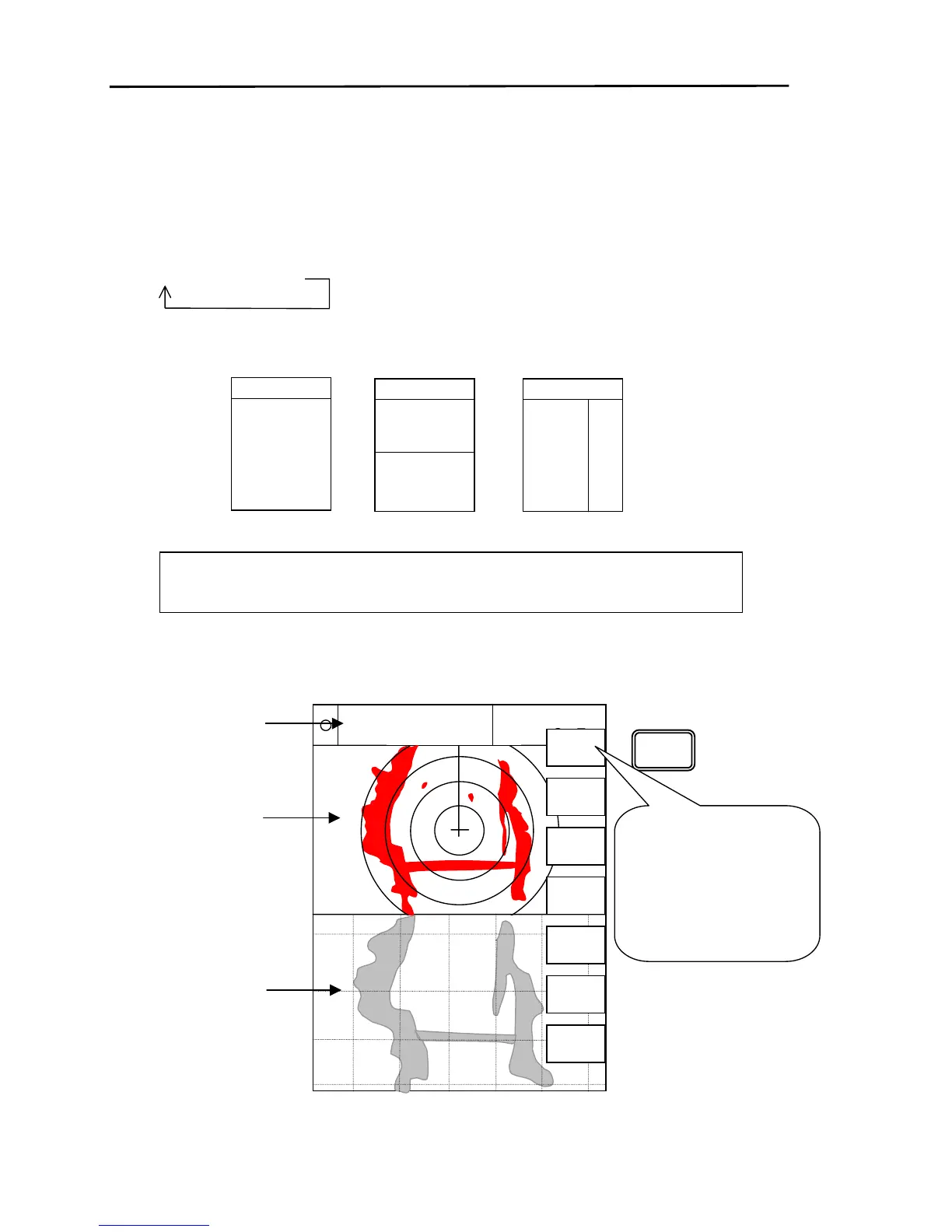
5.6 Changing the operating screen via the FUNC key
The unit displays a combination of 2 or 3 screens.
The “FUNC” key is used in selecting the operating screen from the multiple screens displayed in the
display mode.
The “FUNC” key is used to change the operating screen in the order shown in the diagram below.
①⇒②⇒③
However, the screens that are not involved in the operation (Compass, Highway, NAVDATA) are not
selected.
As an example, we will explain how to change the screen to a Radar /
Plotter s



 To Next Page