MDP-621/641/640 Chapter 6
Operation manual Plotter operation
6.4.6 Moving to the center of the screen
If you want to move the cross cursor or own ship’s position to the center of the screen use the soft
menu’s ”CENTER” function.
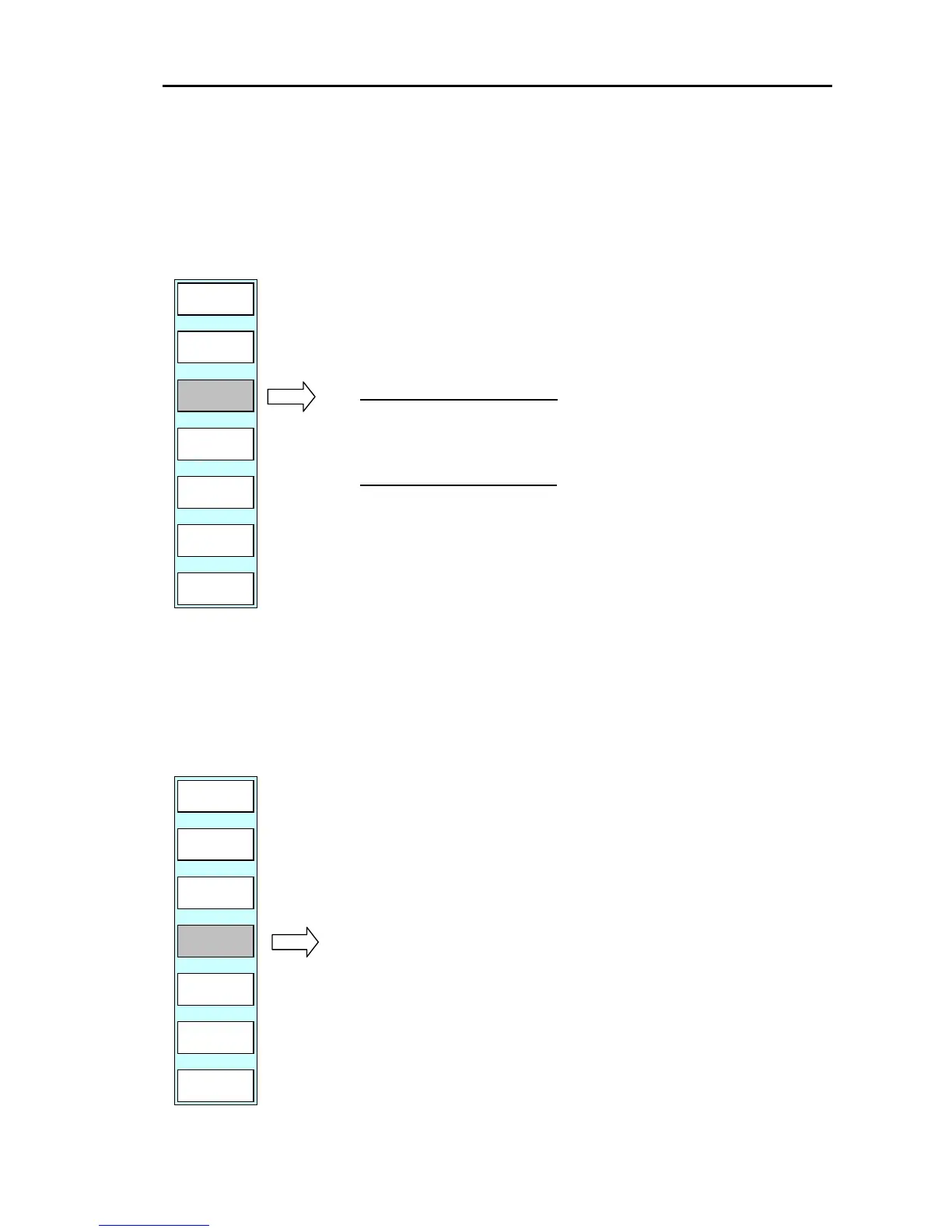
Display the soft menu (PLOTTER/PAGE2).
PLOTTER/PAGE2
D MODE
N UP-T
PLOTTER
PREV
P FUNC
FX SCL
XX
OFF-C
CENTER
When the cross cursor is off
If the “CENTER” key is pressed, own ship’s position
is moved to the center of the screen.
When the cross cursor is on
If the “CENTER” key is pressed, the cross cursor’s
position is moved to the center of the screen.
6.4.7 Off-center
If you want to move own ship’s position to an optional position on the screen (cross cursor’s position),
use the soft menu’s ”OFF-C” function.
Display the soft menu (PLOTTER/PAGE2).
PREV
P FUNC
FX SCL
XX
CENTER
OFF-C
PLOTTER
D MODE
N UP-T
PLOTTER/PAGE2
If the “OFF-C” key is pressed, own ship’s position is
moved to the cross cursor’s position.
0093161022-06 6-13



 To Next Page