MDP-621/641/640 Chapter 10
Operation manual MENU operation
10.2.3 Setting the input source
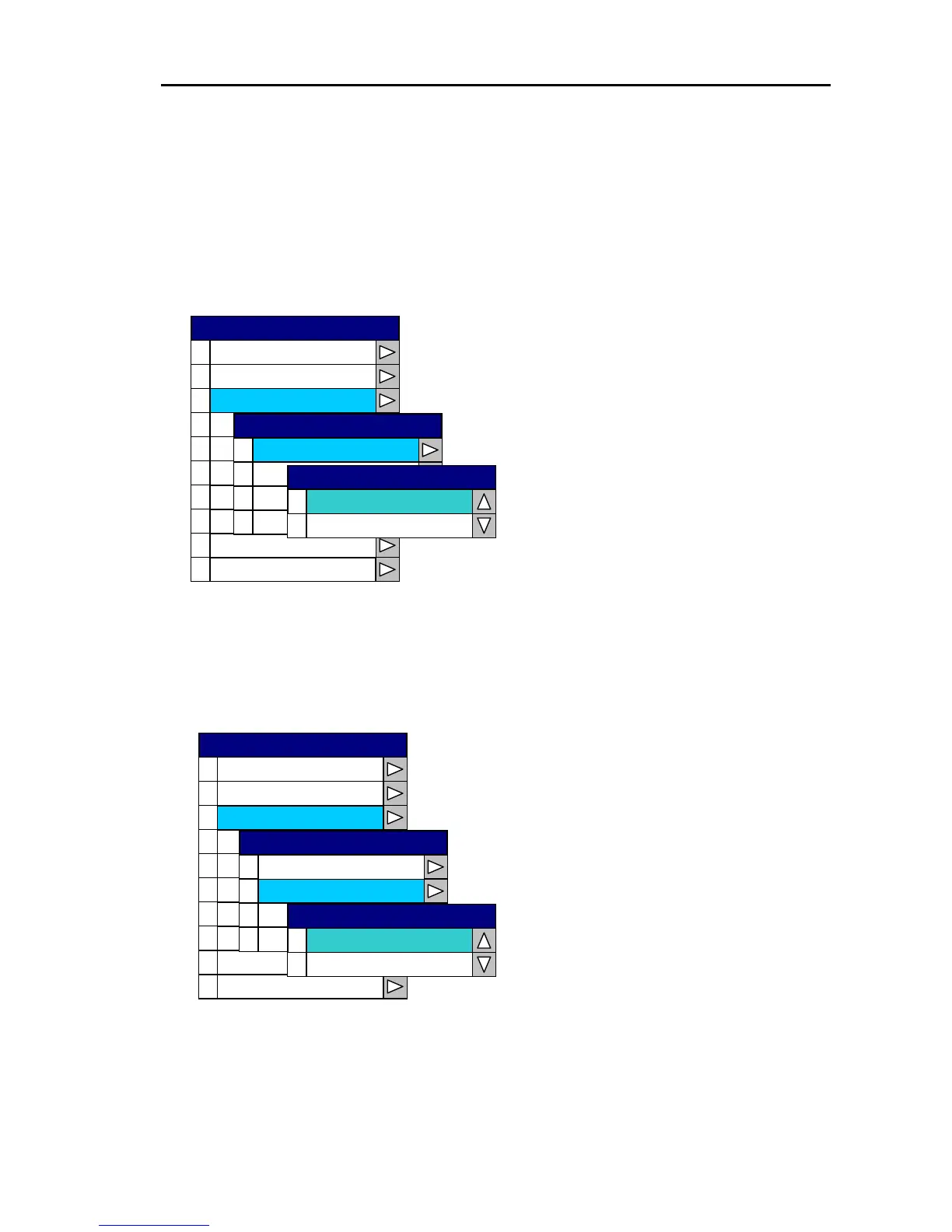
Each input data source for depth, water temperature, speed and ship’s heading is set via “2 Source
Set” of the System menu.
(1) Setting the depth data input source
Open the System Menu→ 2 Source Set →0 Depth Source and select either NETWORK
SOUNDER or NMEA.
0
1
2
3
4
5
6
7
8
9
Correction
Cur rso Type
Are Sa et
Simulation
Lan uag ge
System Check
Network Setup
0
1
Temp erature Source
2
3
Spee d
Head gin Input
0
NMEA
1
N.Sounder
Depth Source
Depth Source
Source Set
Source Set
Display
Buzzer Set
SYSTEM
N.SOUNDER : Uses the depth data from
the NETWORK SOUNDER.
NMEA : Uses the NMEA input depth data
from an external device.
(2) Setting the water temperature data source
Open the System Menu→2 Source Set →1 Temperature Source and select either NETWORK
SOUNDER or NMEA.
0
1
2
3
4
5
6
7
8
9
Correction
Cu orrs Type
Are Sa et
Sim lau tion
Lan ug age
Network S petu
System Check
0
1
2
3
Speed
Hea ngdi Input
0
NMEA
1
N.Sounder
Temperature Source
Temperature Source
Depth Source
Source Set
Source Set
Display
Buzzer Set
SYSTEM
N.SOUNDER : Uses the water temperature
data from the NETWORK SOUNDER.
NMEA : Uses the NMEA input wate



 To Next Page