Chapter 10MDP-621/641/640
MENU operation Operation manual
(3) Setting the speed data
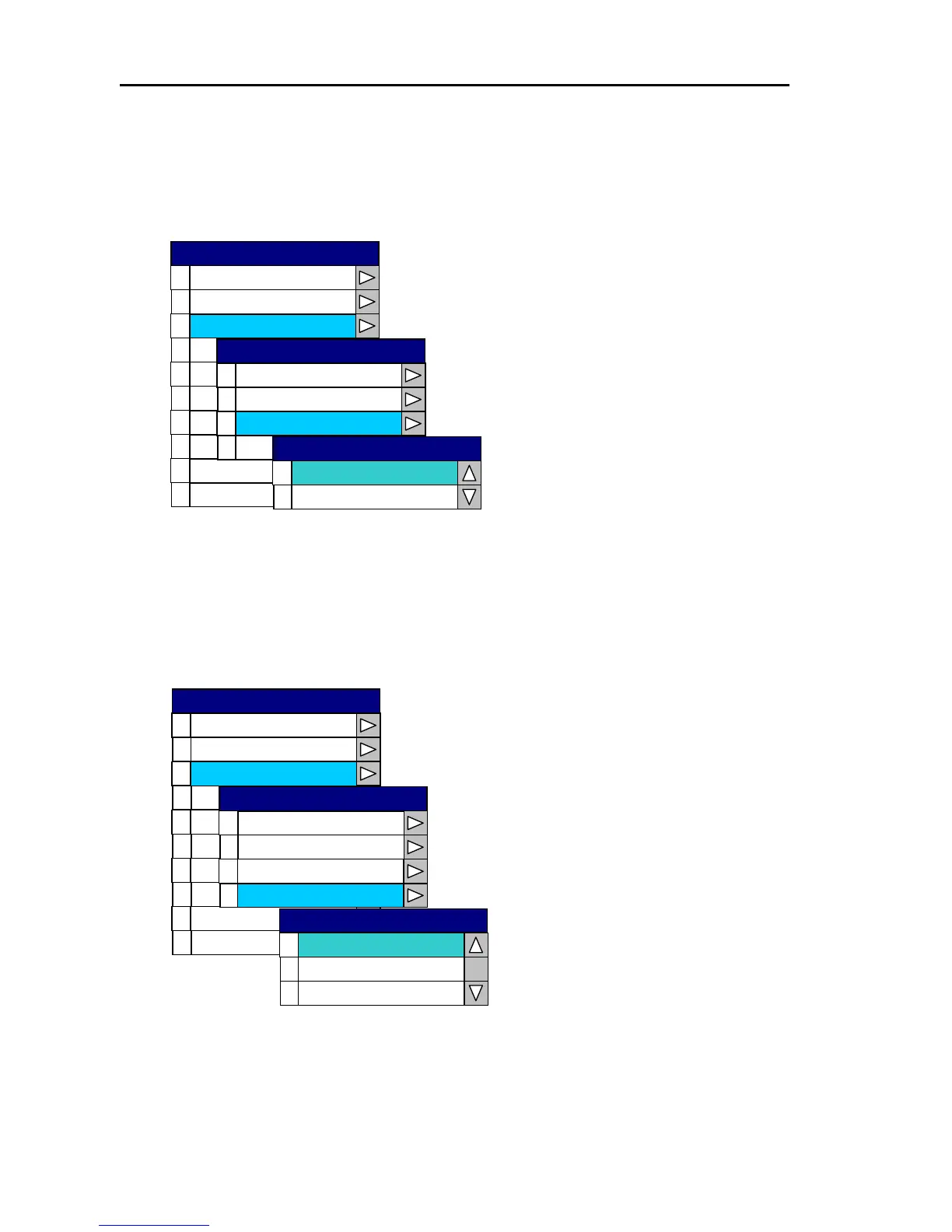
Open the System Menu→2 Source Set →2 Speed and select either SOG (Speed over ground) or
STW (Speed through the water).
0
1
2
3
4
5
6
7
8
9
Correction
Cur r so Type
Area e S t
Simulation
Language
Network Setu p
System Check
0
1
2
3
Headi t ng Inpu
Speed
0
1
STW
SOG
Speed
Temperature Source
Depth Source
Source Set
Source Set
Display
Buzzer Set
SYSTEM
SOG : Sets up for speed over the
ground.
STW:Sets up for speed through the
water.
(4) Setting the heading input
Open the System Menu→2 Source Set →3 Heading Input and select either NMEA, 10bit serial or
12bit serial.
0
1
2
3
4
5
6
7
8
9
Correction
Cur r so Type
Area e S t
Simulation
Language
Network Setup
System Check
0
1
2
3
0
1
2
12BIT
10BIT
NMEA
Heading Input
Heading Input
Speed
Temperature Source
Depth Source
Source Set
Source Set
Display
Buzzer Set
SYSTEM
10-8 0093161022-06



 To Next Page