Chapter 8 MDP-1241/1240/1260/1210
Sounder operation Operation manual
8.3.9 Setting the screen display rate
The screen display rate value is directly related to the transmission rate from the transducer. For
example 2/1 means that for every single transmission the displayed image moves by 2.
To set the rate:
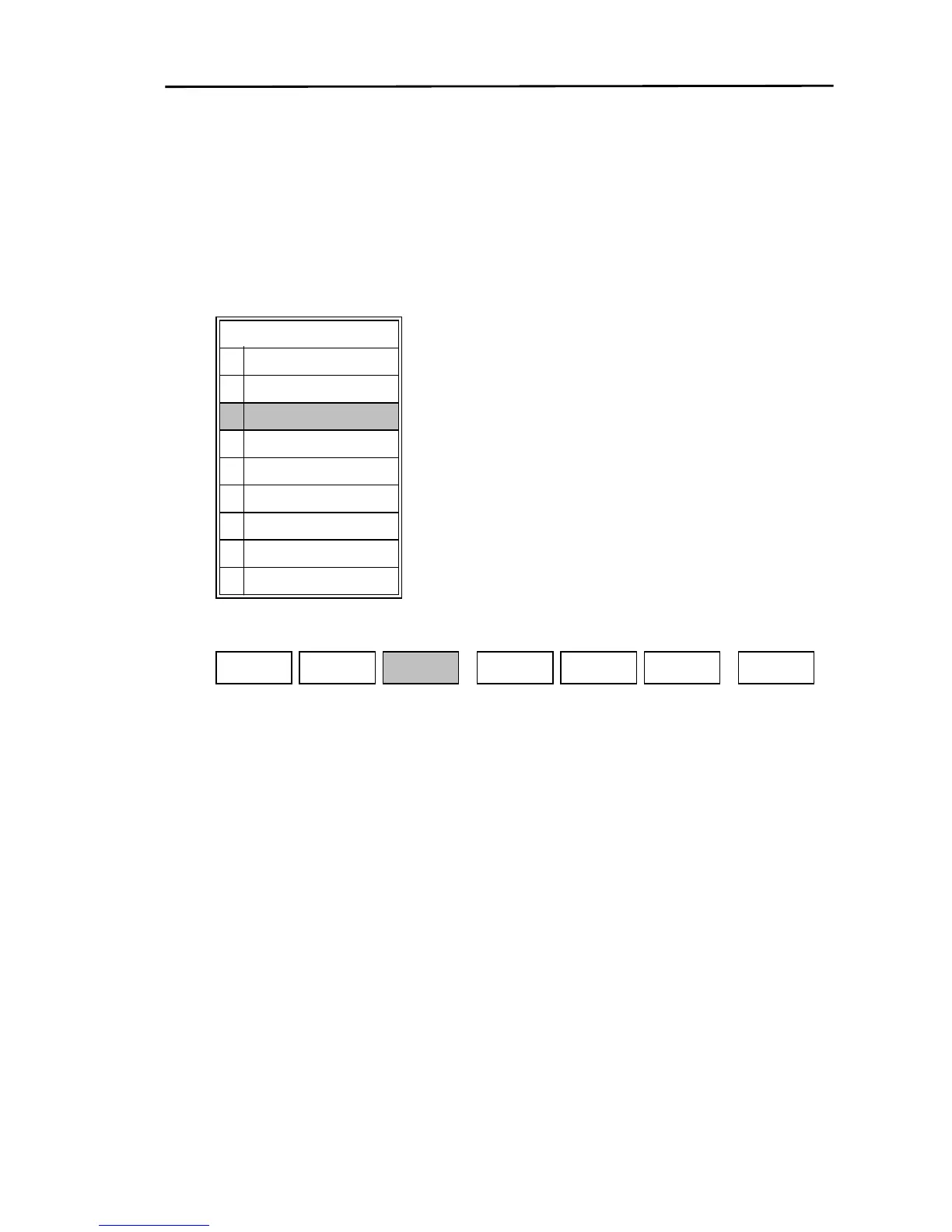
(1) Display the soft menu (SOUNDER/PAGE2) and press the “I SPD” key.
(2) The settings menu for the screen display rate is displayed. Set the speed with the joystick or the
10digit keypad.
I SPD
0
1
2
3
4
5
6
7
8
4/1
2/1
1/1
1/2
1/4
1/8
1/16
1/32
OFF
MODE
SOUNDER/PAGE2
IR
OFF
SOUNDER
PREV
S FUNCALARMI SPD
8-14 0093161202-06



 To Next Page