Chapter 6 MDP-621/641/640
Plotter operation Operation manual
6.4.8 Fixed scale function
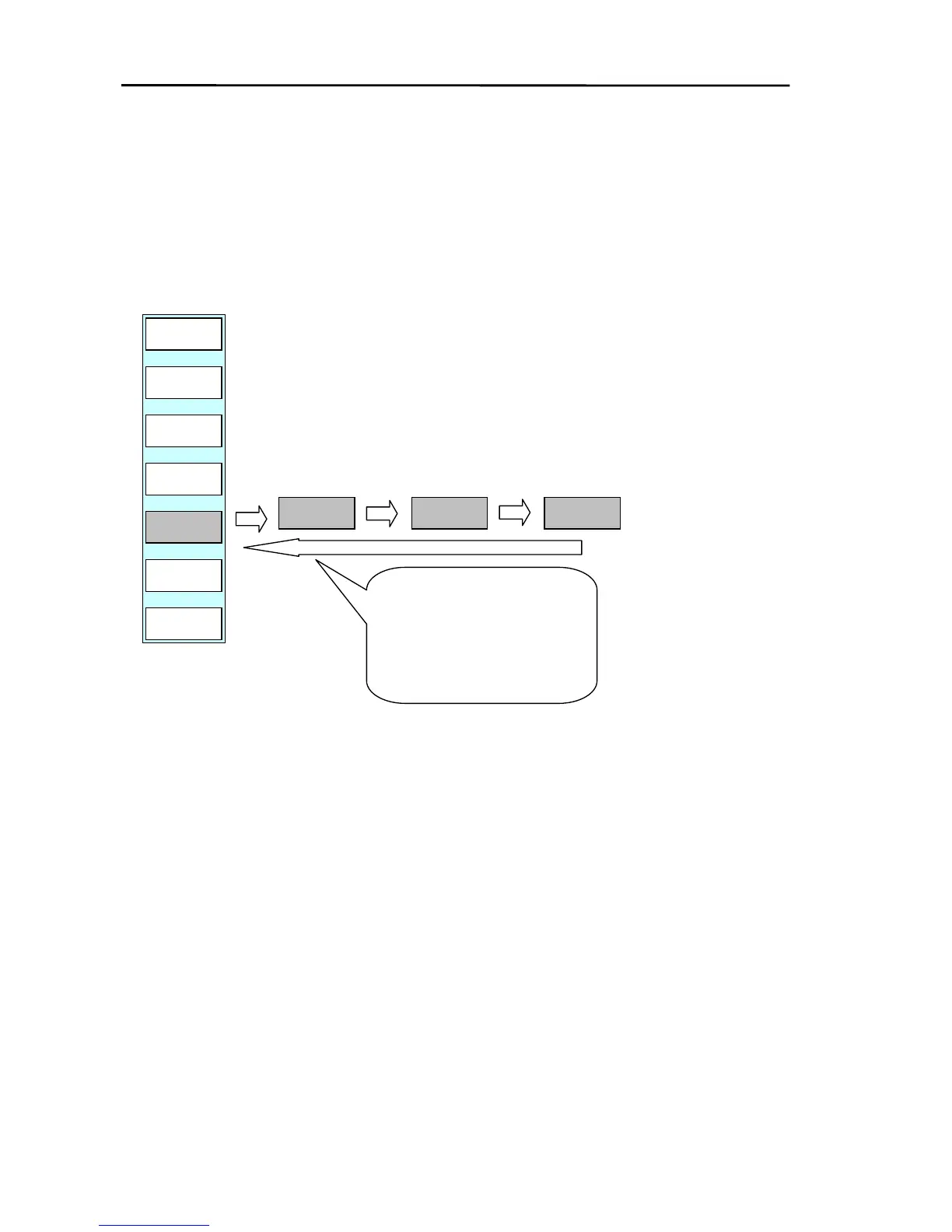
The screen scale can be changed by using the fixed scale function in the soft menu.
When the cross cursor is on, the zoom in / zoom out center position becomes the position of the cursor.
When the cross cursor is off, the zoom in / zoom out center position becomes own ship’s position.
Display the soft menu (PLOTTER/PAGE2).
PLOTTER/PAGE2
D MODE
N UP-T
PLOTTER
PREV
P FUNC
FX SCL
XX
OFF-C
CENTER
FX SCL



 To Next Page