Chapter 10MDP-621/641/640
MENU operation Operation manual
10.2.10 System check
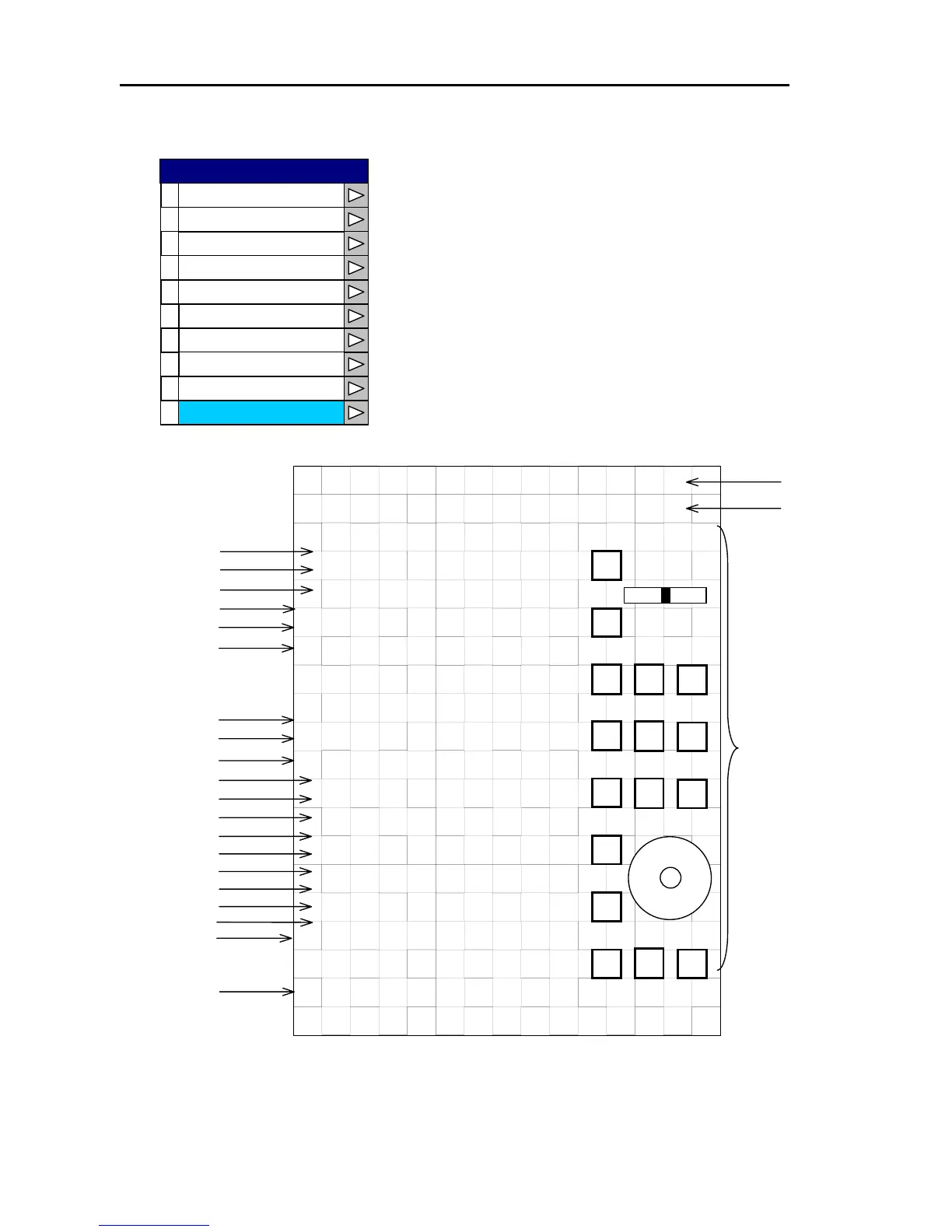
SYSTEM CHECK helps you to identify a problem with your
system.
(1) The self-check will take a few seconds to run. OK
indicates the items is operating properly.
NO means it is faulty.
(2) You can test the functioning of the front panel buttons by
pushing them.
If they are working properly, their corresponding icons
will be highlighted. Rotating the control knob will make a
line move inside the box on screen
0
1
2
3
4
5
6
7
8
9
Buzzer Set
Display
Source Set
Correction
Cursor Type
Area Set
Simulation
Language
Network Setup
System Check
SYSTEM
(3) Press the “POWER” key to return to the previous screen.
control
knob
e)
m)
k)
t)
SYSTEM CHECK
ROM1 Ver. XX.XX
ROM2 Ver. YY.YY
MEMORY CHECK
ROM OK
RAM OK
BACKUP OK
BATTERY OK
+5V OK +5.2V
+12V OK +12.3V
CHART1 xxxx
CHART2 yyyy
RADAR (4kW RADOME)
TRIGGER OK
AZIMUTH OK
HM OK
H.T.AT SU OK 253.2V
H.T.AT DU OK 253.2V
MAG CUR OK 2.1
MAG HEATER OK
TUNE OK
HOURMETER
OPERATE 12.0H
TRANSMIT 10.3H
ATA KM-XXX
MOTOR OK 42.0V
h



 To Next Page