MDP-621/641/640 Chapter 6
Operation manual Plotter operation
6.4.3 Displaying the ship’s track
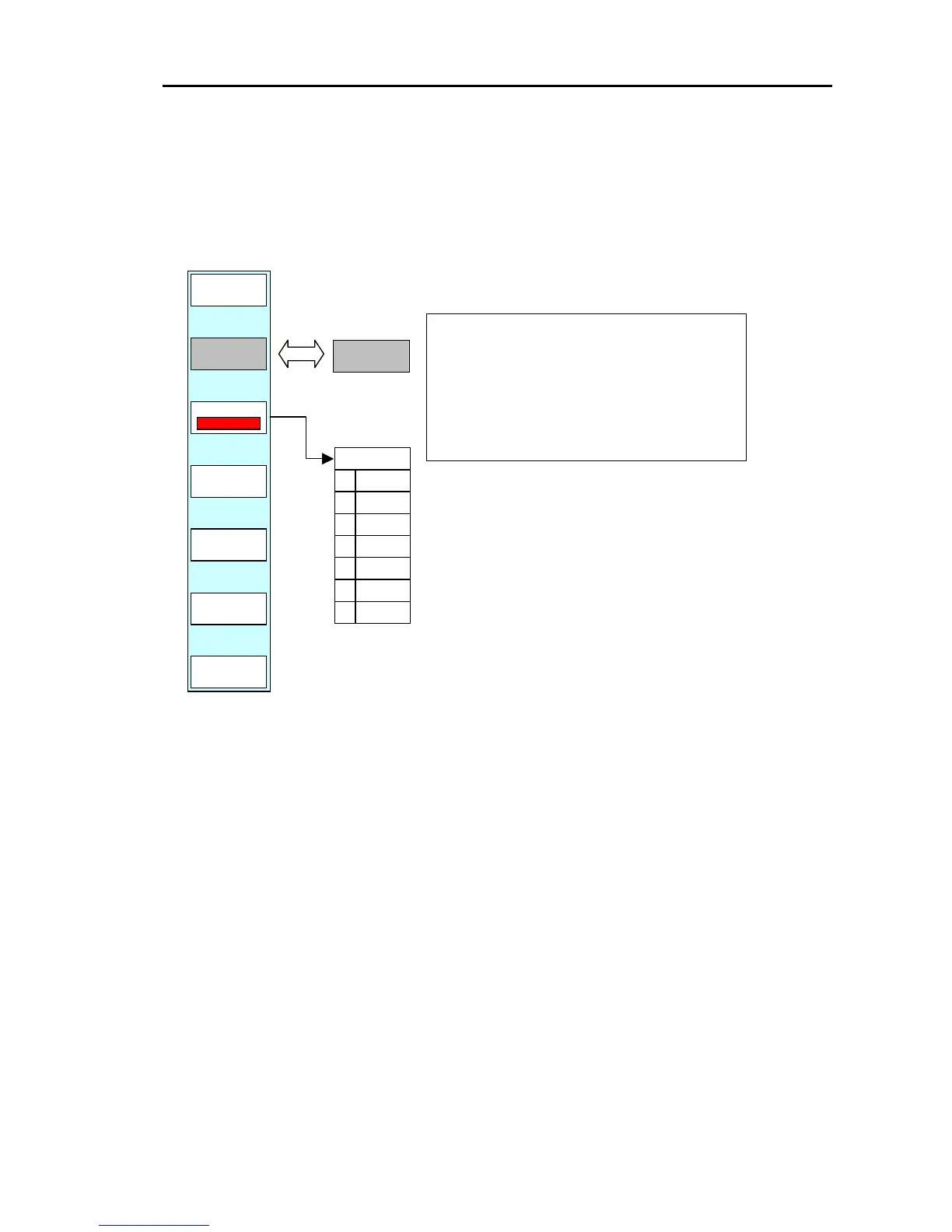
Display the soft menu (PLOTTER/PAGE1) and press the ”TRACK” key.
The ship’s track settings menu is displayed.
PLOTTER/PAGE1/TRACK
PLOTTER
PAGE1
COLOR
0
1
2
3
4
5
6
GRN
is switched ON and OFF.
ON : Ship’s track is displayed.
Store a ship’s track.
OFF: Ship’s track is not displayed.
Not store a ship’s track
“COLOR” selects the color of the
ship’s track.
This key displays the color settings
menu. Use the pointing keypad or the
rotary control to set the color.
The color that has been set is
displayed in the soft menu.
0093161022-06 6-9



 To Next Page