Chapter 10MDP-621/641/640
MENU operation Operation manual
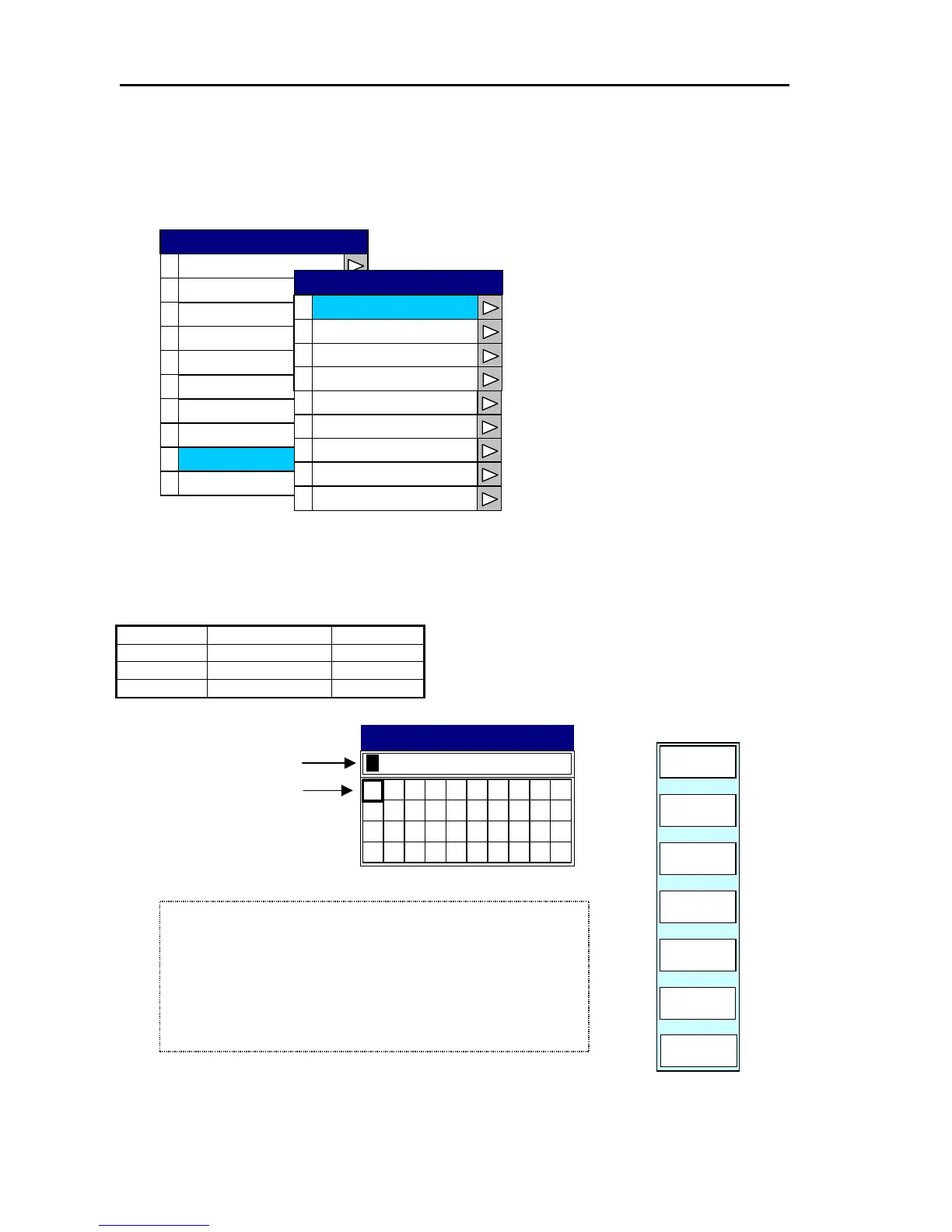
10.2.9 Setting up the network
Set up the parameters associated with the network setup
(1) IP address
Set it as shown in the following table.
Device IP Address Remarks
1st Display 010.055.148.101 MDP Series
2nd Display 010.055.148.102 RGD Series
3rd Display 010.055.148.103 RGD Series
0
1
2
3
4
5
6
7
8
9
Buzzer Set
Display
Source Set
Correction
Cursor Type
Area Set
Simulation
Language
Network Setup
0
IP Address
1
Host Name
2
Radar Source
3
Chart Source
4
Sounder Source
5
Subnet Mask
6
Gateway Mask
7
Offset Port Number
Network Monitor
010.055.148.101
0 1
2
3
456
V W
IP Address
8
Language
System Check
SYSTEM
IP ADDRESS
Move the cursor with the
left/right cursor key.
RETURN
ENTER
CLEAR
PLOTTER
SYSTEM
Change the figure with
the rotary control.
4) Enter the number with the rotary control.
5) When completed, press the ENTER key to finish the settings.
3) Place the cursor on to the next point to be changed with the
left/right cursor key.
2) Enter the number with the rotary control.
1) Place the cursor on to the point to be changed with the left/righ



 To Next Page