Chapter 8 MDP-1241/1240/1260/1210
Sounder operation Operation manual
8.3.2 Adjusting the image sensitivity
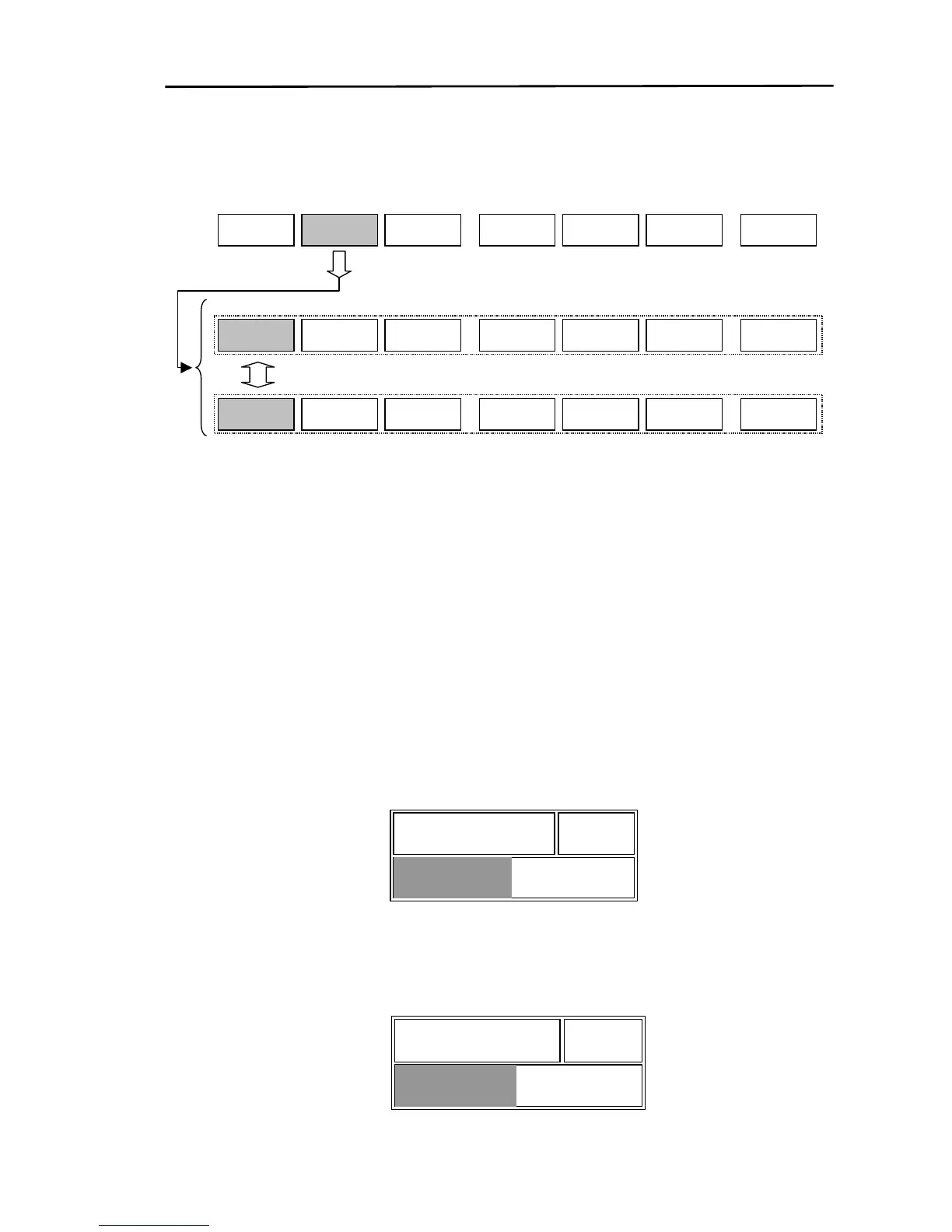
Display the soft menu (SOUNDER/PAGE1) and press the “GAIN” key.
GAIN
STC
SOUNDER/PAGE1
AUTO
RANGE
NEXT
SHIFT
OFF
S FUNC SOUNDER
L GAIN
XX
H GAIN
Y
Changes the manual or automatic sensitivity adjust menu group.
Displays the manual or automatic sensitivity adjust menu.
8.3.2.1 Manual adjustment
The manual adjustment function consists of an adjustment for sensitivity and an adjustment for
enhance.
Adjusting the sensitivity: Optimum sensitivity occurs when the sensitivity is adjusted to a level where
the displayed sea bottom turns red.
Adjusting the enhance: Adjusts the displayed fish detection image. The value set up in Image/Enhance
of the FISH DETECTION MENU becomes the default setting.
(1) Adjusting the low frequency sensitivity
If the “L GAIN” key is pressed, the GAIN adjustment box shown below is displayed.
The GAIN is adjusted by moving the rotary control. The GAIN value is indicated with a number and
a bar. Moving the rotary control to the right will increase the GAIN. Moving the rotary control to
the left will decrease the GAIN.
50 L GAIN
(2) Adjusting the low frequency enhance
If the “L ENH” key is pressed, the ENHANCE adjustment box shown below is displayed.
The method of operation is the same as the L GAINmethod.
L ENH 50
8-6 0093161202-06



 To Next Page