Chapter 10MDP-621/641/640
MENU operation Operation manual
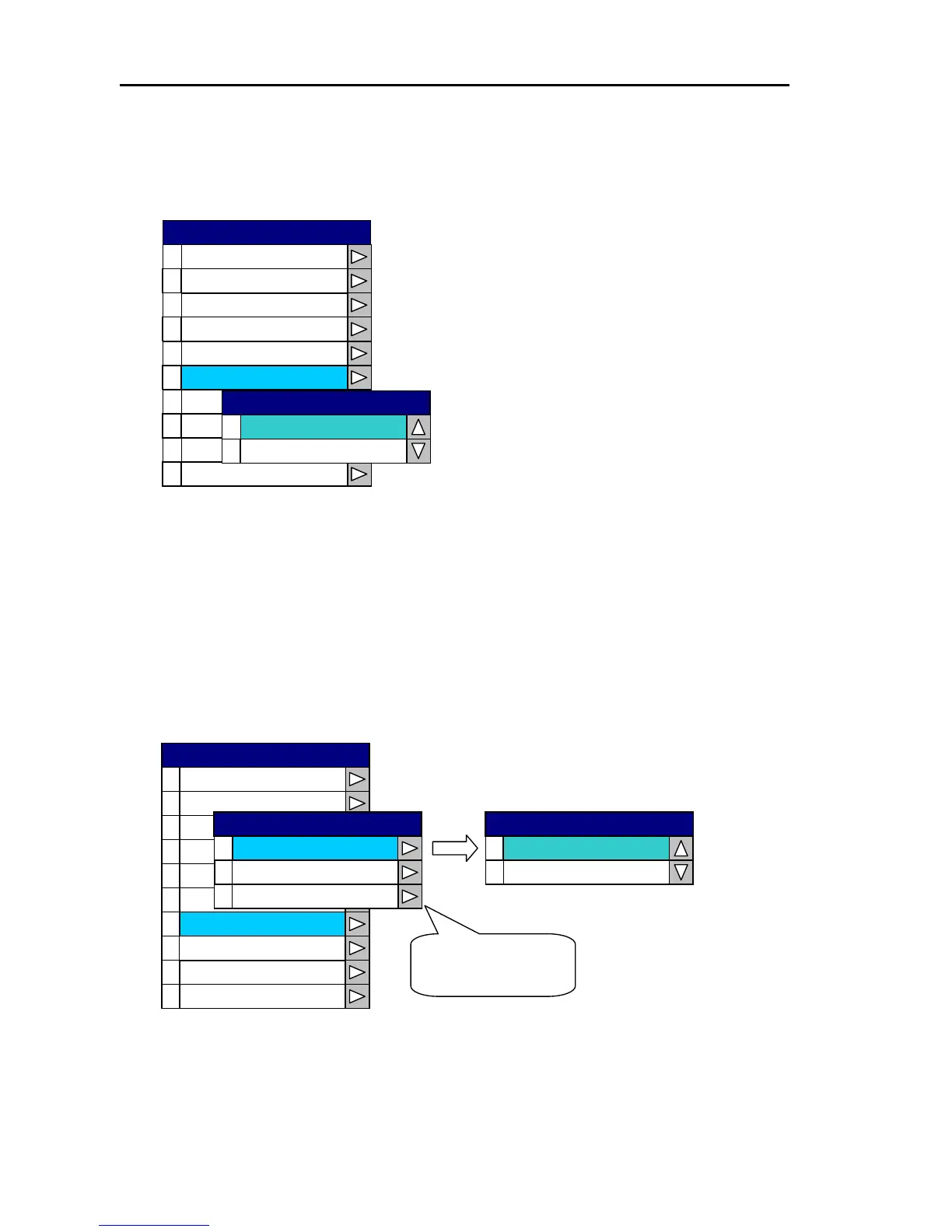
10.2.6 Setting the area
The screen mode for the Plotter and Radar can be changed between North Up and South Up in the “5
Area Set” window of the System Menu.
0
1
2
3
4
5
6
7
8
9
Simulation
Langu eag
Netwo Srk etup
System Check
0
1
South UP
North UP
Area Set
Area Set
Cursor Type
Correction
Source Set
Display
Buzzer Set
SYSTEM
10.2.7 Simulation
The simulation screen image setting for the Plotter, Radar and Sounder is performed in the “6
Simulation” window of the System Menu.
Open the System Menu→6 Simulation→0 Plotter (OR 1 Radar, 2 Sounder) and select simulation or
live picture.
0
1
2
3
4
5
6
7
8
9
Display
Source Set
Corre tioc n
Curs Tor ype
Area t Se
Simulation
Language
Network Setup
System Check
0
1
2
Select Plotter,
Radar or Sounder.
Sounder
Radar
Plotter
Simulation
Buzzer Set
SYSTEM
0
Simulation
1
Live Picture
Plotter
10-12 0093161022-06



 To Next Page