Chapter 5 MDP-621/641/640
Basic operation Operation manual
5-16 0093161022-06
5.9 Operating the pointing keypad
The pointing keypad is used in moving the cross cursor in the Plotter and Radar screens, scrolling the
map, and changing the menu settings, etc. The cross cursor moves in the direction the pointing keypad.
RETURN
ALM
CLEAR
POB
UPDATE
position.
Cancels the POB registration.
38 05.620
138 27.311
15.3
359.5
+
38 05.620
138 27.311
15.3
359.5
+
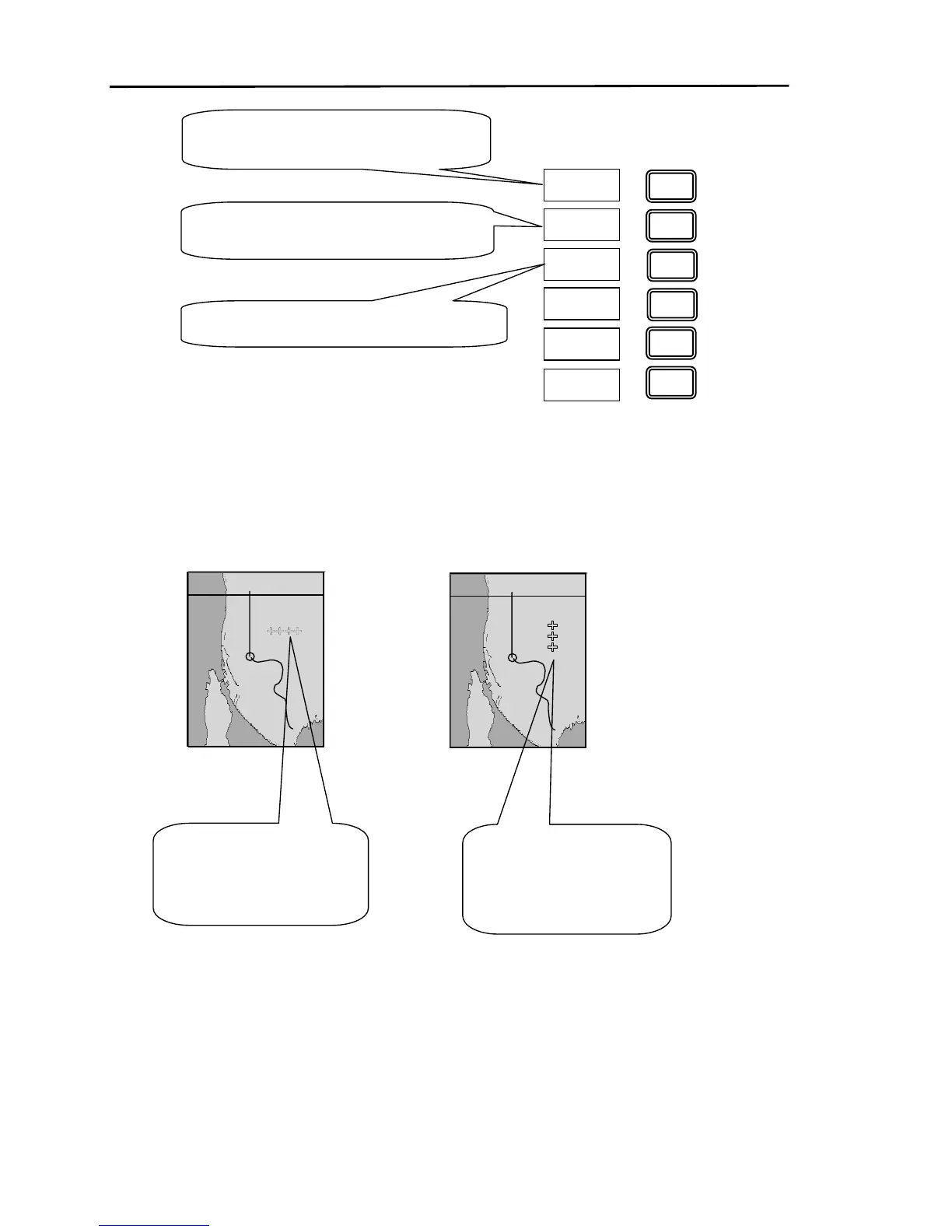
If the pointing keypad is
moved in the right the
cursor mark moves to the
right.
If the pointing keypad is
moved in the uppe



 To Next Page