MDP-621/641/640 Chapter 7
Operation manual Radar operation
93161022-03 7-15
7.4.13 OFF-CENTER (OFF-C)
The OFF-CENTER function moves own ship’s position to a position assigned by the cross cursor in
order to change the viewable area. Use the following procedure.
(1) Using the pointing keypad, move the cross cursor to a position on the screen that will be the center
position of the OFF-CENTER image.
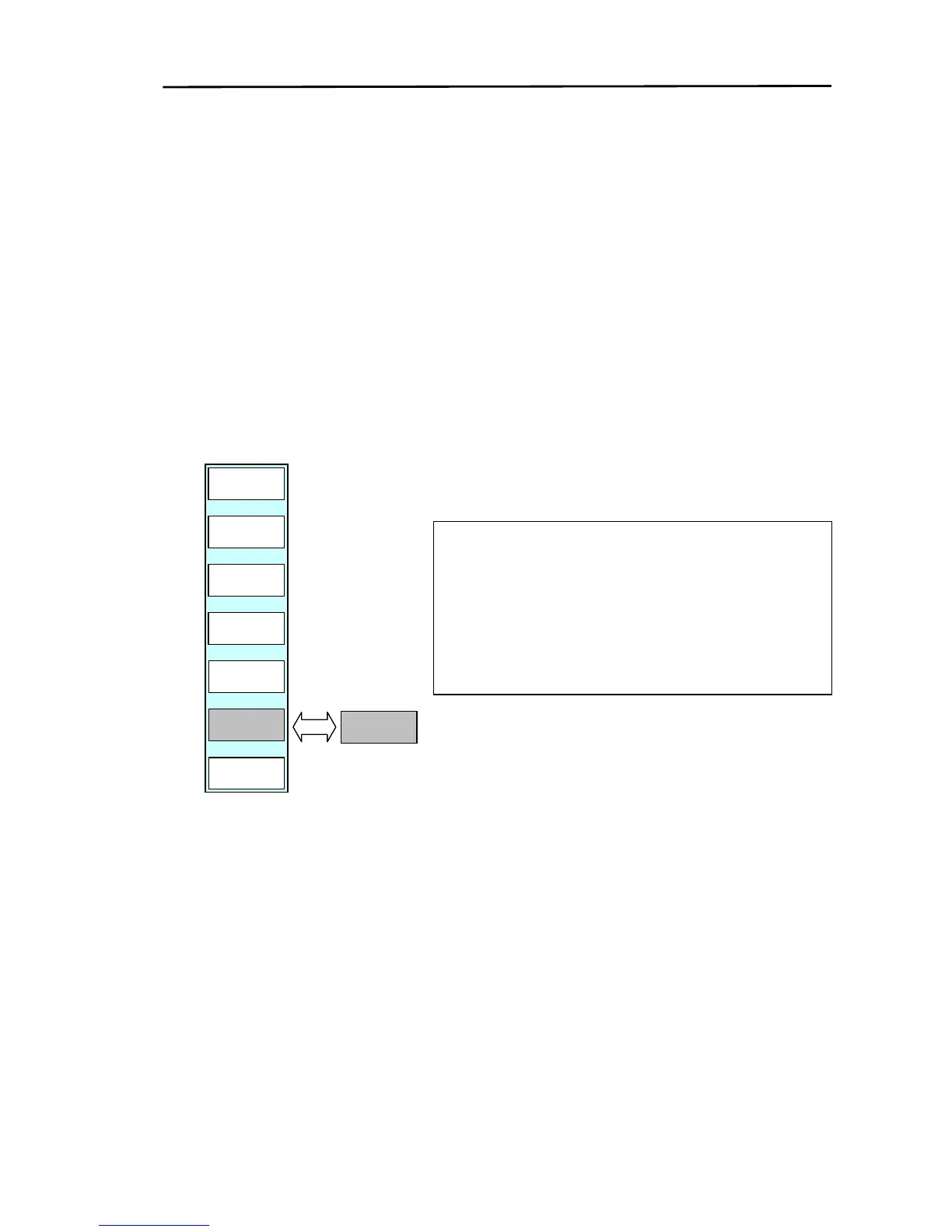
(2) Press the “OFF-C” key of the soft menu (RADAR/PAGE1 (2)/R FUNC/ECHO). If set to “OFF-C ON”
own ship’s position will be moved to the position of the cross cursor.
(3) “OFF-C” is displayed at the bottom right of the screen to indicate the OFF-CENTER display is in
operation.
(4) To cancel OFF-CENTER, set the OFF-CENTER setting to OFF.
RADAR/PAGE1(2)/R FUNC/ECHO
PULSE
LONG
ZOOM
OFF
RETURN
TRAIL
OFF
ST
OFF
RADAR
PAGE1
OFF-C
ON
OFF-C
OFF
Note 1: EBL2 and VRM2 of the FLOAT function do not move
in accordance with the OFF-CENTER function.
2: The OFF-CENTER function can only be used in the
PPI screen.
3: The ZOOM function cannot be used while the picture
is off-centered.



 To Next Page