Chapter 6 MDP-621/641/640
Plotter operation Operation manual
6.5.4 Resetting the origin of the waypoint and route navigation
※ Can only be reset when conducting waypoint and route navigation.
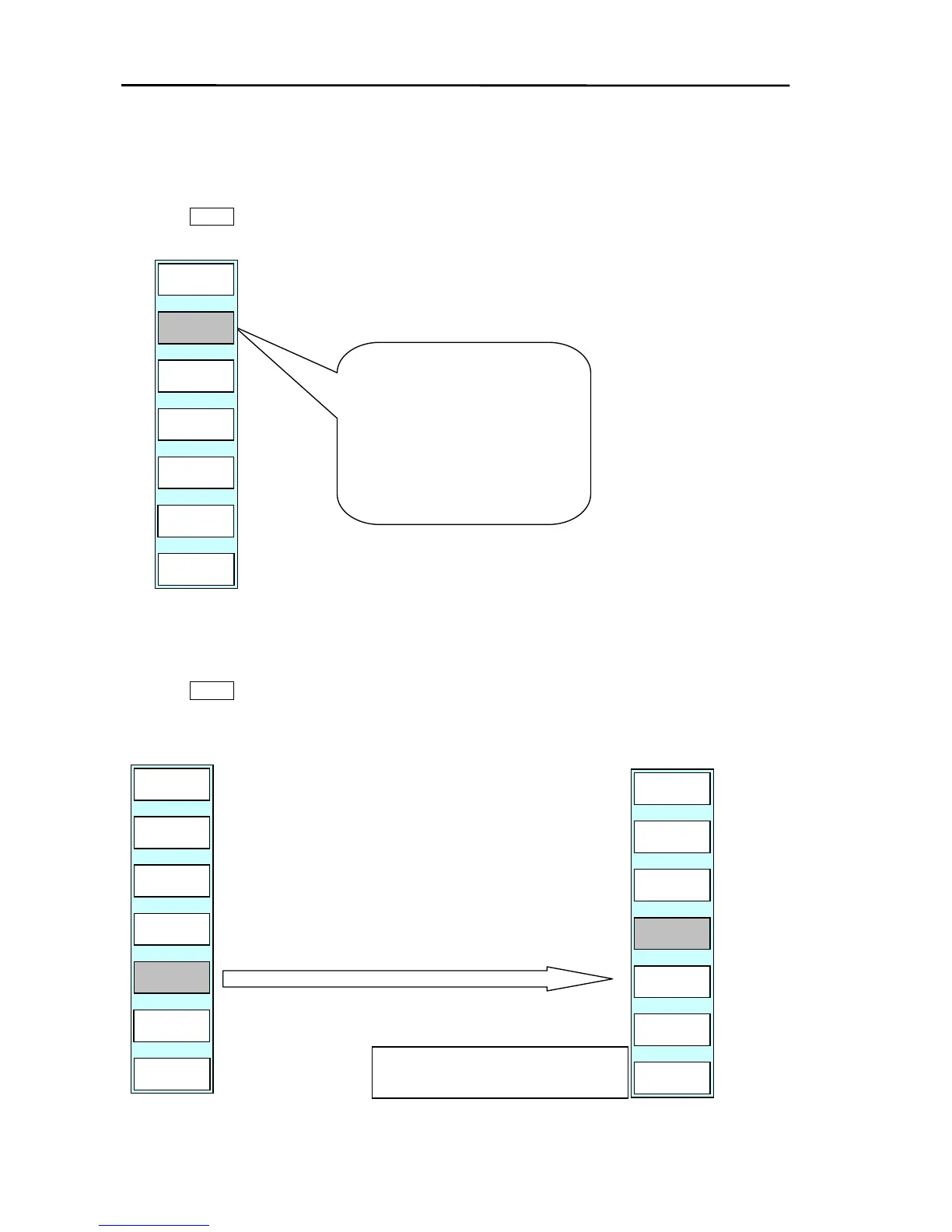
Press the GOTO key to display the soft menu (PLOTTER/GOTO).
The soft (GOTO) menu is displayed.
START
in.
If the “RE START” key is pressed
the current position is set as the
new origin.
6.5.5 Canceling the
waypoint and route navigation
Press the GOTO key to display the soft menu (PLOTTER/GOTO).
The soft (GOTO) menu is displayed.
(1) If the “CLEAR” key is pressed, the soft menu and
message shown below are displayed.
(2) If the ”YES” key is pressed, the destination/route
navigation will be cancelled and the screen returns to
GOTO display. (Pressing ”NO” causes the system to
return to the top menu without canceling the
destination / route navigation.)
WPT NAV (RT NAV) FUNCTION WILL BE
CANCELLED. ARE YOU SURE?
SKIP
PLOTTER
PAGE1
WPT
ROUTE
CLEAR
START



 To Next Page