MDP-621/641/640 Chapter 6
Operation manual Plotter operation
(3) Changing the data display contents
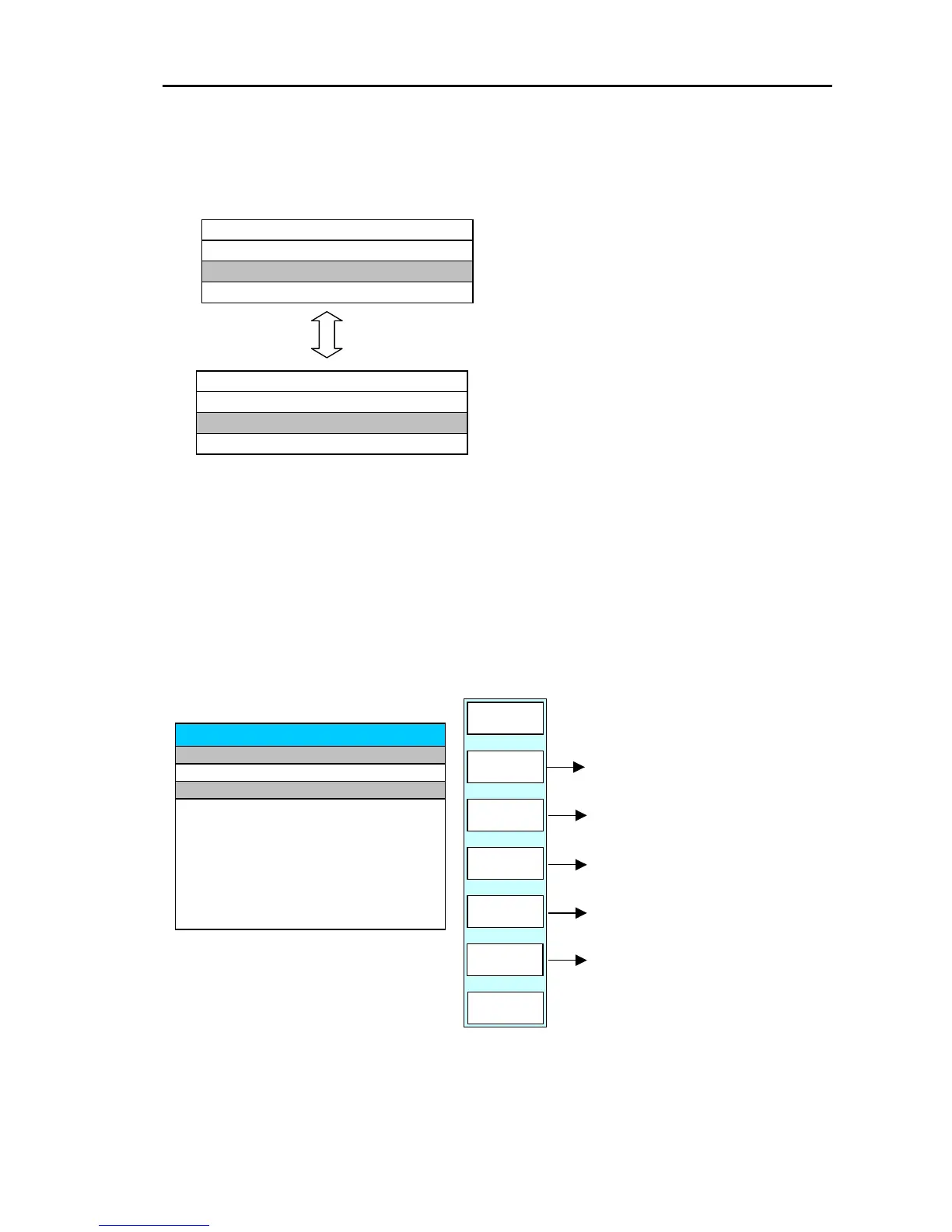
Every time the “D DATA CHG” key is pressed, the displayed data of the ROUTE LIST changes
between COMMNET and DATE TIME.
ROUTE LIST
02 05 MNOPQRSTU
01 10 ABCDEFGHIJ
COMMENT
PT
R NO
01 10 2003/12/25
DATE TIME
PT
R NO
02 05
ROUTE LIST
(4)Editing the data selected by the line cursor
Editing the registered route data and entering a new route to a not yet registered number.
Move the line cursor to the data to be edited or the number for the new entry and press
the ”EDIT” key.
The following soft menu and edit list are displayed.
GOTO/ROUTE/EDIT
DELETE
WPT
INSERT
WPT
WPT
LIST
CMNT
EDIT
EDIT
WPT
RETURN
PLOTTER
PAGE1
ROUTE EDIT
R . NO PT COMMENT
01 01 ABCDEFGHIJKL
P . NO LAT LON
00 35°00.000N 135°00.000E
01 36°00.000N 136°00.000E
02
Edits the comment.
Displays the WPT LIST, selects the
list registration data and registers i
in route data.
Inserts or shifts the data below the
line cursor.
Edits or inputs the LAT/LON data
above the line cursor.
Deletes the data above the line cursor.
0093161022-06 6-31



 To Next Page