Chapter 6 MDP-621/641/640
Plotter operation Operation manual
(1) Commencing route navigation
Move the line cursor over the route data to be used for navigation.
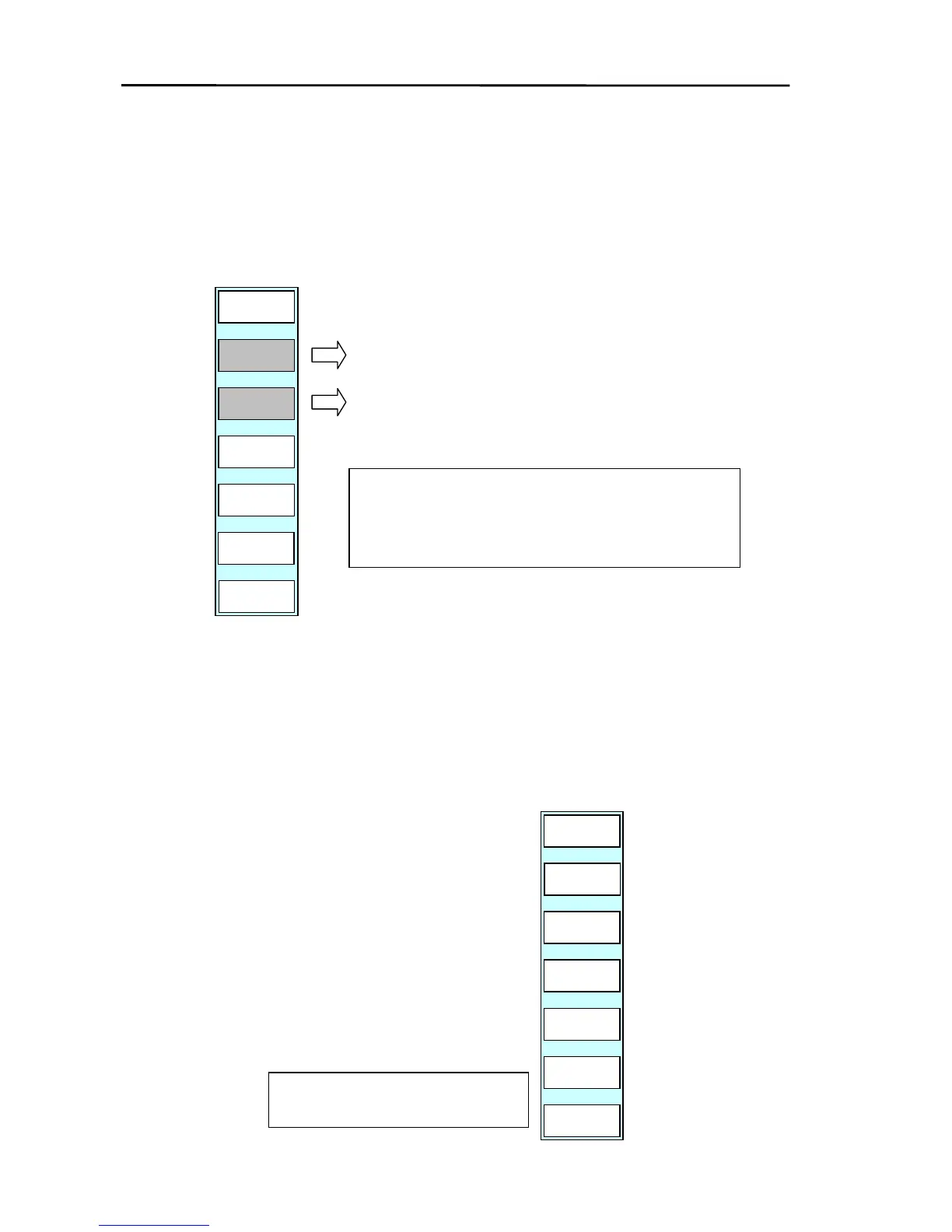
Press the “GOTO RT NAV” key to display the soft menu shown below. Select forward direction
or backward direction.
GOTO/ROUTE/GOTO RT NAV
CANCEL
RVS
PLOTTER
PAGE1
FWD
Forward
direction
Backward
When either forward direction or backward direction is
selected, the data selected by the line cursor is set as
the route.
(2) Deleting the registered data
(a) Move the line cursor over the data to be deleted.
(b) Press the “DELETE” key.
(c) The soft menu turns as shown on the right.
(d) By pressing the “YES” key, the data selected by the line cursor is deleted.
The “NO” key brings the display back to the top of the menu.
PLOTTER
PAGE1
YES
NO
ASSIGNED ONE WPT WILL BE
ERASED. ARE YOU SURE?
6-30 0093161022-06



 To Next Page