MDP-1241/1240/1260/1210 Chapter 8
Operation manual Sounder operation
8.3.10 Setting the alarm
The alarm function has a sea bottom alarm and a fish school alarm, which can be set individually.
To set the alarm:
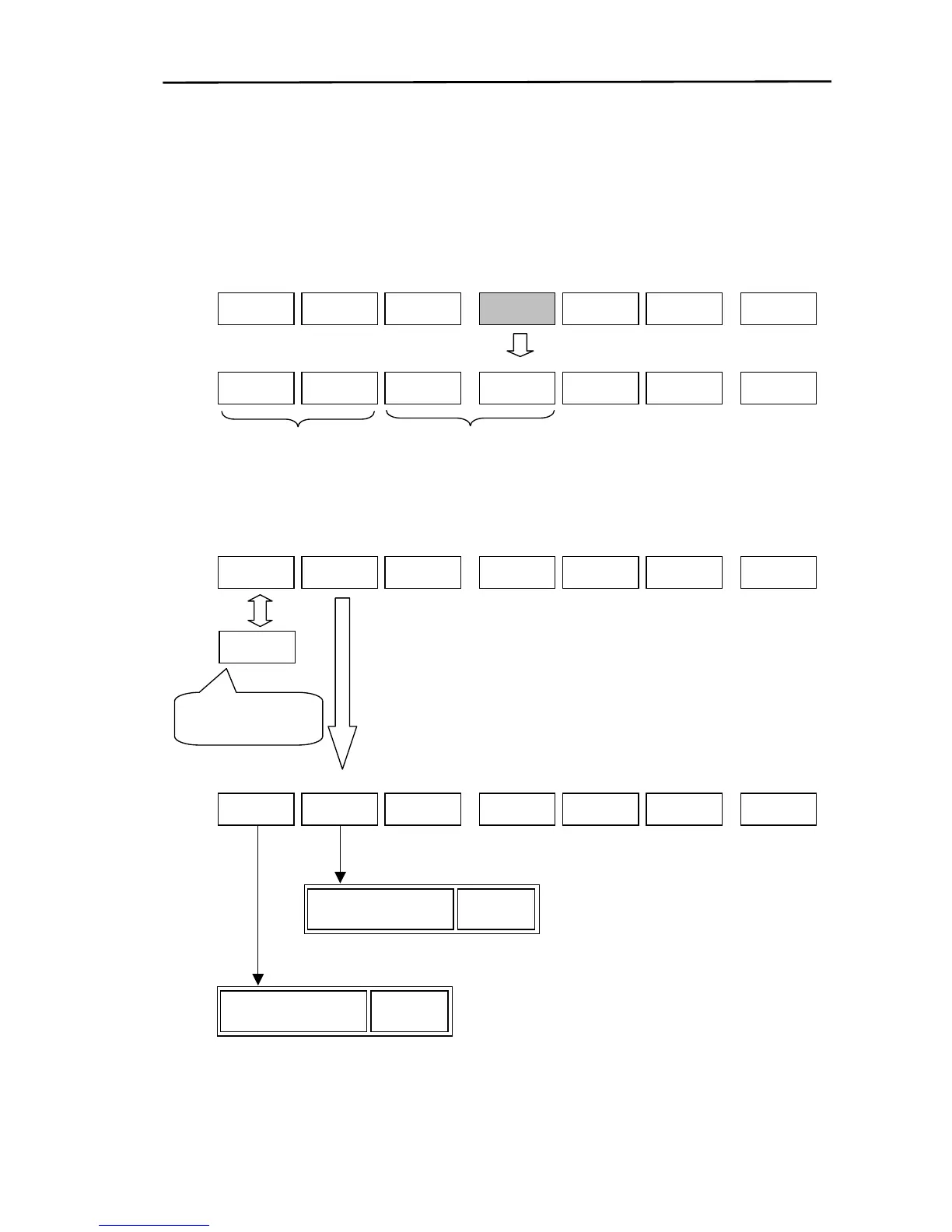
(1) Display the soft menu (SOUNDER/PAGE2) and press the “ALARM” key.
(2) The settings menu is displayed. Set up the sea bottom alarm or the fish school alarm.
(a) Setting the sea bottom alarm
SOUNDER/PAGE2
IR
OFF
MODE
PREV
I SPD
ALARM S FUNC SOUNDER
F ALM F ALM
AREA
ON
ON
D ALM
D ALM
AREA
SOUNDER/PAGE2/ALARM
Sets the fish
school alarm.
Sets the sea
bottom alarm.
SOUNDER
PAGE2
RETURN
SOUNDER/PAGE2/ALARM
RETURN
ON
D ALM
D ALM
AREA
F ALM
AREA
F ALM
ON
SOUNDER
PAGE2
OFF
D ALM
Turns the sea bottom
alarm ON/OFF.
If the D ALM AREA key is
pressed, the alarm area settings
menu is displayed.
S ALM
Sets the alarm area (lower)
SOUNDER/PAGE2/ALARM/D ALM AREA
D ALM
RETURN
SOUNDER
PAGE2
If the S ALM, D ALM key is pressed,
the adjustment box is displayed.
50D ALM
Set up the area by using the rotar



 To Next Page