Chapter 10MDP-621/641/640
MENU operation Operation manual
(5) ATA ON/OFF (ATA)
Sets the ATA function ON or OFF.
If set to OFF, the ATA function will not operate.
If the ATA menu (MRE-310) is not included, the ATA cannot be set to ON.
0
OFF
1
ON
ATA
10.4.4 Range Setup1, 2
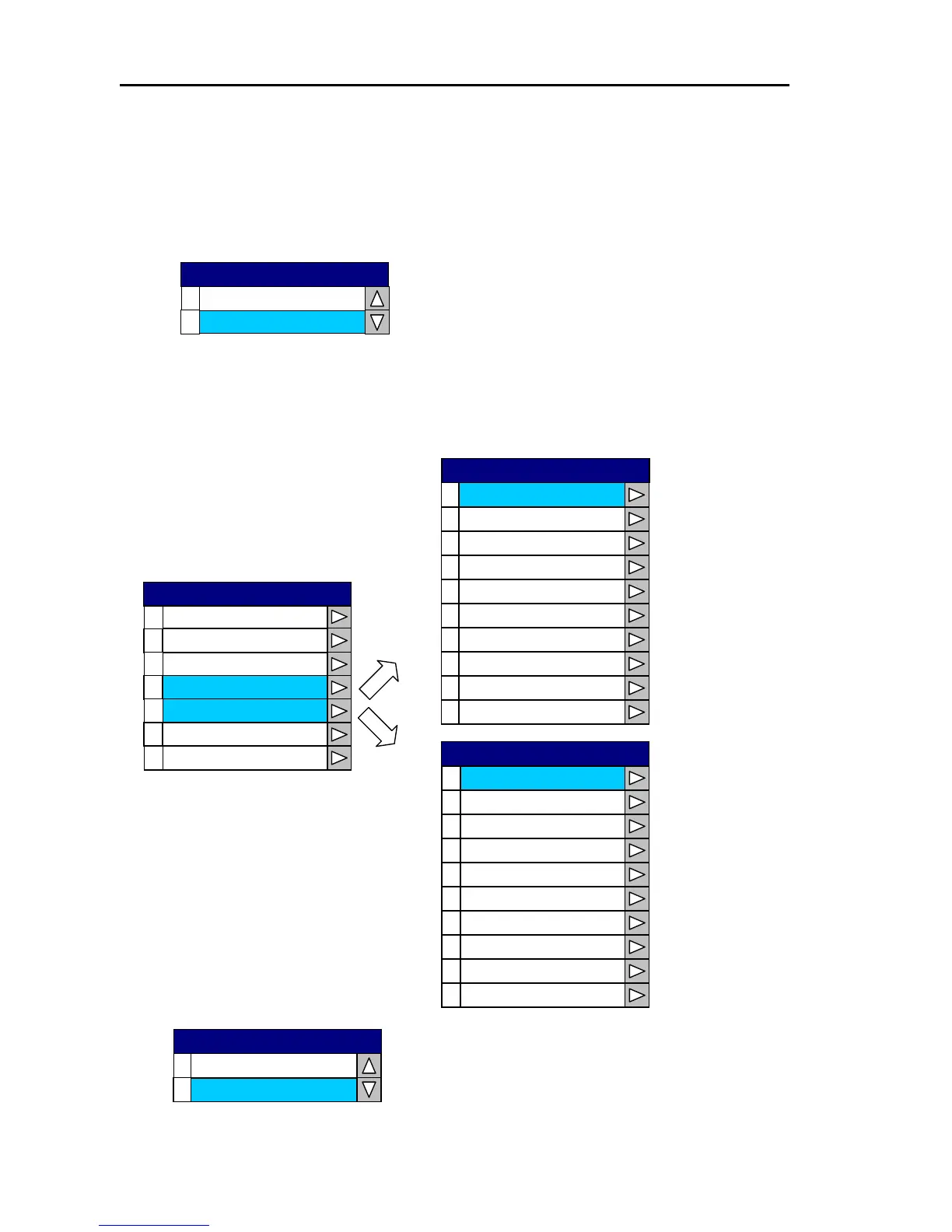
Performs the range selection. Only the ranges that are set to ON can be set via the RANGE key.
0
1
2
0.125
0.25
0.5
3
0.75
4
1
5
1.5
6
2
7
3
8
4
6
9
Range Setup 1
Each range is selected and set ON or OFF.
0.125
0
OFF
1
ON
0
1
2
Display
Image
ATA Preset
3
4
Range Setup1
Range Setup2
5
6
SCAN Speed
Adjust
RADAR
0
1
2
8
12
16
3
24
4
36
5
48
6
64
7
72
8
96
120
9
Range Setup 2
10-48 0093161022-06



 To Next Page