Chapter.7 MDP-621/641/640
Radar operation Operationmanual
7-6 93161022-03
7.4.1 Adjusting the GAIN, STC and FTC
There are 2 methods available, manual and auto, for adjusting the GAIN, STC and FTC. Using the
manual method allows the user to control GAIN, STC, and FTC individually, while auto method sets
these optimized automatically.
(1) AUTO (Auto-adjust)
The Auto-adjust function adjusts the GAIN (sensitivity), STC and FTC automatically.
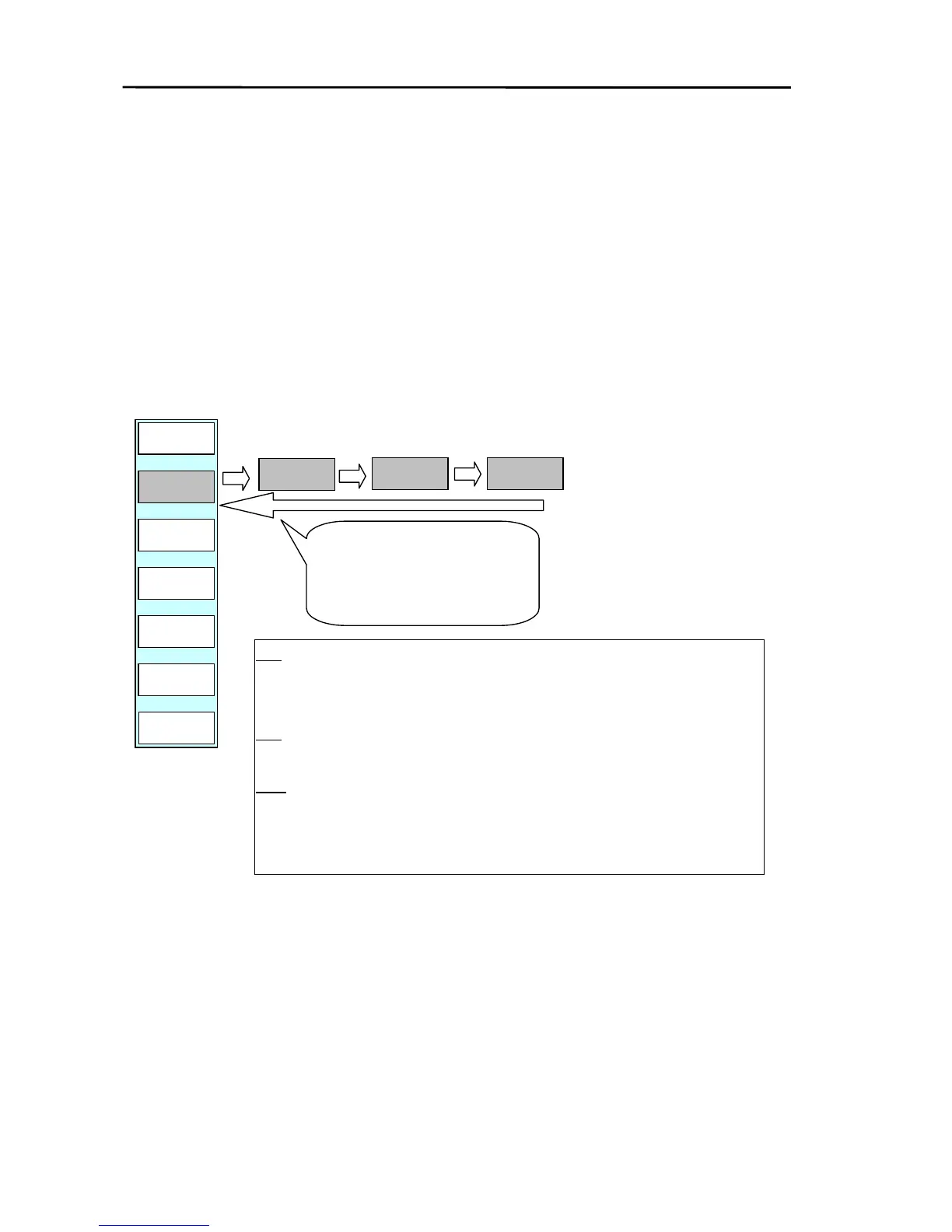
If the ”AUTO” key of the soft menu is pressed, the manual settings for GAIN, STC and FTC are all
changed to AUTO mode.
When the “AUTO” key is pressed AT1, AT2, HBR and OFF are changed sequentially.
NOTE: When AUTO OFF is selected, the GAIN, STC and FTC controls are available in manual mode.
AUTO
HBR
RADAR/PAGE1
GAIN
AT
FTC
AT
R FUNC
NEXT
RADAR
STC
AT
AUTO
AT1
AUTO
AT2
Every time the AUTO key is
pressed the function changes
from AT1→ AT2 → HBR→ OFF→
AT1.
AUTO
OFF
AT1 Use this function in harbors, narrow or congested waterways and ocean
areas with many small islands. A lower GAIN setting is used with this
function.
AT2
This mode is suited to wide, open ocean areas and uses a higher GAIN
setting.
HBR
This function should be used when entering a bay or in a harbor.
(Detailed settings can be performed in ADJUST of the Radar Menu fo



 To Next Page