Chapter 8 MDP-1241/1240/1260/1210
Sounder operation Operation manual
8.3.4 Setting the fixed shift
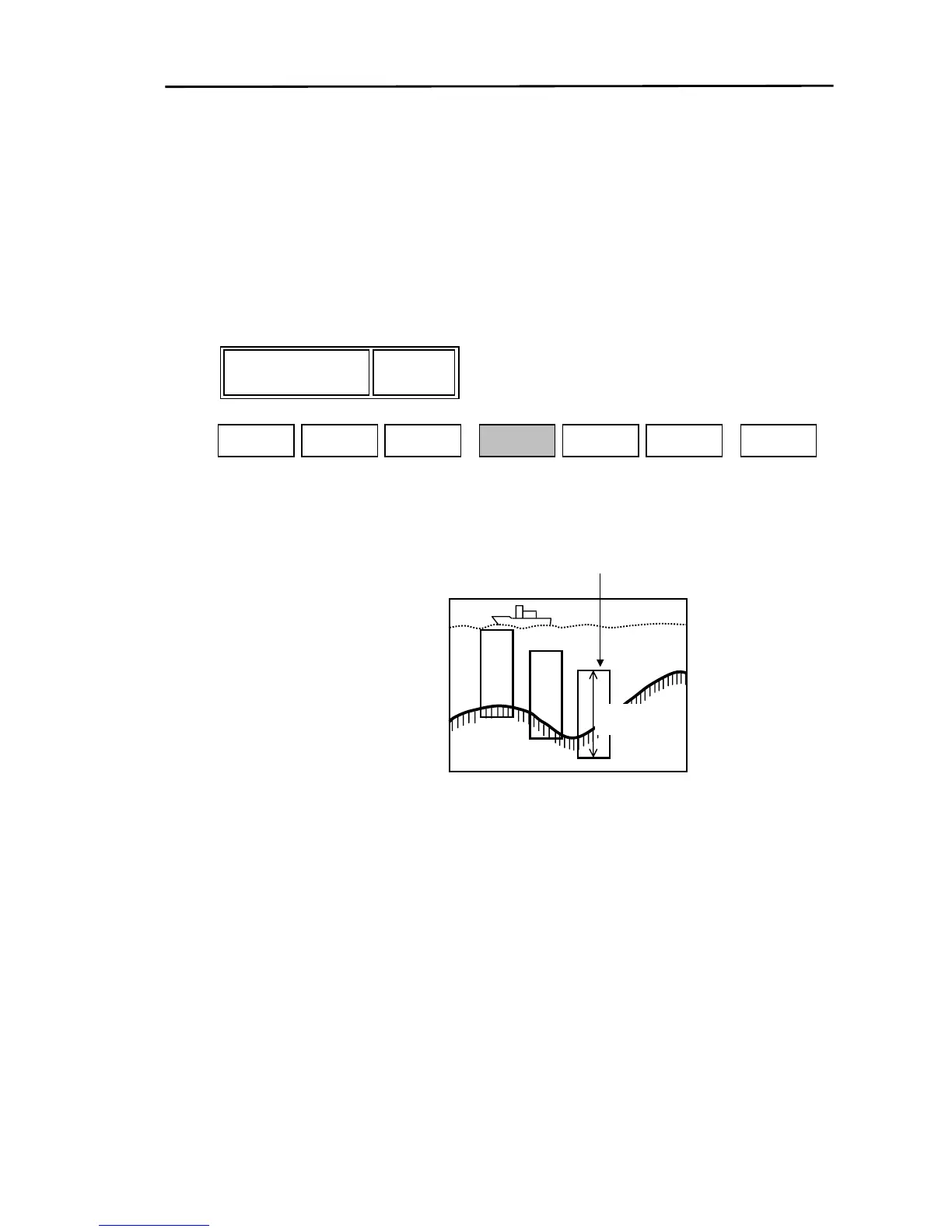
The fixed shift function displays the sounder image within the selected depth range with reference to
the preset depth (Shift setting).
Display the soft menu (SOUNDER/PAGE1) and press the “SHIFT” key.
The SHIFT adjustment box is displayed. Using the rotary control set the shift value.
If the rotary control is moved to the right, the shift value will increase. If moved to the left, the value will
decrease.
10
SHIFT
STC
GAIN
SOUNDER/PAGE1
AUTO
RANGE
NEXT
SHIFT
10
S FUNC SOUNDER
To set the shift value to 0 (OFF), press the “SHIFT” key again once the shift adjustment box is displayed.
The shift value is back to the previous setting.
Upper limit of shift
Range
8-10 0093161202-06



 To Next Page