MDP-621/641/640 Chapter 6
Operation manual Plotter operation
6.4.9 Viewing the map information
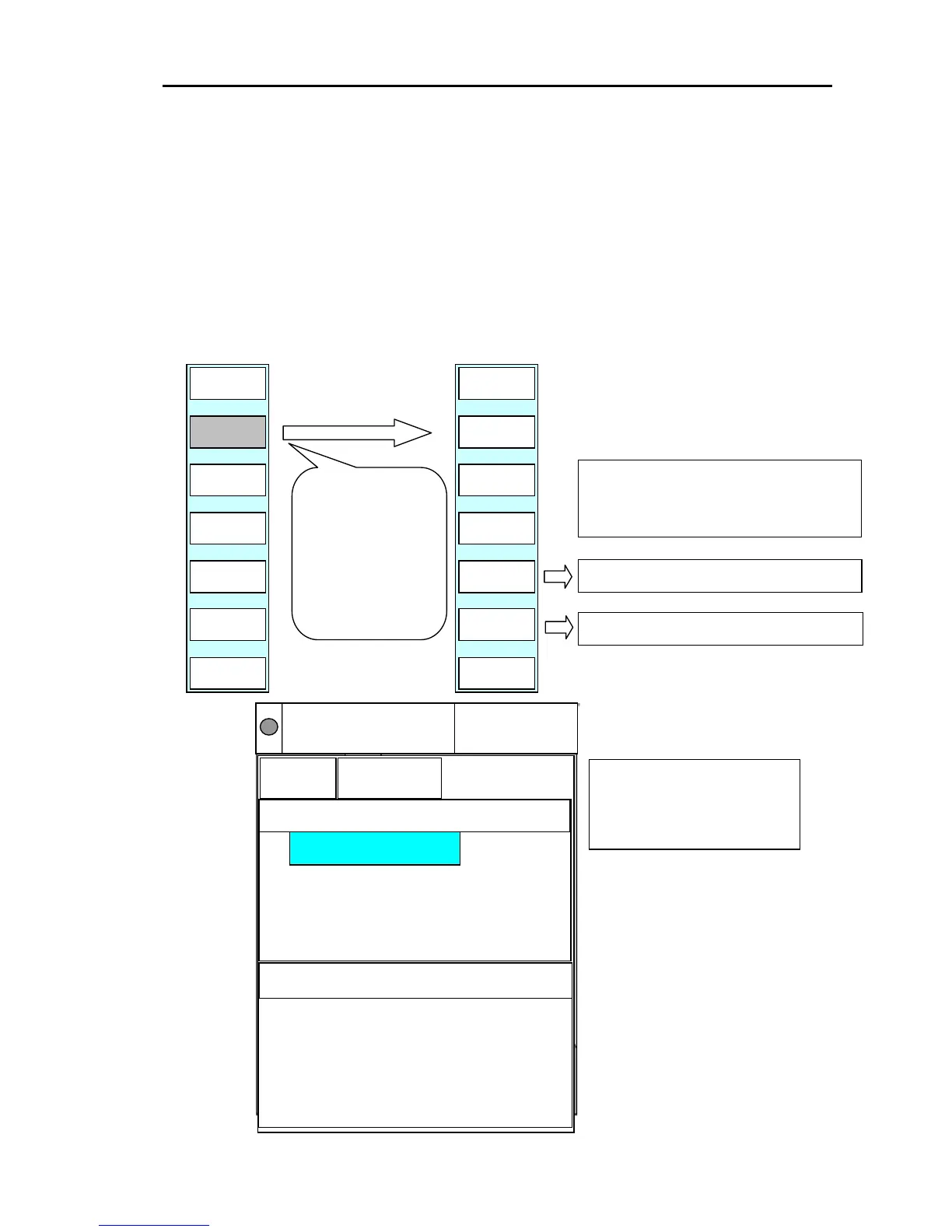
The C-MAP card contains a large quantity of information.
When the cross cursor is off, own ship’s position information is displayed. When the cross cursor is on,
information on the cursor’s position is displayed.
Use the soft key menu’s “INFO” function in displaying the map information.
Move the highlight by the encoder operation, and select the item.
Detailed information on selected items is displayed in the window at the right of the screen.
Display the soft menu (PLOTTER/PAGE1(2)/P FUNC).
PLOTTER/PAGE1(2)/P FUNC
NEXT
PAGE
RETURN
PREV
PAGE
INFO
PLOTTER
PAGE1
DRAW
EDIT
RETURN
A SCL
OFF
DRAW
ERASE
DRAW
CREATE
INFO
PLOTTER
PAGE1
If INFO is set to
ON, the map
information is
displayed on the
screen.
The soft menu
changes to next
page.
NOTE: A soft key to "NEXT PAGE" and
"PREV PAGE" can be used when there
are two or more pages of detailed
information.
Shows previous Detailed information.
Shows next Detailed information.
0003
6nm
12 nm
DGPS
NU(T)
N
135
o
27.611E
210
o
2.3nm
35
o
05.123N
Position
Info
Detailed information
POINT OF INTEREST
|--
|-- ROAD
|-- ROAD
POINT OF INTEREST
OBJECTS<ENCODER>
E
N
COG
SOG
15. 3
359. 5
Kt
°
38 05. 620
138 27. 311
To delete the map information
window, Press the CUR ke



 To Next Page