Chapter 8 MDP-1241/1240/1260/1210
Sounder operation Operation manual
8.3.12 Setting the tone
The color tone of the sounder image can be selected from 3 different types.
Tone 1: 16 colors (Koden standard color mode).
Tone 2: 16 colors (Koden standard color mode without white).
Tone 3: 8 colors (Koden standard 8 color mode).
To set the tone:
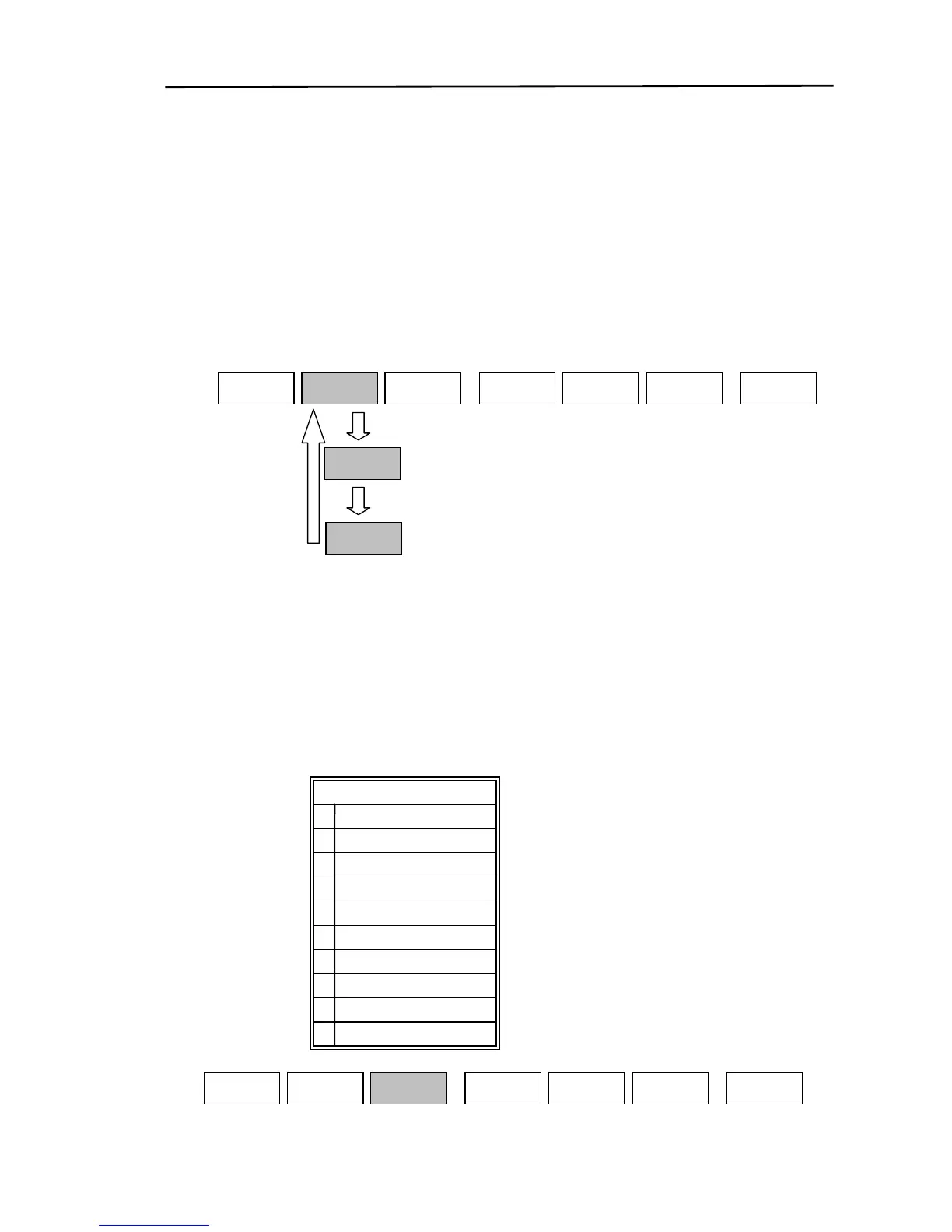
(1) Display the soft menu (SOUNDER/PAGE1 (2)/S FUNC/COLOR).
(2) Every time the “TONE” key is pressed the set value changes from 1→2→3→1.
BKGND
COLOR
RETURN
SOUNDER/PAGE1(2)/S FUNC/COLOR
COLOR
REJ
TONE
1
SOUNDER
PAGE1
TONE
2
TONE
3
8.3.13 Setting the background color
The background color of the sounder screen can be selected from 10 different colors to suit the specific
lighting conditions.
To set the background color:
(1) Display the soft menu (SOUNDER/PAGE1 (2)/S FUNC/COLOR).
(2) If the “BKGND COLOR” key is pressed, the settings menu is displayed.
(3) Use the joystick or the 10 digit keypad to set the background color.
Black
Light ocean green
Ocean green
Darkest Blue
Navy blue
Dark blue
Blue
Light blue
8
White
Dark ocean green
9
7
6
5
4
3
2
1
0
BKGND COLOR
SOUNDER
PAGE1
RETURN
BKGND
COLOR
SOUNDER/PAGE1(2)/S FUNC/COLOR
COLOR
REJ
TONE
1
8-18 0093161202-06



 To Next Page