MDP-621/641/640 Chapter 6
Operation manual Plotter operation
6.5.3 Route navigation by recalling the route registered data
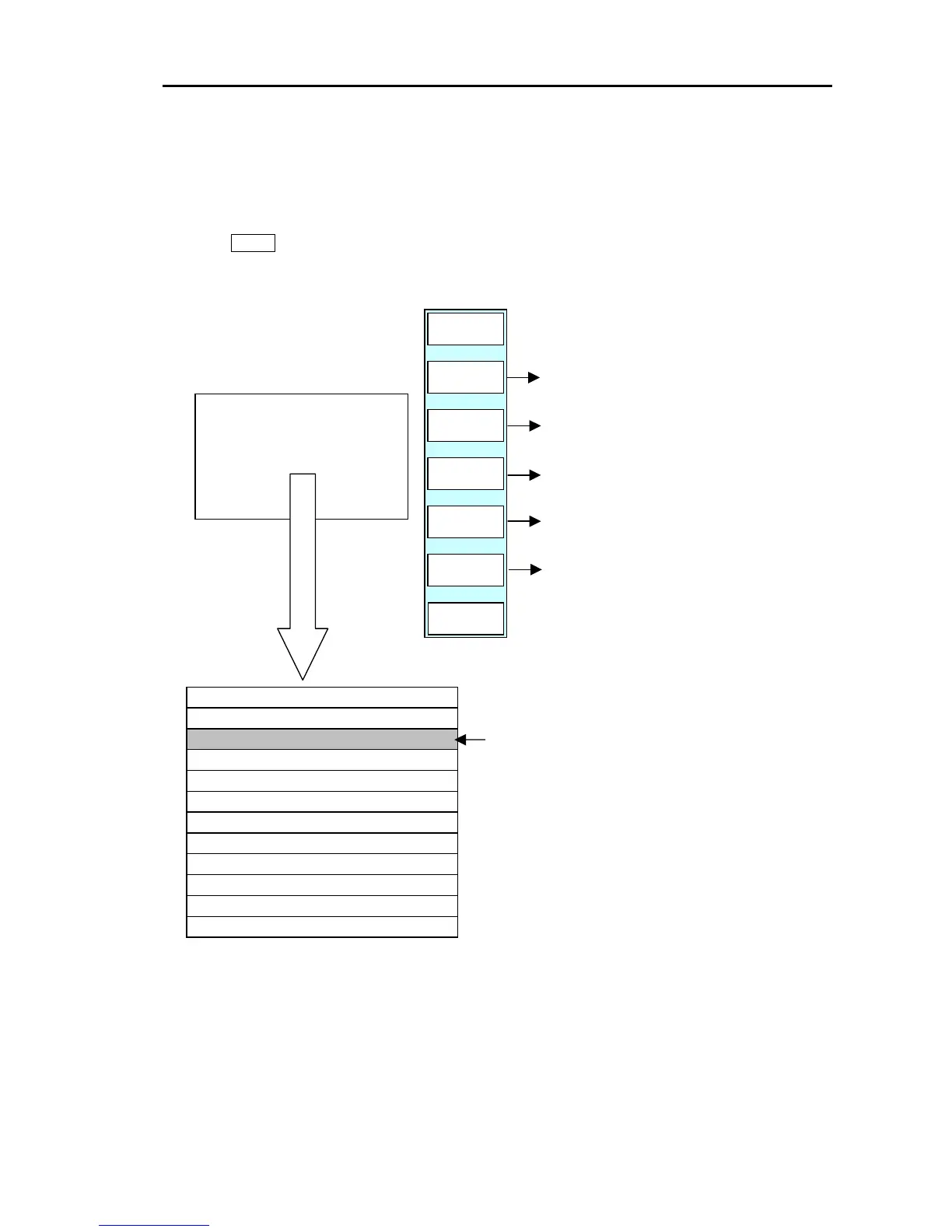
Press the GOTO key to display the soft (GOTO) menu (PLOTTER/GOTO) and then press ”ROUTE”.
The route settings menu and ROUTE LIST are displayed.
GOTO/ROUTE
GOTO
RT NAV
EDIT
DELETE
CHG
D DATA
RETURN
SAVE
ROUTE LIST
PLOTTER
PAGE1
Commences route navigation.
The entered waypoint or route position data is
Registered. (The year, month, day, hour, minute
and second information is automatically registered.)
Changes the contents of the data displayed.
Edits the data selected by the line cursor.
Deletes the registered data.
01 10 ABCDEFGHIJKL
COMMENT
PT
R NO
10
09
08
07
06
05
04 06 GOOD POINT
03 12 BIG FISH
02 05 MNOPQRSTU
ROUTE LIST
Move the line cursor by press the up/down key. (1 key
moves cursor down by one)
To display the next page;
Press the down key (until line cursor exits from the
bottom last row) or press the right key.
To display the previous page;
Press the up key (until line cursor exits from top first
row) or press the left key.
0093161022-06 6-29



 To Next Page