MDP-1241/1240/1260/1210 Chapter 8
Operation manual Sounder operation
8.3.5 Selecting the display image
Selects the screen display mode.
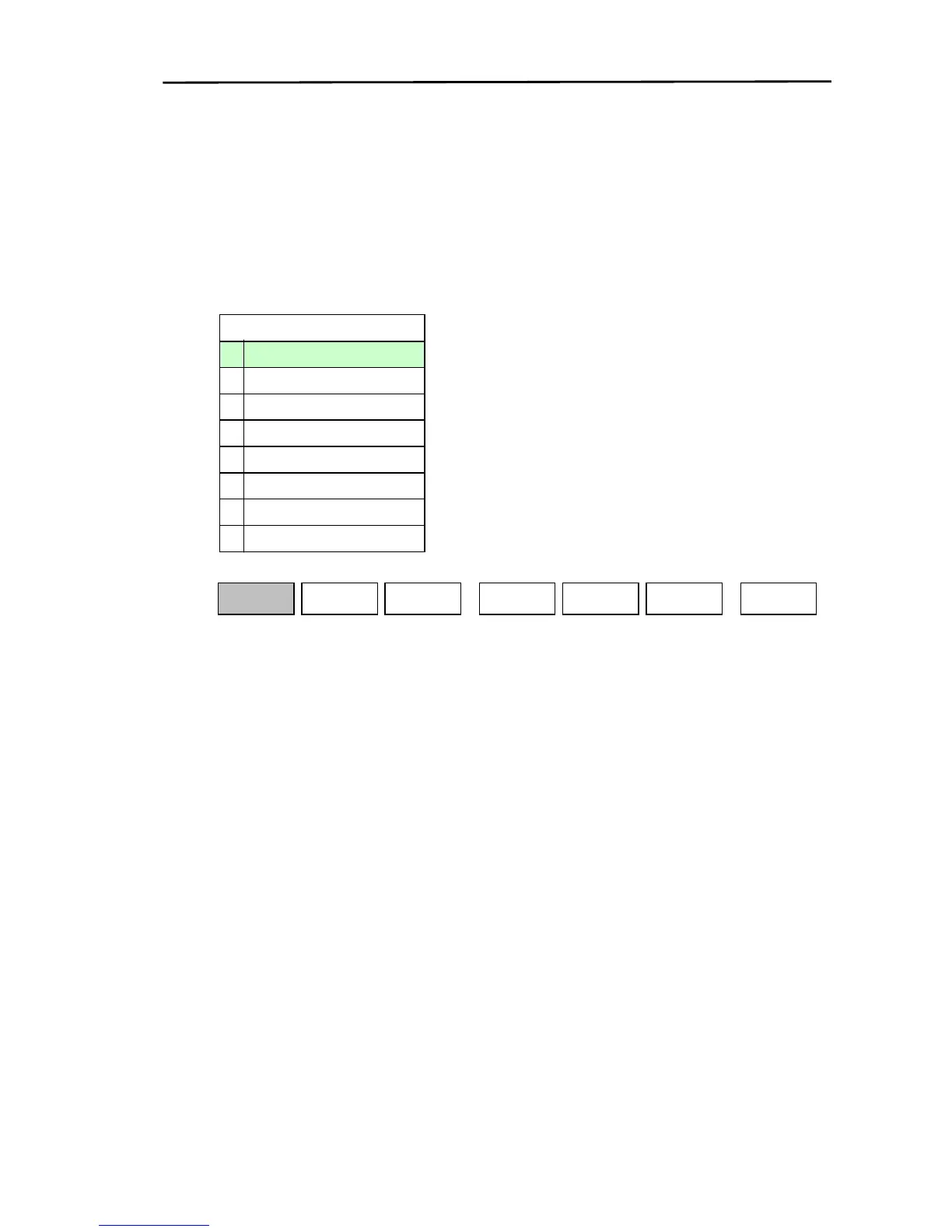
Display the soft menu (SOUNDER/PAGE2/MODE) and press the “D MODE” key.
The display mode selection menu is displayed. Set the screen display mode using the joystick or the
10-digit keypad.
D MODE
7 B.D/NORMAL
6 ZOOM/NORMAL
5 BTM LK/NORMAL
4 DUAL BTM ZOOM
3 BTM ZOOM
2 MIX/NORMAL
1 DUAL FREQ
0 NORMAL
FREQ
SOUNDER/PAGE2/MODE
H
D MODE
Z RNG
RETURN
SOUNDER
PAGE2
The following types of modes are available in the display mode.
(1) Normal: A single frequency (Low frequency or high frequency) display.
(2) Dual Frequency: A low frequency and high frequency combination display.
(3) Mix/Normal: A combination screen and a normal screen together.
(4) Bottom Zoom: An expanded sea bottom display.
(5) Dual Bottom Zoom: A low frequency expanded sea bottom and a high frequency expanded sea
bottom combination display.
(6) Bottom Lock/Normal: An expanded sea bottom screen and a normal screen together.
(7) Zoom/Normal: An expanded area screen and a normal screen together.
(8) Bottom Type Zoom/Normal: An expanded bottom type screen and a normal screen together.
0093161202-06 8-11



 To Next Page