Chapter 6 MDP-621/641/640
Plotter operation Operation manual
6.5.2 Designate the waypoint from the mark registered position
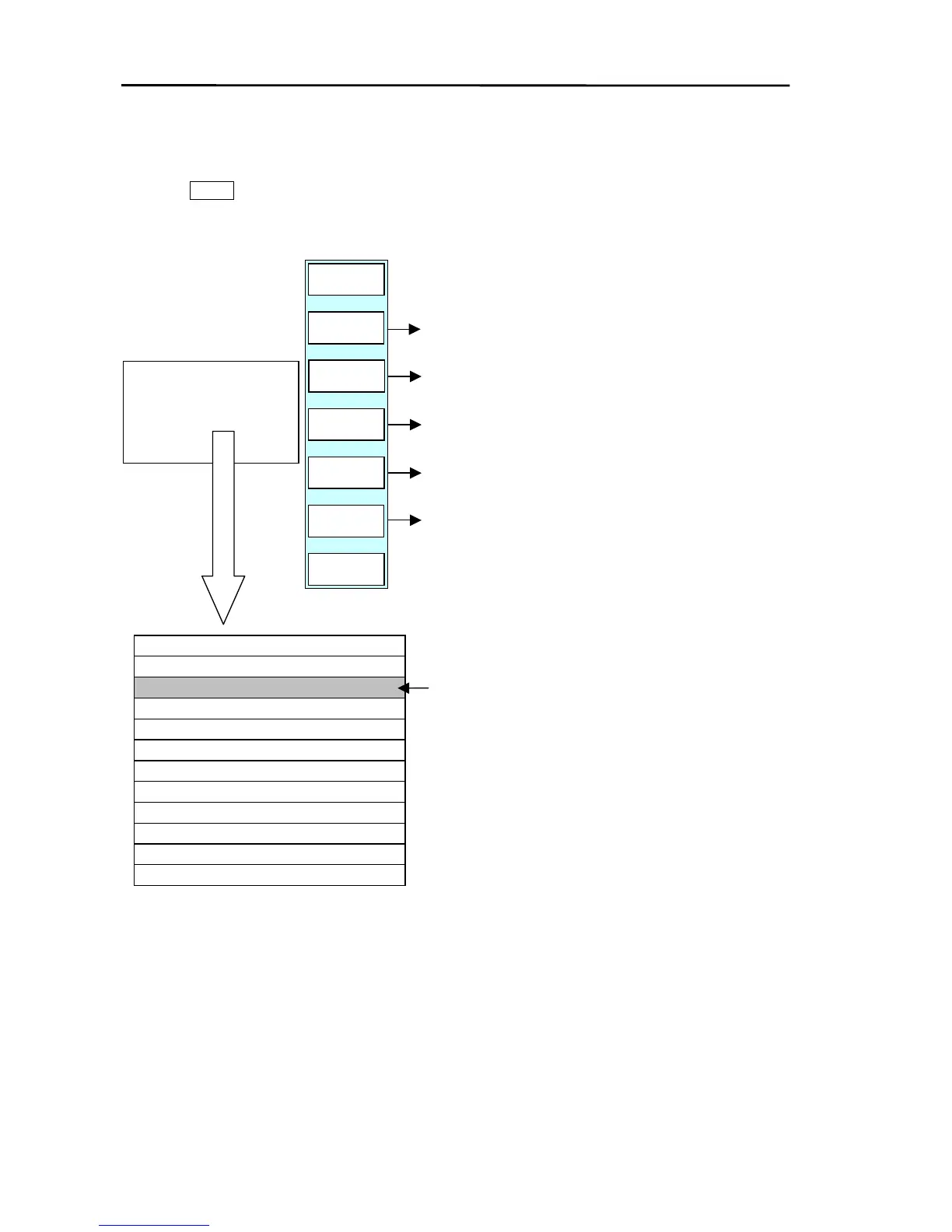
Press the GOTO key to display the soft (GOTO) menu (PLOTTER/GOTO) and then press ”WPT”.
The destination (mark) settings menu and WPT LIST are displayed.
GOTO/WPT
PLOTTER
PAGE1
SEARCH
GOTO
WP NAV
EDIT
SET
D DISP
RETURN
DELETE
WPT LIST
Commences the waypoint navigation.
Searches the list.
Sets up mark and data display method.
Edits the data selected by the line cursor.
Deletes the registration data.
20/100/8300
LON
LAT
M.NO
★ 0009 35°90.000N 135°90.000E
● 0008 35°80.000N 135°80.000E
× 0007 35°70.000N 135°70.000E
0006
0005
▲ 0004 35°40.000N 135°40.000E
● 0003 35°30.000N 135°30.000E
● 0002 35°20.000N 135°20.000E
■ 0001 35°10.000N 135°10.000E
▲ 0000 35°00.000N 135°00.000E
WPT LIST
Move the line cursor by press the up
. (1
key moves cursor down by one)
To display the next page;
Press the down key (until line cursor exits from
the bottom last row) or press the right key.
To display the previous page;
Press the up key (until line cursor exits from top
first row) or press the left key.
(1) Commencing the waypoint navigation
Move the line cursor over the data to be used for the waypoint.
Press the “GOTO WP NAV” key. The position selected by the line cursor is set as the waypoint.
6-22 0093161022-06



 To Next Page