MDP-621/641/640 Chapter 6
Operation manual Plotter operation
(2) Deleting the registration data
(a) Move the line cursor over the data to be deleted.
(b) Press the “DELETE” key.
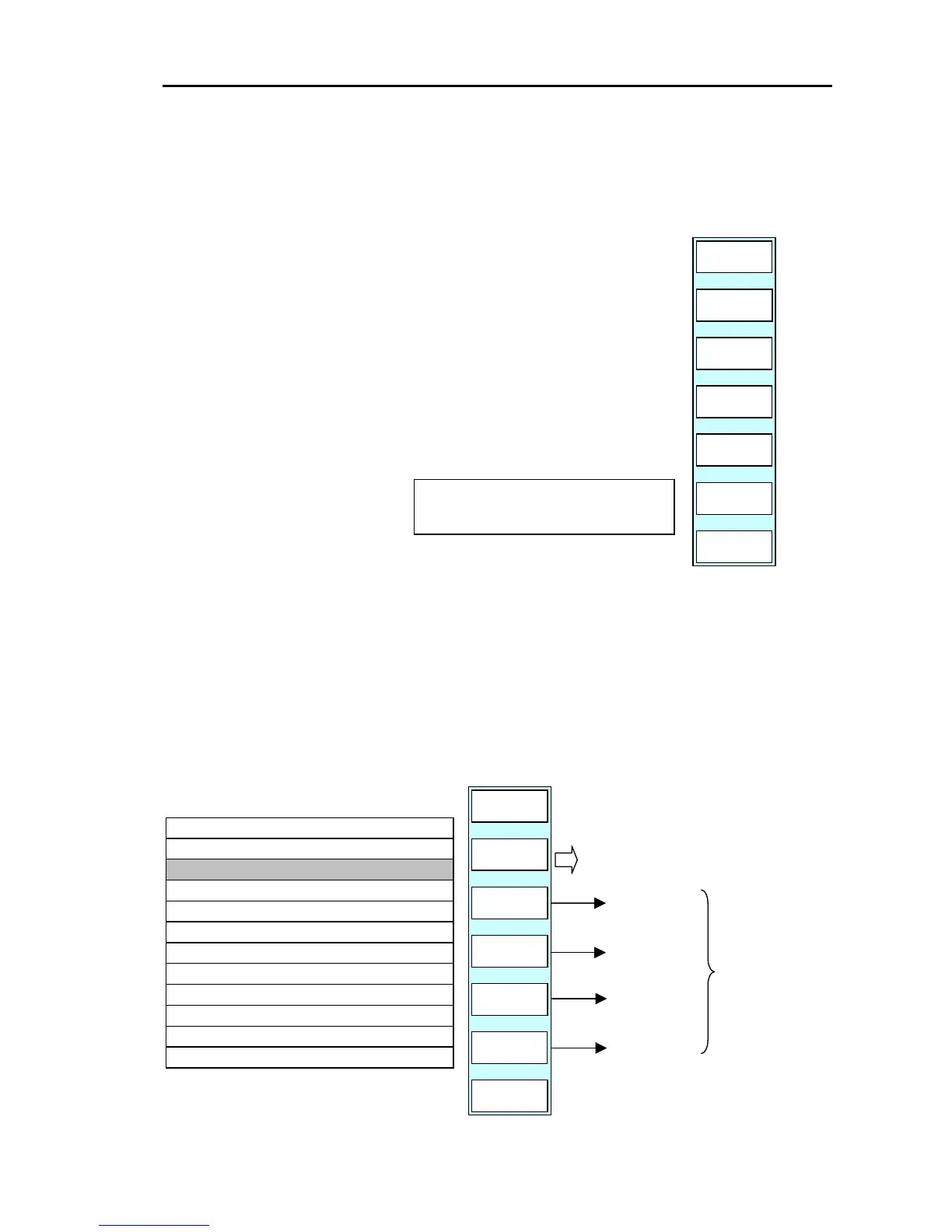
(c) The soft menu turns as shown on the right.
(d) By pressing the “YES” key, the data selected by the line cursor is
PLOTTER
PAGE1
YES
NO
deleted.
The “NO” key brings the display back to the top of the menu.
ASSIGNED ONE WPT WILL BE
ERASED. ARE YOU SURE?
(3) Searching the destination list
If the destination list’s search function is used, the destination data can be easily loaded.
Press the “SEARCH” key to display the search menu.
Setup the mark number, mark color, mark shape and comment and then search the list.
GOTO/WPT/SEARCH
RETURN
ENTER
PLOTTER
PAGE1
COLOR
ALL
M NO
OFF
SHAPE
ALL
The list is searched using the
assigned parameters.
The search results are displayed in
the WPT LIST.
Mark Number
Comment
Mark Color
Mark Shape
CMNT
OFF
20/100/8300
LON
LAT
M.NO
★ 0009 35°90.000N 135°90.000E
● 0008 35°80.000N 135°80.000E
× 0007 35°70.000N 135°70.000E
0006
0005
▲ 0004 35°40.000N 135°40.000E
● 0003 35°30.000N 135°30.000E
● 0002 35°20.000N 135°20.000E
■ 0001 35°10.000N 135°10.000E
▲ 0000 35°00.000N 135°00.000E
WPT LIST
Set up these
parameters
0093161022-06 6-23



 To Next Page