EasyManua.ls Logo

Koden MDP-621 - Page 176

Koden MDP-621
244 pages
Print Icon
To Next Page IconTo Next Page
To Previous Page IconTo Previous Page
Loading...
MDP-621/641/640 Chapter 10
Operation manual MENU operation
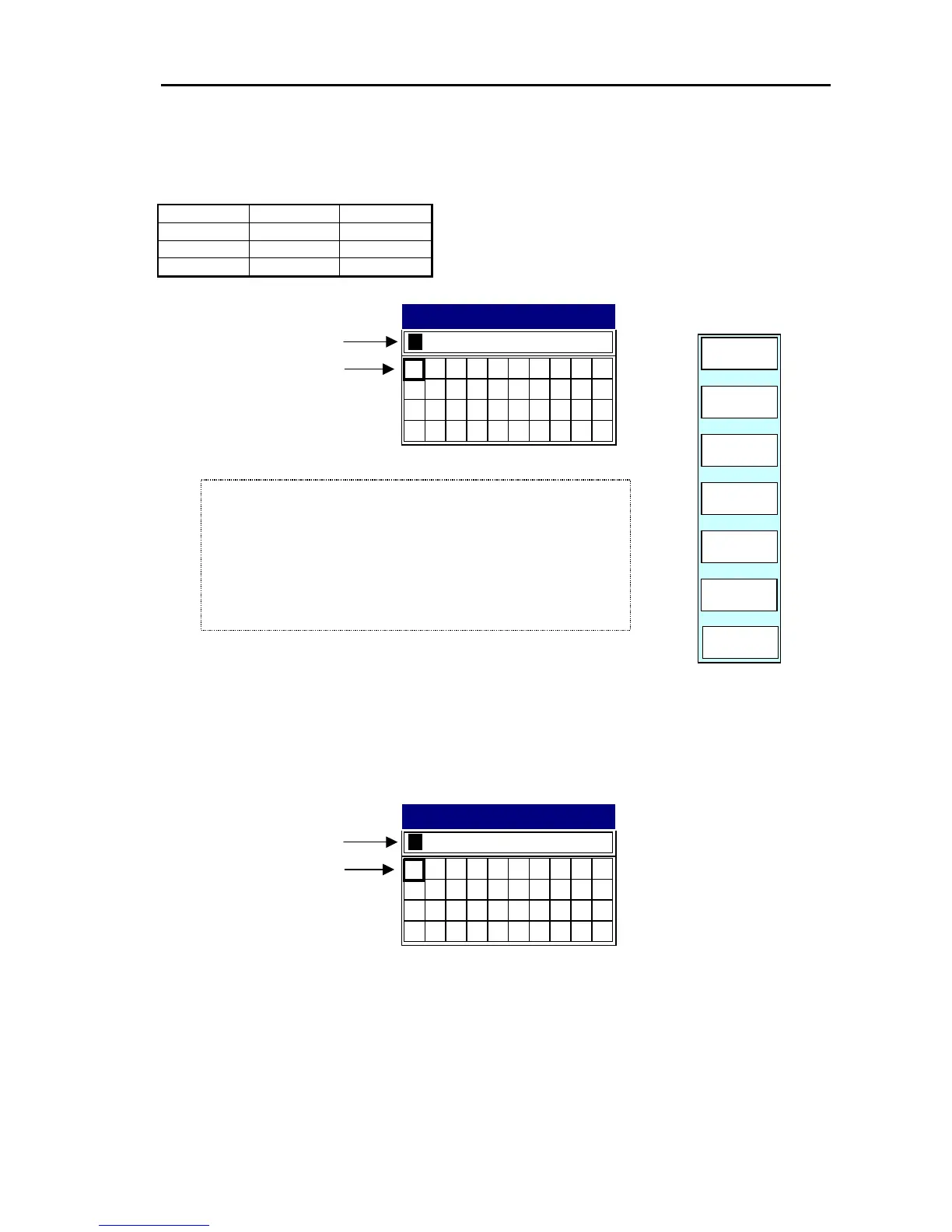
(2) Host Name
Set it as shown in the following table.
Device Host Name Remarks
1st Display RADAR MDP Series
2nd Display CHART1 RGD Series
3rd Display CHART2 RGD Series
89
I
J
S
_
T
.
45
E
O
Y
F
P
Z
6
G
Q
&
7
H
R
#
01
2
3
A
B
K
U
C
D
L
M
N
VWX
RADAR
Host Name
Host Name
Move the cursor with the
left/right cursor key.
RETURN
ENTER
CLEAR
PLOTTER
SYSTEM
Change the figure with
the rotary control.
4) Enter the number with the rotary control.
5) When completed, press the ENTER key to finish the settings.
3) Place the cursor on to the next point to be changed with the
left/right cursor key.
2) Enter the number with the rotary control.
1) Place the cursor on to the point to be changed with the left/righ
t
cursor key.
(3) Radar Source
Set it as follows.
Radar Source
01
2
3
45
A
B
K
U
C
D
E
L
M
N
O
Y
VWX
F
P
Z
6
7
89
G
H
I
J
Q
R
S
_
&
#
T
.
RADAR
Move the cursor with the
left/right cursor key.
Change the figure with
the rotary control.
0093161022-06 10-15

Table of Contents

Related product manuals