Chapter 10MDP-621/641/640
MENU operation Operation manual
(3) Setting the water temperature units
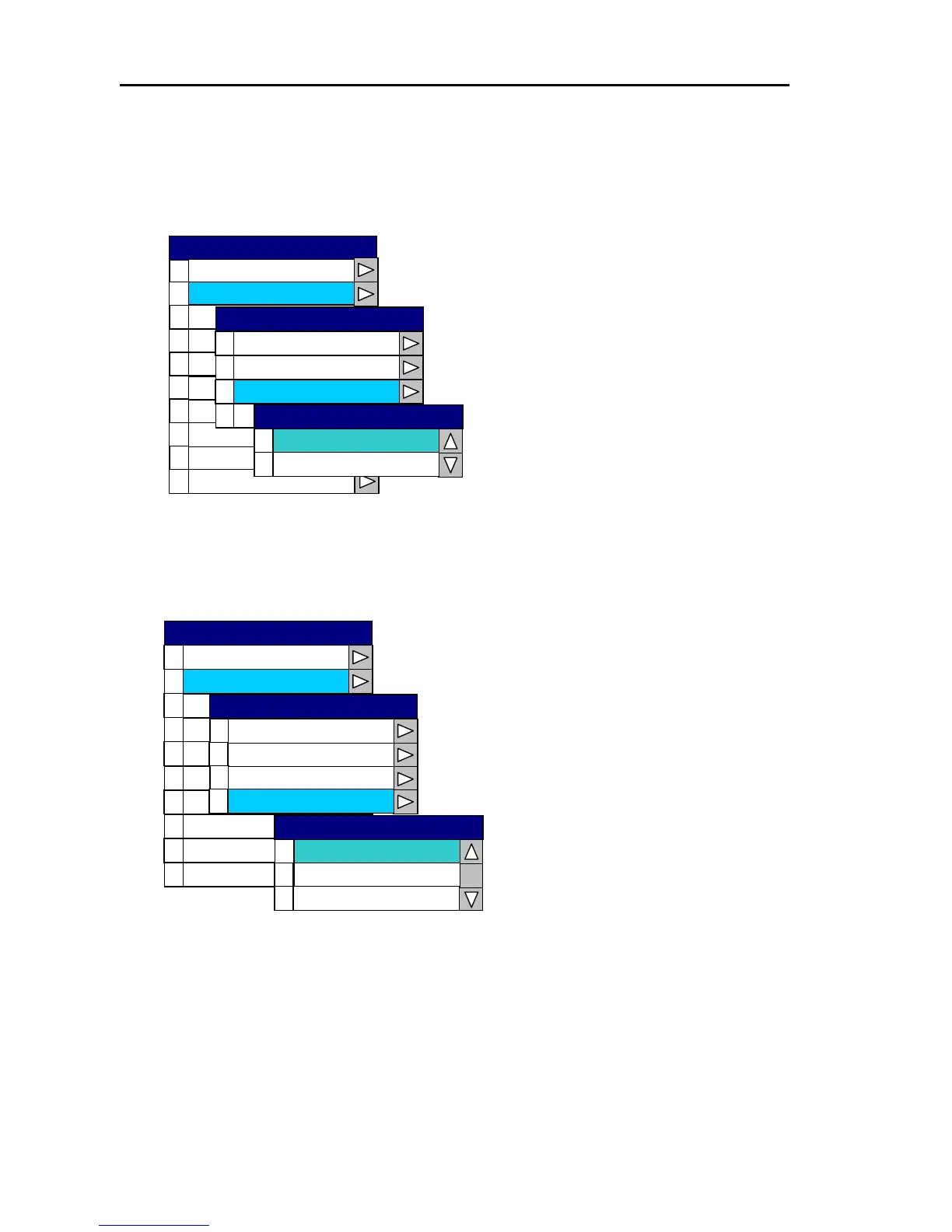
Open the System Menu → 1 Display → 2 Temperature Unit and select either Celsius or
Fahrenheit.
0
SYSTEM
1
2
3
4
5
6
7
8
9
Buzzer Set
Display
Source Set
Cor cre tion
Cur rso Type
Are ea S t
Simulation
Language
Network S uet p
System Check
0
1
2
3
Position Display
Temperature Unit
0
C
°
1
F
°
Temperature Unit
Depth Unit
Range & Speed Unit
Display
Sets the temperature units.
(4) Setting the position display
Open the System Menu → 1 Display → 3 Position Display and select either Lat/Lon, Loran C or
Decca.
0
1
2
3
4
5
6
7
8
9
Source Set
Cor ctre ion
Cur r so Type
Are ea S t
Simulation
Language
Network Setup
System Check
0
1
Depth Unit
2
3
Temperature Unit
0
1
2
Decca LOP
Loran C LOP
LAT / LON
Position Display
Position Display
Range & Speed Unit
Display
Display
Buzzer Set
SYSTEM
10-6 0093161022-06



 To Next Page