MDP-1241/1240/1260/1210 Chapter 9
Operation manual
Navigation Data operation
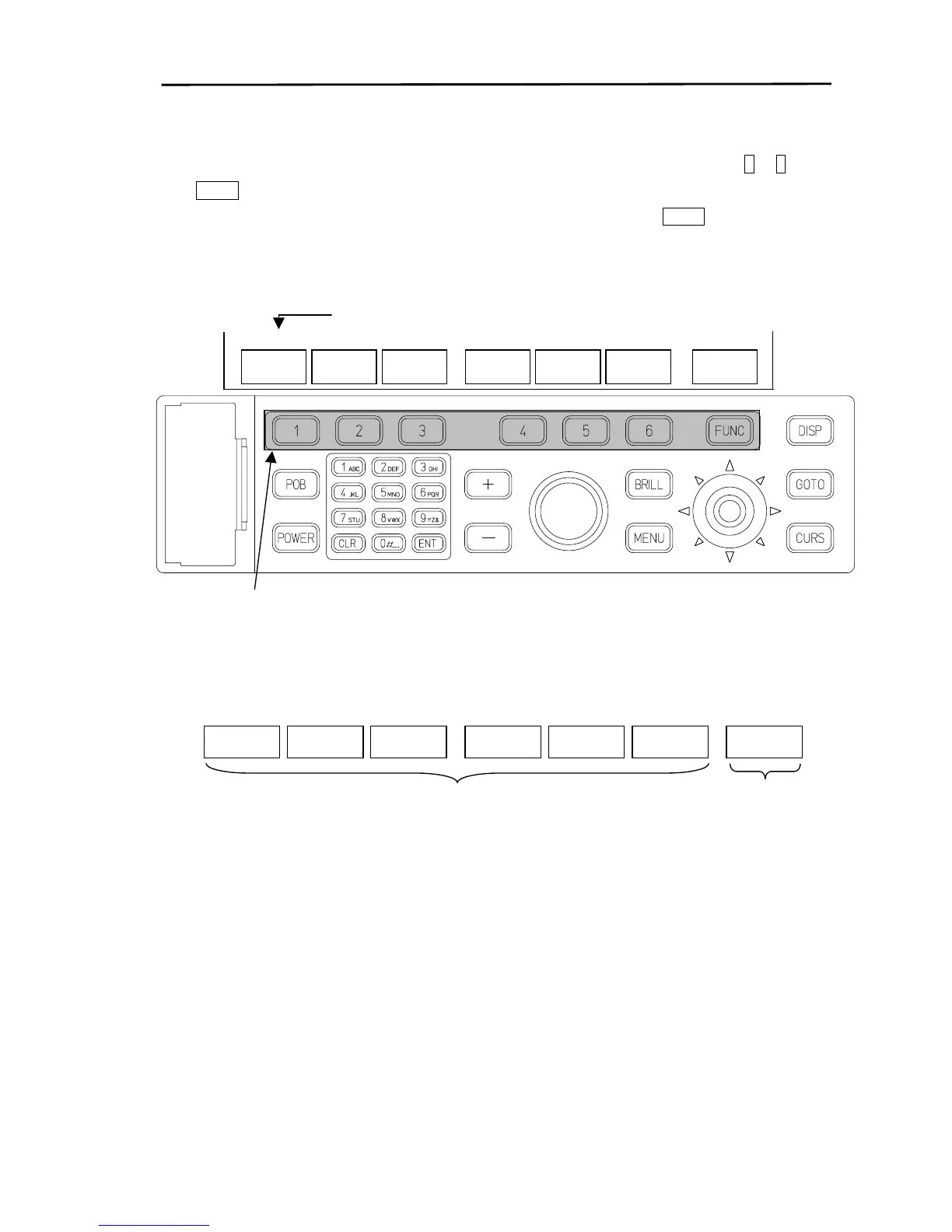
(2) Displaying the soft menu
The soft menu is displayed at the bottom of the screen by pressing a soft key from 1 to 6 or the
FUNC key.
When the soft menu for Plotter, Radar or Sounder is displayed and the FUNCkey is pressed the
menu changes to Navigation Data (NAV).
Directory display
NAV/PAGE1
NAV
POS
If a soft key from 1 to 6 or the FUNC key is pressed, the soft menu will be displayed.
NAV/PAGE1
NAV
ALARM
DATA
POS
Corresponding to soft keys “1” to “6”;
DATA: Changes the display data.
ALARM: Displays the alarm menu.
The operating
function changes
in accordance with
the FUNC key.
0093161202-06 9-3



 To Next Page