Chapter.7 MDP-621/641/640
Radar operation Operationmanual
7-20 93161022-03
RADAR/PAGE1(2)/R FUNC/ATA
TGT NO
XX
DELETE
DELETE
ALL
DATA
RETURN
ACQ
RADAR
PAGE1
TGT NO
0
1
2
3
〇
〇
−
−
4
5
6
〇
〇
〇
7
8
9
−
〇
−
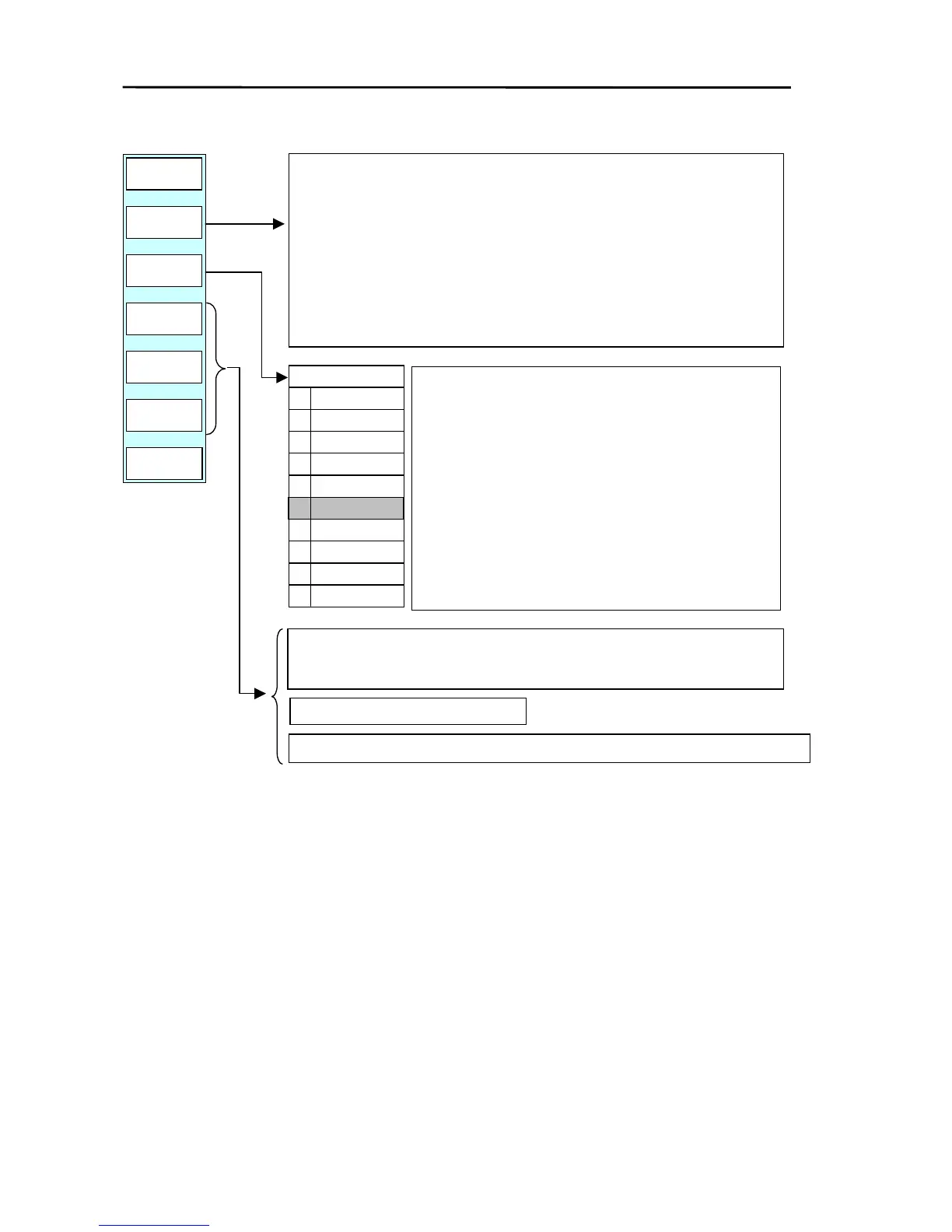
Acquires the target. (Maximum of 10 targets)
Position the cross cursor over the target to be acquired and press the key.
Once the target has been acquired an ATA tracking symbol and a targe
number are displayed on the screen.
The target is automatically assigned a free (unused) target number.
After acquiring 10 targets, a warning message will be displayed and furthe
target acquisition will not be allowed.
Selects the target number.
If the “TGT NO”key is pressed, the following menu is
displayed. Use the up/down key or the rotary control to
select a number.
〇:Target is being tracked - : Free (unused)
This function is used for deleting the target number by
the “DELETE” key and for assigning the number of the
target data display by the “DATA” key.
Deletes the acquisition of the target designated by the “TGT NO”.
In the table above, the target number 5 acquisition is deleted.
Deletes all acquisition of targets.
Turns the ATA information ON/OFF for the target designated by the “TGT NO”.



 To Next Page