Chapter 10MDP-621/641/640
MENU operation Operation manual
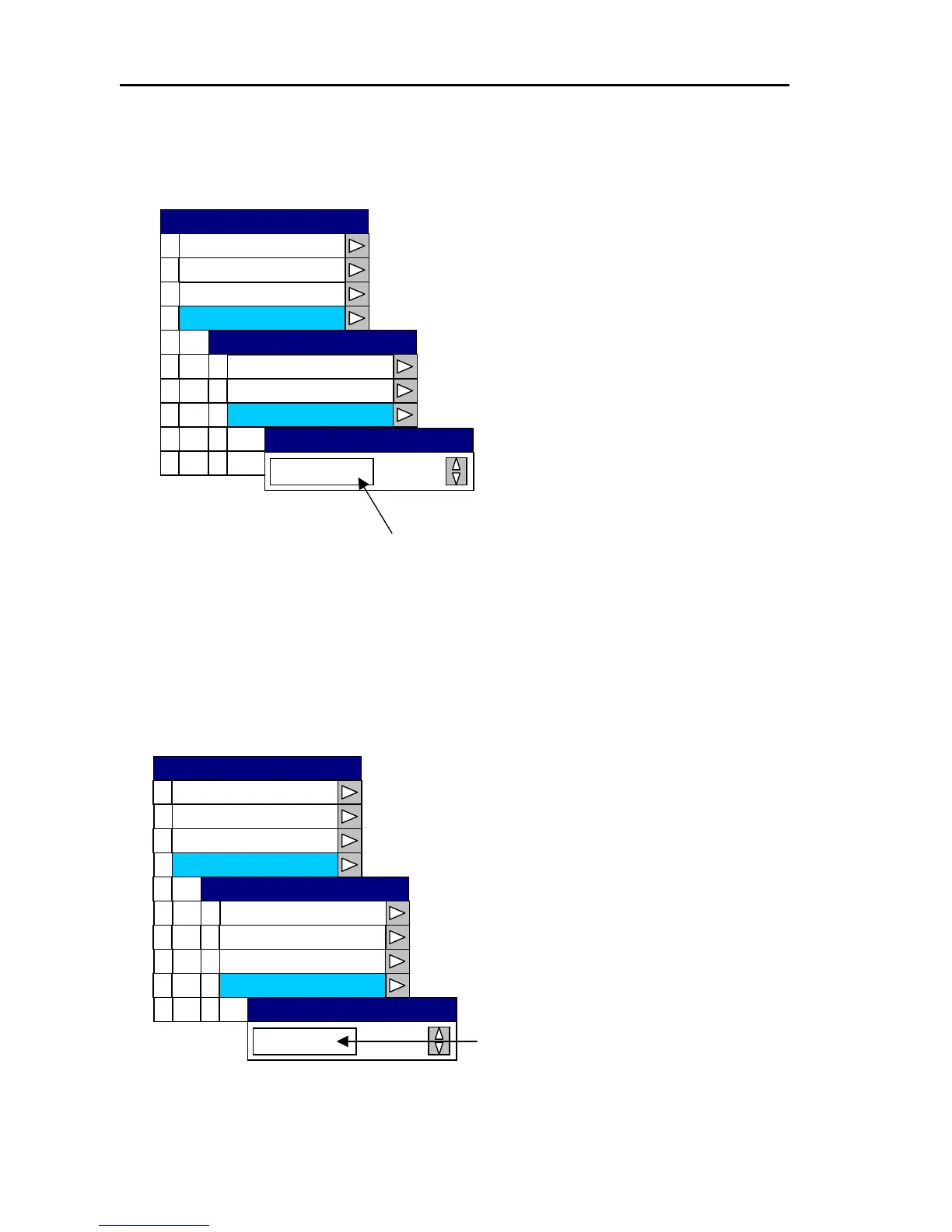
(3) Setting the magnetic correction
Open the System Menu→3 Correction →2 Magnetic Set and enter the magnetic correction value.
Setting range: -180.0 〜 +180.0
0
1
2
3
4
5
6
7
8
9
Cursor Type
Area e S t
Simu tla ion
Language
Netw kor Setup
System Che k c
0
1
2
3
Water Temp
4
Boat Speed
°
+007.0
Magnetic Set
Magnetic Set
Magnetic Source
Magnetic
Correction
Correction
Source Set
Display
Buzzer Set
SYSTEM
Set the magnetic correction value
with the rotary control.
(4) Setting the water temperature correction
Open the System Menu→3 Correction →3 Water Temp and set the correction value for the water
temperature.
Set the water temperature
correction value with the
rotary control.
0
1
2
3
4
5
6
7
8
9
Cursor Type
Area e S t
Simu tla ion
Language
Netw kor Setup
System Check
0
1
2
3
4
Boat Speed Water Temp
℃
Setting range: -10 〜 +10℃
+ 0.8
Water Temp
Magnetic Set
Magnetic Source
Magnetic
Correction
Correction
Source Set
Display
Buzzer Set
SYSTEM
10-10 0093161022-06



 To Next Page