MDP-621/641/640 Chapter 10
Operation manual MENU operation
(1) MARK STORE
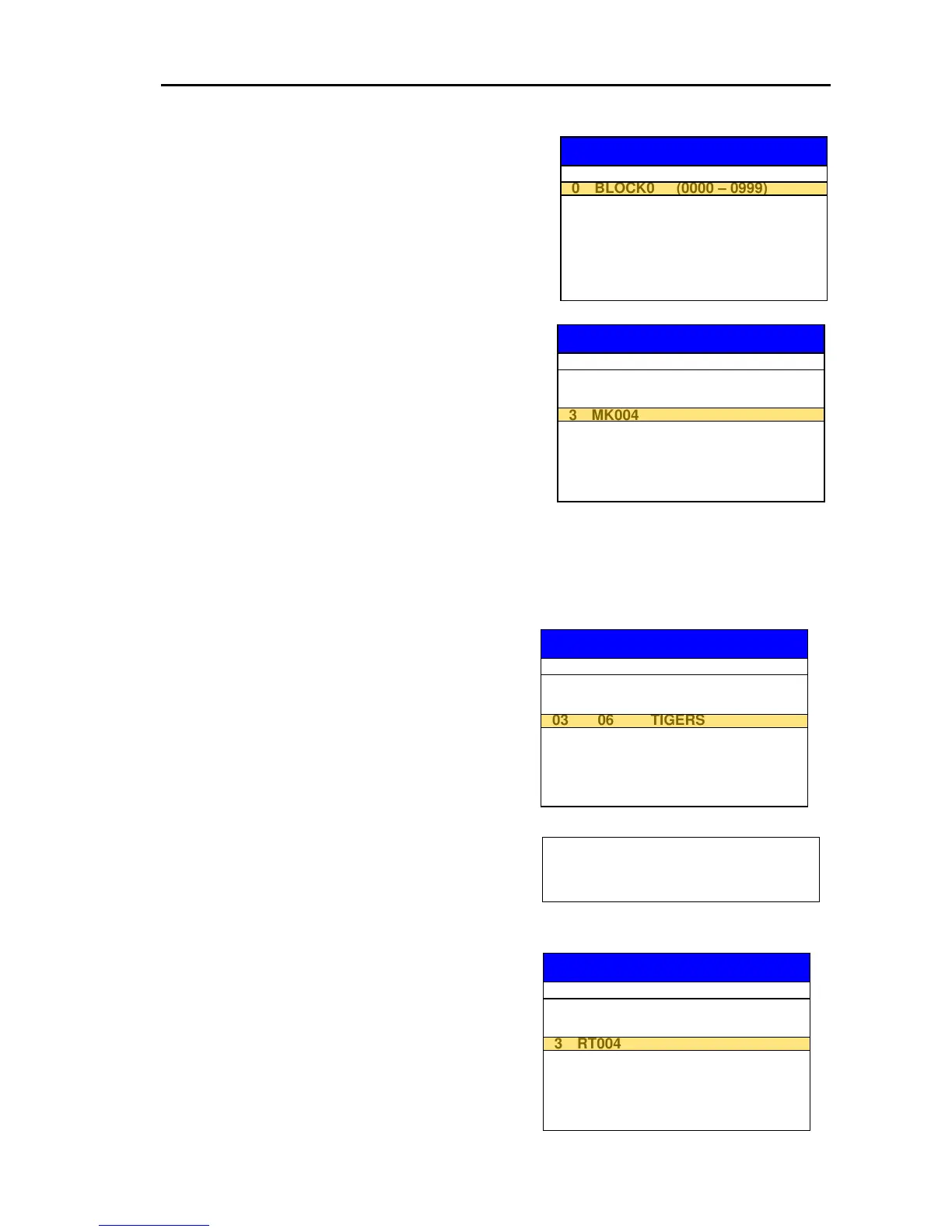
(a) Press the “MARK BLOCK” key to display the
MARK BLOCK SELECTION list.
(b) Move the line cursor with the Joystick to select a
MARK number to be stored. (Selected from 9
blocks)
(c) Press the “FILE NAME” key to display the FILE
NAME selection list shown right. (The line cursor
highlights the most recent number of unused
memory group)
(d) Select the FILE NAME to which the User C-Card
to be saved. (The previous data will be deleted
when new data is stored into an already registered
number)
(e) When both MARK BLOCK and FILE NAME are
assigned the tinted “STORE” key accordingly turns to normal black and becomes active.
(f) Pressing the “STORE” key permits the assigned MARK data to be stored into the FILE
designated.
(2) ROUTE STORE
(a) Press the “ROUTE” key to display the ROUTE
SELECTION list.
(b) Move the line cursor to select the ROUTE
number to be stored. (Selected from 50 routes)
(c) Press the “FILE NAME” key to display the FILE
NAME selection list. (The line cursor highlights
the most recent number of unused memory group)
MARK STORE
MARK BLOCK SELECTION
R.NO PT COMMENT
01 5 ABCDEFG
02 12 KOBE
03 06 TIGERS
04 08 HANSHIN
05
06
07
08
09
(d) Select the FILE NAME to which the User
C-Card to be stored.
(The previous data will be deleted when new
data is stored into an already registered number)
(e) When both “ROUTE” and FILE NAME are
assigned the tinted STORE key accordingly
turns to normal black and becomes active.
(f) Pressing the “STORE” key permits the assigned
ROUTE data to be transferred to the FILE
designated.
ROUTE STORE
DESTINATION FILE SELECTION



 To Next Page