Chapter 10MDP-621/641/640
MENU operation Operation manual
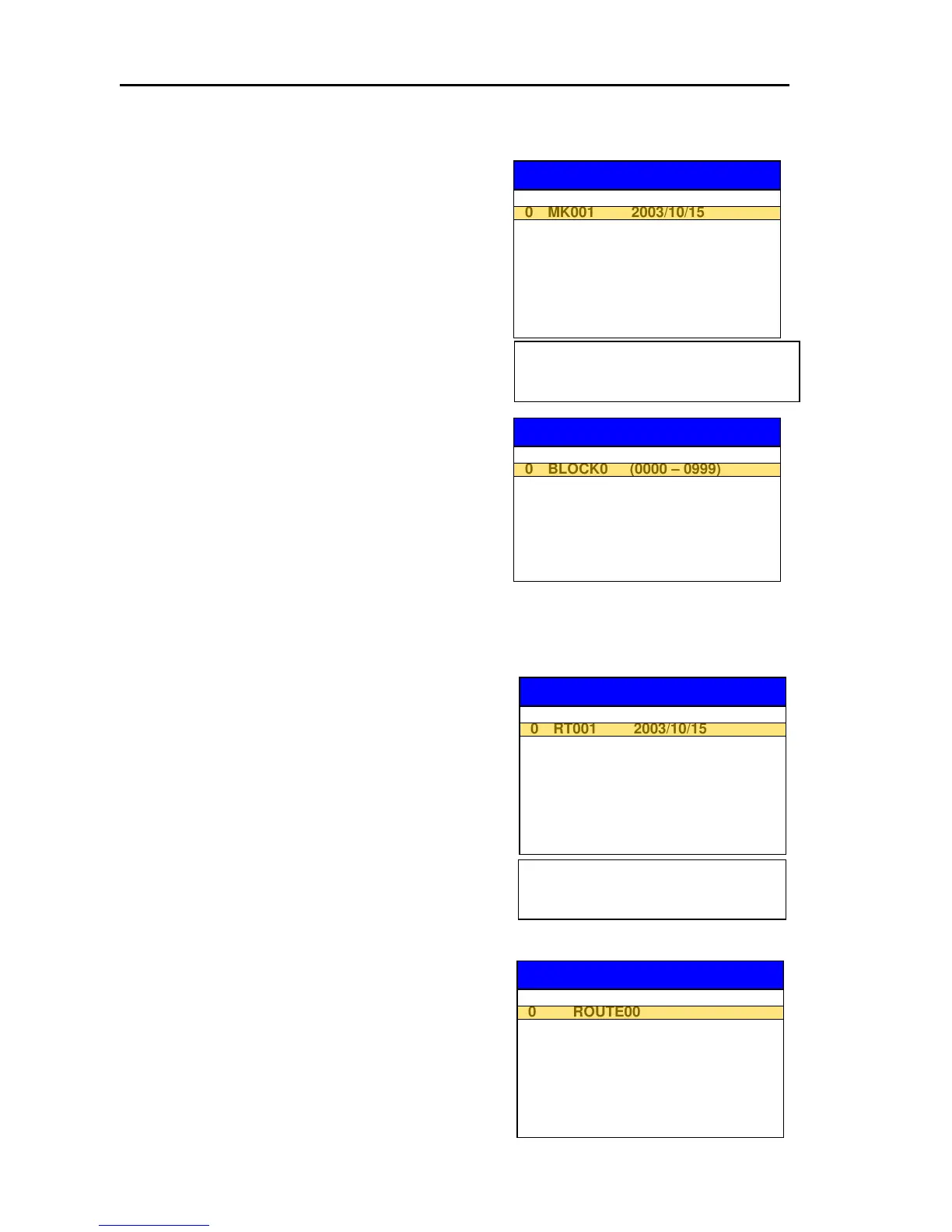
(1) MARK RECALL
(a) Press the “FILE NAME” key to display the
SOURCE FILE SELECTION list.
(b) Select the FILE NAME to be read out from the
SOURCE FILE SELECTION list.
(c) Press the “MARK BLOCK” key to display the MARK
BLOCK SELECTION list.
(d) Move the line cursor to select the M.NO (memory
number) for the MARK data to be recalled.
(Selected from 9 blocks)
MARK RECALL
MARK BLOCK SELECTION
1 BLOCK1 (1000 – 1999)
BLOCK NO M.NO
MARK RECALL
SOURCE FILE SELECTION
5
1 MK002 2003/10/16
2 MK003 2003/10/17
3 MK004 2003/10/17
4 MK005 2003/10/18
5 MK006 2003/10/19
6 MK007 2003/10/20
7 MK008 2003/10/21
8 MK009 2003/10/22
9 MK010 2003/10/23
FILE NAME DATE
Pressing the LIST key displays the
details of the FILE data which is
highlighted.
2 BLOCK2 (2000 – 2999)
3 BLOCK3 (3000 – 3999)
4 BLOCK4 (4000 – 4999)
5 BLOCK5 (5000 – 5999)
6 BLOCK6 (6000 – 6999)
7 BLOCK7 (7000 – 7999)
8 BLOCK8
(e) When both FILE NAME and MARK BLOCK are
assigned, the tinted “RECALL” key accordingly
turns to normal black and becomes active.
(f) Pressing the “RECALL” key permits the MARK
data to be transferred from User C-Card to a
designated memory
(2) ROUTE RECALL
(a) Press the “FILE NAME” key to display the SOURCE
FILE SELECTION list.
(b) Select the FILE NAME to be read from the User
C-Card.
(c) Press the “ROUTE” key to display the ROUTE
SELECTION list.
(d) Move the line cursor to designate a ROUTE
memory number to be recalled. (Selected from 50
ROUTEs)
ROUTE RECALL
ROUTE SELECTION
1 ROUTE01
NO ROUTE
ROUTE RECALL
SOURCE FILE SELECTION
5
1 RT002 2003/10/16
2 RT003 2003/10/17
3 RT004 2003/10/17
4 RT005 2003/10/18
5 RT006
6 RT007
7 RT008
8 RT009
9 RT010
FILE NAME DATE
Pressing the LIST key displays the
details of the FILE data which is
highlighted.
2 ROUTE02
3 ROUTE03
4 ROUTE04
5 ROUTE05
6 ROUTE06
7 ROUTE07
8 ROUTE08
9 ROUTE09
(e) When both FILE NAME and ROUTE are assigned,
the tinted “RECALL” key accordingly turns to
normal black and becomes active.
(f) Pressing the “RECALL” key permits the user
C-Card data to be transferred to a designated
ROUTE NO memory
10-32 0093161022-06



 To Next Page