MDP-621/641/640 Chapter 10
Operation manual MENU operation
(2) ROUTE ERASE
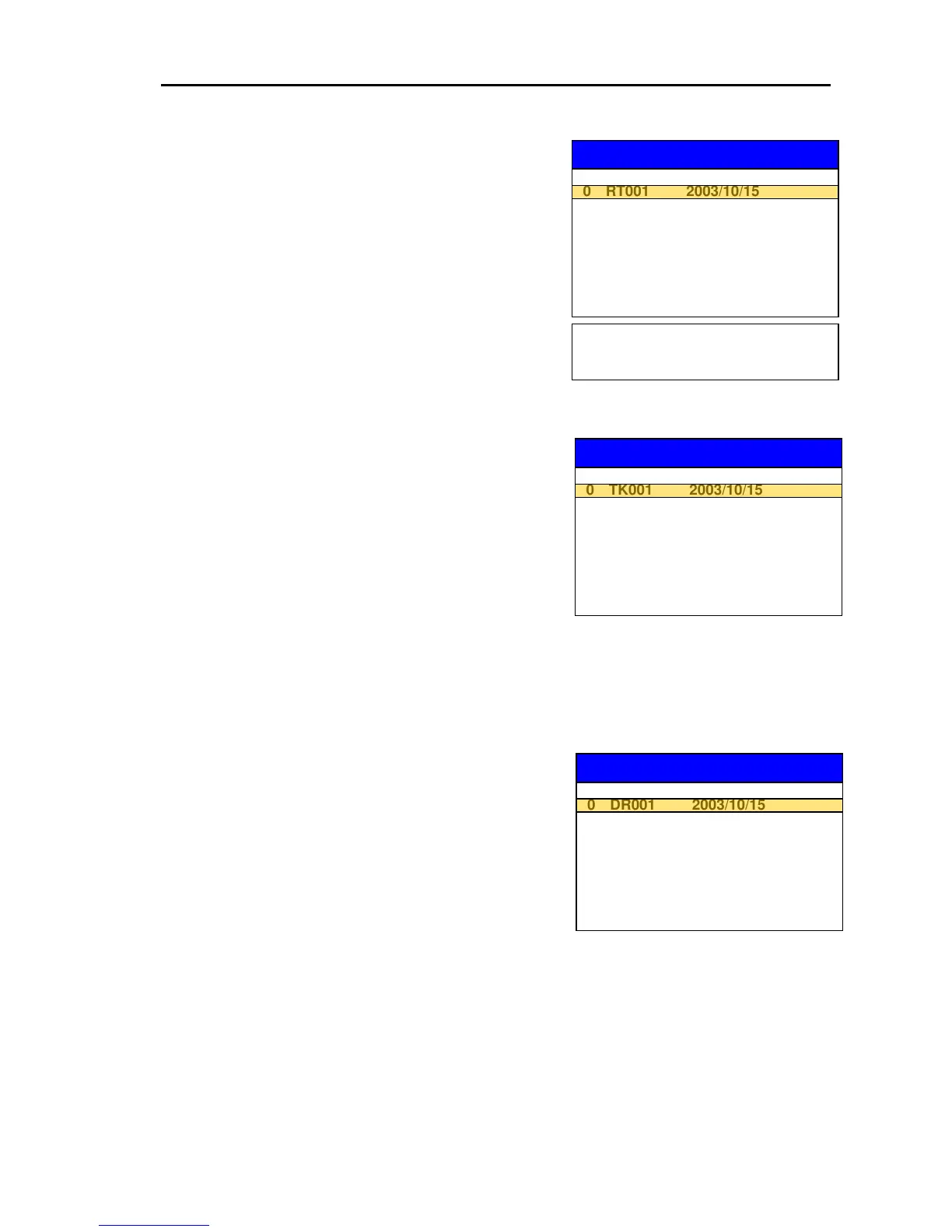
(a) Press the “FILE NAME” key to display the ERASE
FILE SELECTION list.
(b) Select the FILE NAME to be deleted from the User
C-Card.
(c) Once the FILE NAME is selected, the tinted
“ERASE” key accordingly turns to normal black and
becomes active.
ROUTE ERASE
ERASE FILE SELECTION
5
1 RT002 2003/10/16
FILE NAME DATE
2 RT003 2003/10/17
3 RT004 2003/10/17
4 RT005 2003/10/18
5 RT006
6 RT007
7 RT008
8 RT009
9 RT010
Pressing the LIST key displays the
details of the FILE data which is
highlighted.
(d) Pressing the “ERASE” key permits the FILE data
designated in the User C-Card to be deleted.
(3) TRACK ERASE
(a) Press the “FILE NAME” key to display the ERASE
FILE SELECTION list.
(b) Select the FILE NAME to be deleted from the User
C-Card.
(c) Once the FILE NAME is selected, the tinted
“ERASE” key accordingly turns to normal black and
becomes active.
(d) Press the “ERASE” key to permit the FILE data designated in the User C-Card to be deleted.
(4) DRAWING ERASE
(a) Press the “FILE NAME” key to display the ERASE
FILE SELECTION LIST.
(b) Select the FILE NAME to be deleted from the User
C-Card.
(c) Once the FILE NAME is selected, the tinted
“ERASE” key accordingly turns to normal black and
becomes active.
TRACK ERASE
ERASE FILE SELECTION



 To Next Page