Chapter 10MDP-621/641/640
MENU operation Operation manual
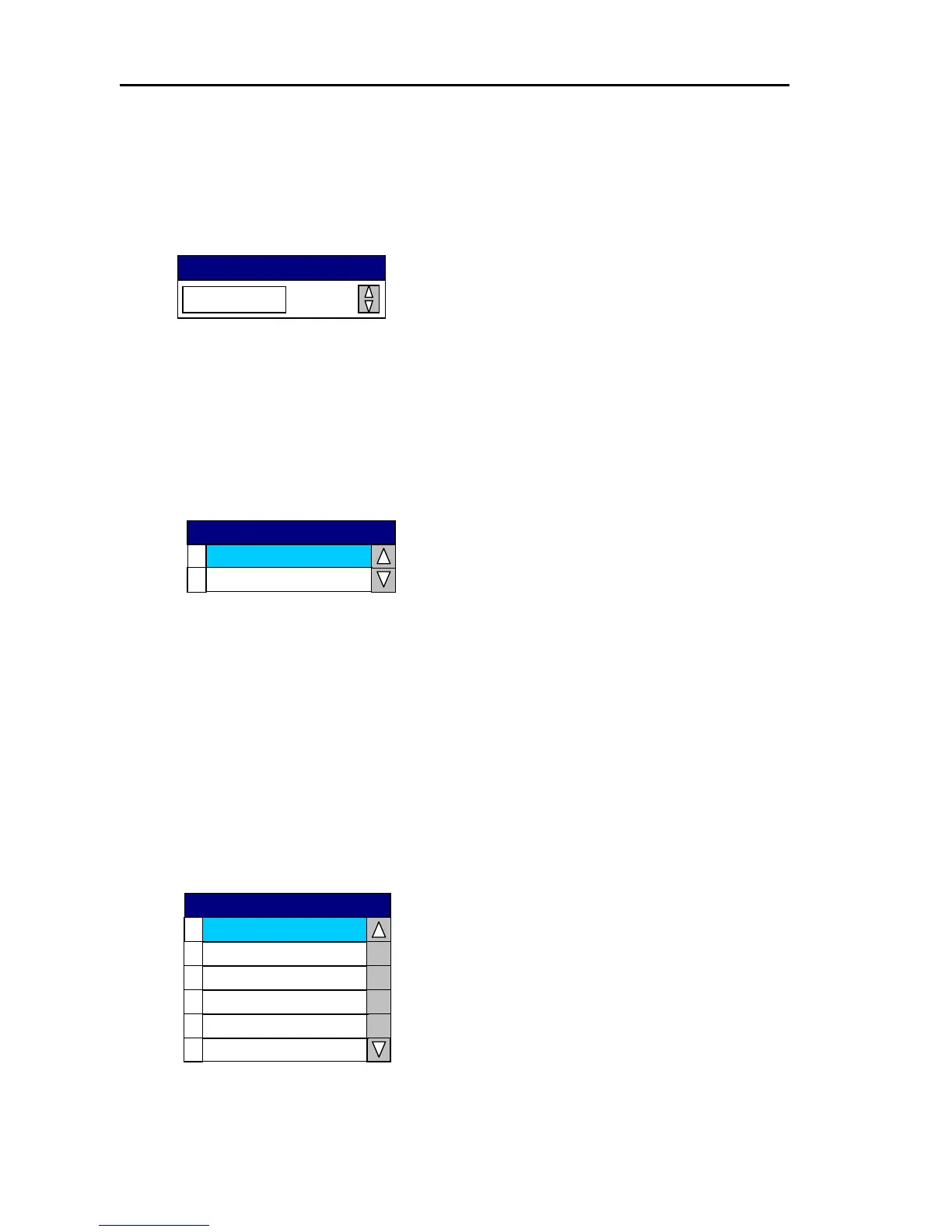
(6) Own Track Interval
Set the plotting interval for own ship’s track.
Selection:CONT, 15sec, 30sec, 1min, 3min, 6min
Initial setting: 3min
3min
OWN Track Interval
(7) Hold
The Hold function retains the screen image for 30 seconds after the unit is set from transmit to
standby.
Use this function when you want to retain the current radar screen image.
The EBL and VRM functions can be operated during the Hold function is active.
0
OFF
1
ON
Hold
(8) Video proc.SW.
Set up the Video processing switch.
Selections: 0/ A1:High contrast, Expansion Normal
1/ A2: High contrast, Expansion Medium
2/ A3: High contrast, Expansion Large
3/ B1: Low contrast at long range, Expansion Normal
4/ B2: Low contrast at long range, Expansion Medium
5/ B3: Low contrast at long range, Expansion Large
Initial Setting: 0/ A1
B3
4
0
A1
1
A2
4
B2
2
A3
3
B1
Video Proc
10-46 0093161022-06



 To Next Page