MDP-621/641/640 Chapter 10
Operation manual MENU operation
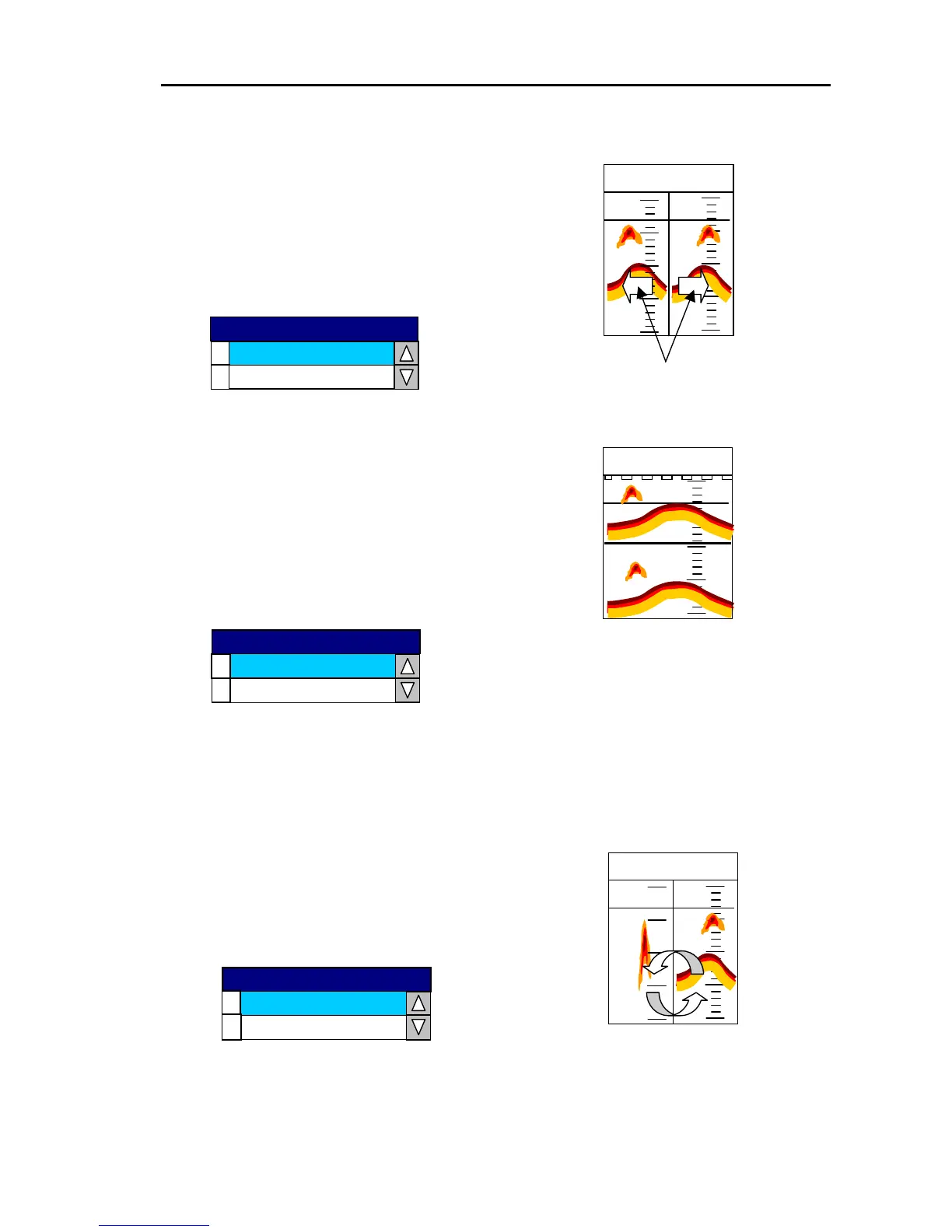
(7) Image Direction
Selects the direction the image moves in dual frequency
Image Direction
150
58.5
←|→
mode.
Selections: 0/ ←|←
1/ ←|→
Initial Setting: 0/ ←|←
0
←|←
1
←|→
Image Direction
(8) Image Split
Width split selected
10secs or 1min
150
58.5
Selects the type of dual screen split.
Selections: 0/ Length
1/ Width
Initial Setting: 0/ Length
Image Split
0
Length
1
Width
(9) Image Swap
Swaps the dual screen images.
The screen images can be swapped up/down or left/right.
Selections: 0/ A|B
1/ B|A
Initial Setting: 0/ A|B
0
A | B
1
B | A
Image Swap
0093161022-06 10-59



 To Next Page