KRONE operation terminal Gamma
104
Pos: 26.30.11 /BA/I nfo-Center/Ladewagen/ Hauptmenüs/Haupt menü 1 Einstellungen/ Menü 1-4 Kontrast 2/2 @ 0\mod_120 0662786412_78. doc @ 46725
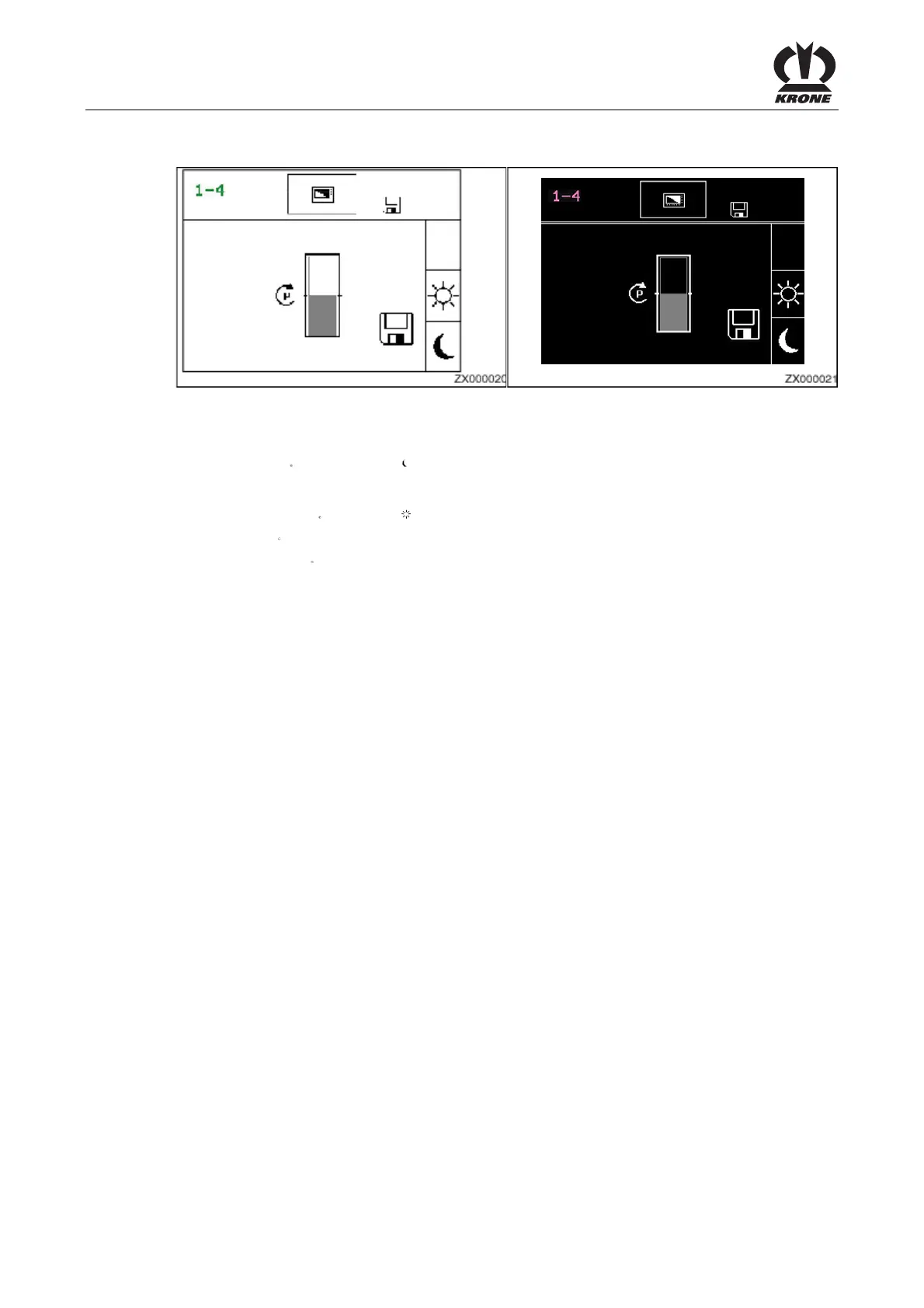
Day/night design
Figure 59
Switching the day/night design makes it possible to show the display in reverse video.
• Press the
key for softkey . The display appears in reverse video.
To reset the display:
• Press the key
for softkey Display will reset:
• Use the
key to close the menu currently displayed.
Pos: 26.30.12 /BA/I nfo-Center/Durc h längeres Drücken der Taste ESC wir d das Grundbild aufgeruf en @ 36\mod_126328045502 8_78.doc @ 338584
• Pressing the key and holding it down brings up the basic screen.
Pos: 26.30.13 /BA/- ----Seitenumbruch------ @ 0\mod_1196175311226_0.doc @ 4165









 To Next Page