KRONE operation terminal Gamma
113
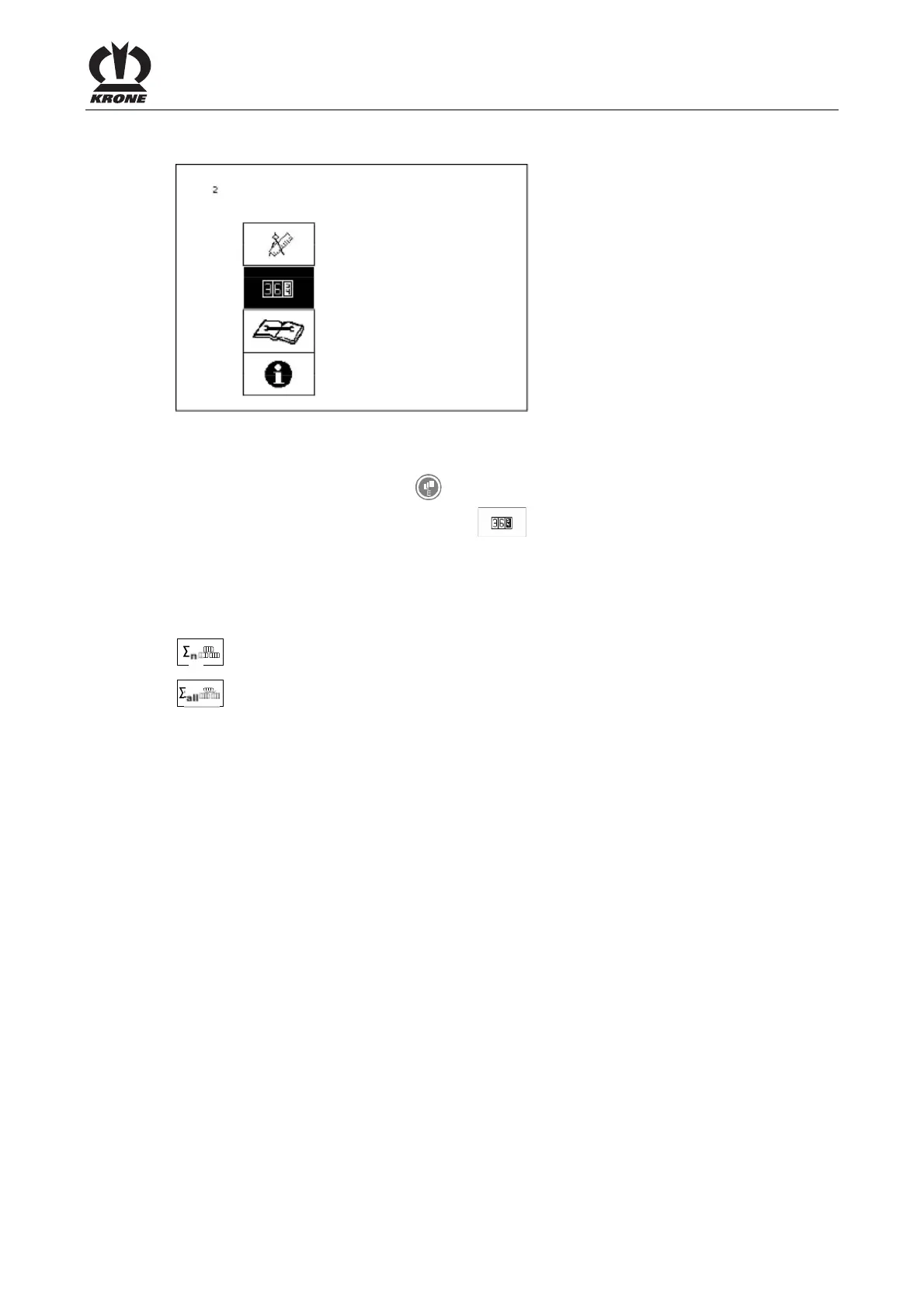
8.12 Main Menu 2 "Counters"
L400120
Figure. 66
Calling the main menu
• Call the menu level with the
key.
• You can select main menu 2 with the
rotary potentiometer. The icon is shown in
reverse colours.
• Press the rotary potentiometer.
The display shows menu level 2 "Counters".
Menu level 2 "Counters" is divided into two menus:
= menu 2-1 "Customer counters"
= menu 2-2 "Total counters"
Pos: 26.31.2 /BA/-----Seitenumbruch------ @ 0\mod_1196175311226_0.doc @ 4165









 To Next Page